


Existing customer? Sign in
Feature updates, bug fixes, and improvements to make adoption delightful
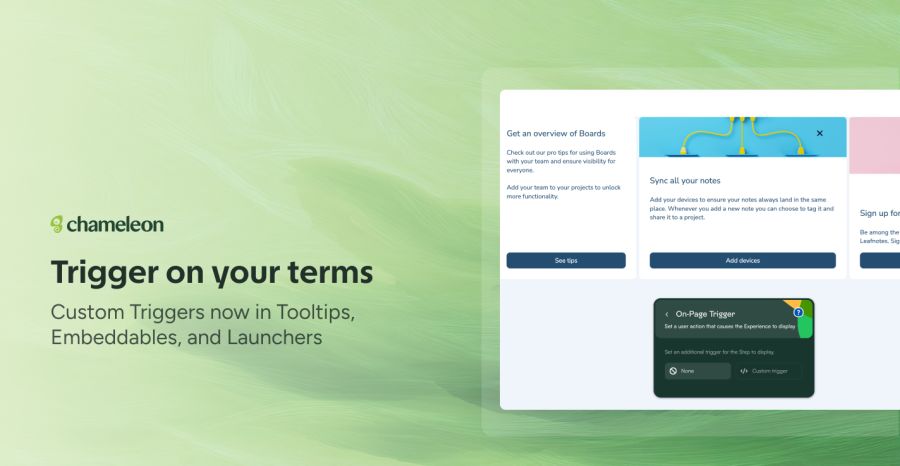
Fire Experience off real user behavior
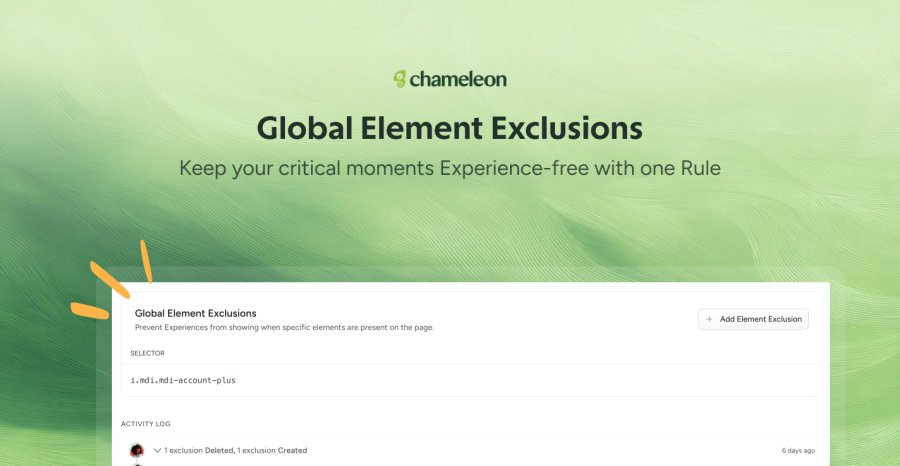
One rule that pauses Experiences when a specific element is present
Copilot can build from what you shipped
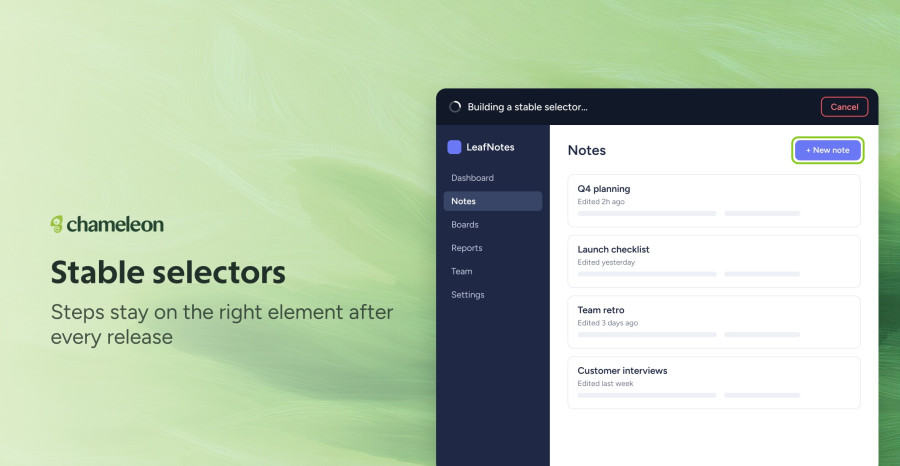
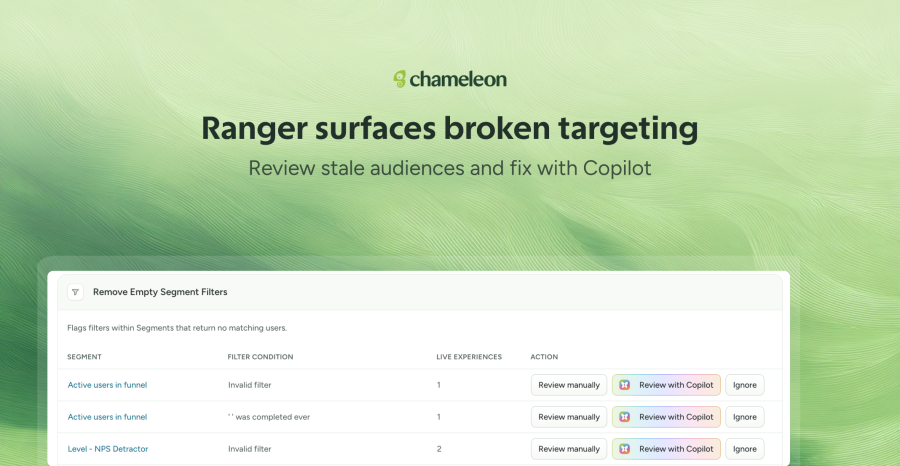
Catch broken targeting before it breaks your UX
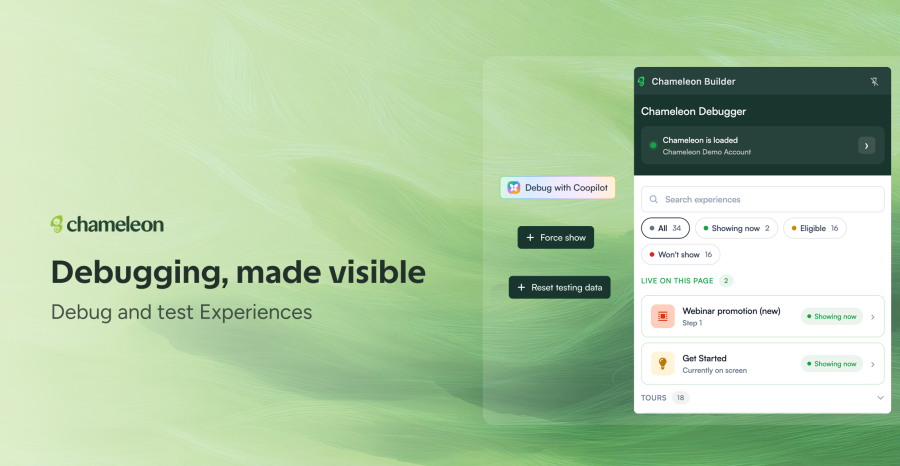
Debug and test without the console
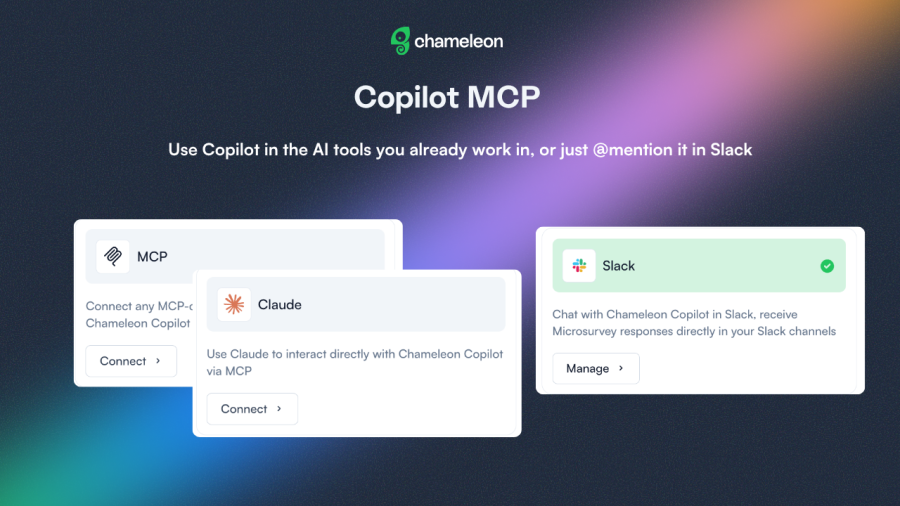
Connect Copilot to your AI tools or use it in Slack
Copilot turns your designs into a Theme
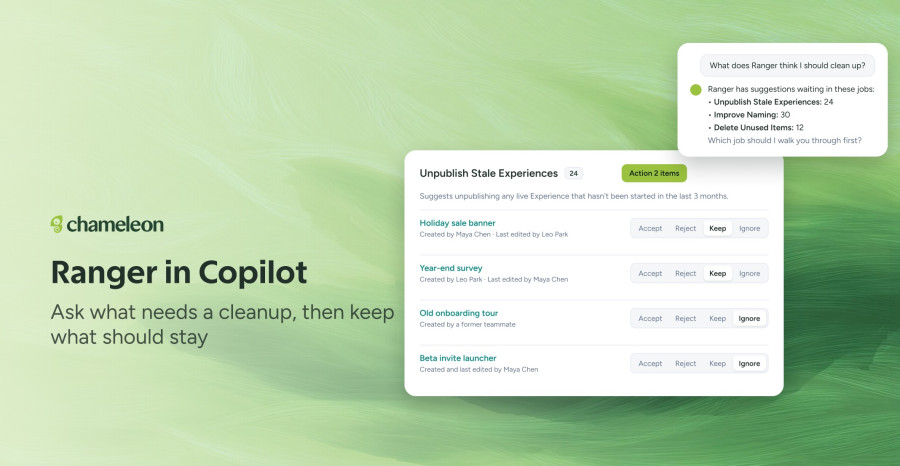
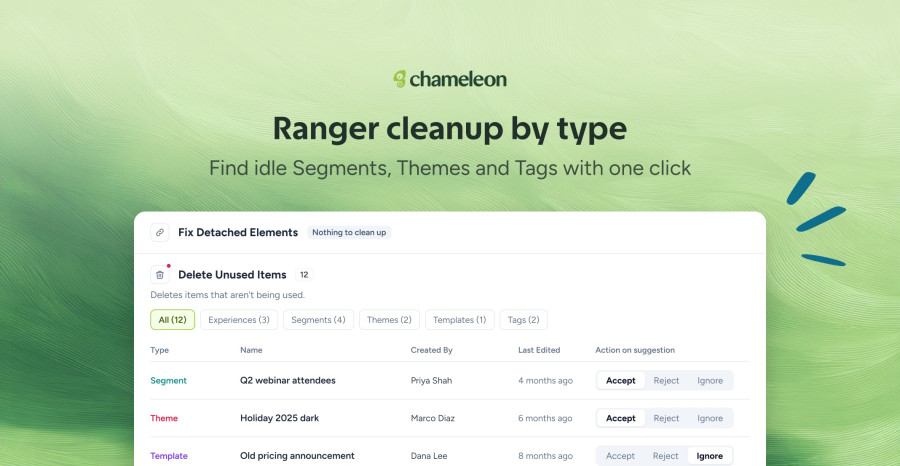
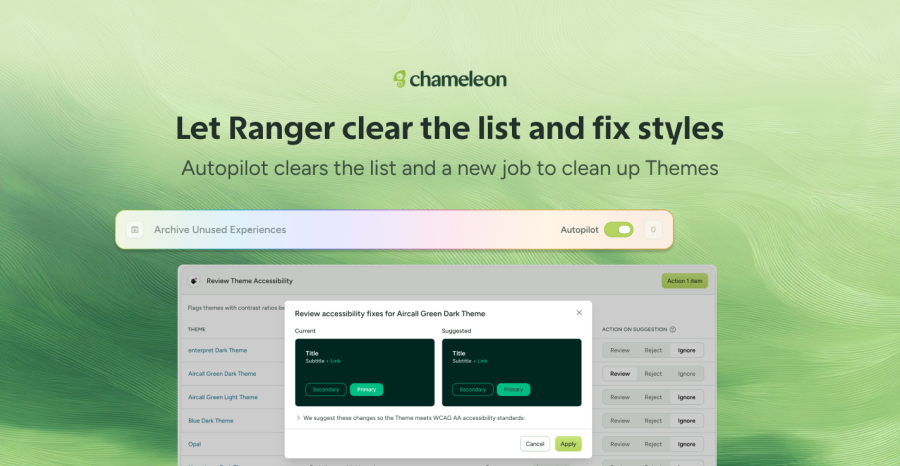
Ranger flags high-exit Experiences and cleans up stray CSS
Tag Companies in the Dashboard and new data filters
Account-level control over who you reach
Personalized Copilot prompts and history on every Experience
Easier to customize your Users view and get interaction data
Generate and upload translations from the Dashboard
Your tone of voice, one click away
Every Experience, every gap, one prioritized plan
Use custom events as conversion Goals
See how your Experiences connect to retention
See step completion rates and how viewers move through your Demo
Block Experiences from showing on critical pages
Full Demo audience visibility, from anonymous to known user
Instant answers from your response data
Create optimized Variants through conversation with Copilot
Track CTA performance and target Demo viewers
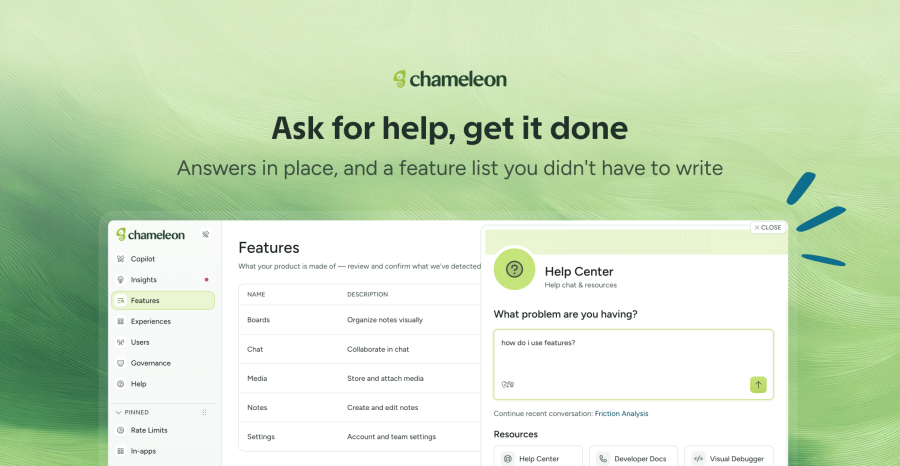
Ask Copilot for help to get support without the wait
Your users belong to companies. Now you can see them that way
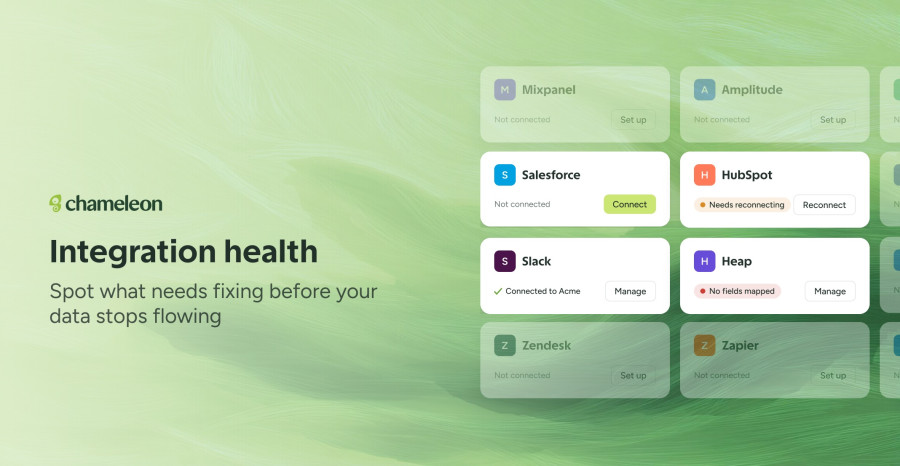
Fix Detached Elements and reconnect integrations
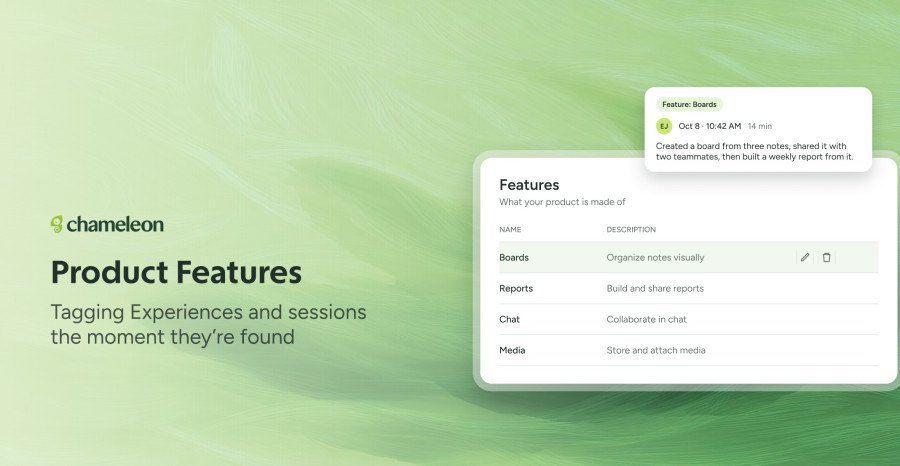
Tag deletion, and session controls
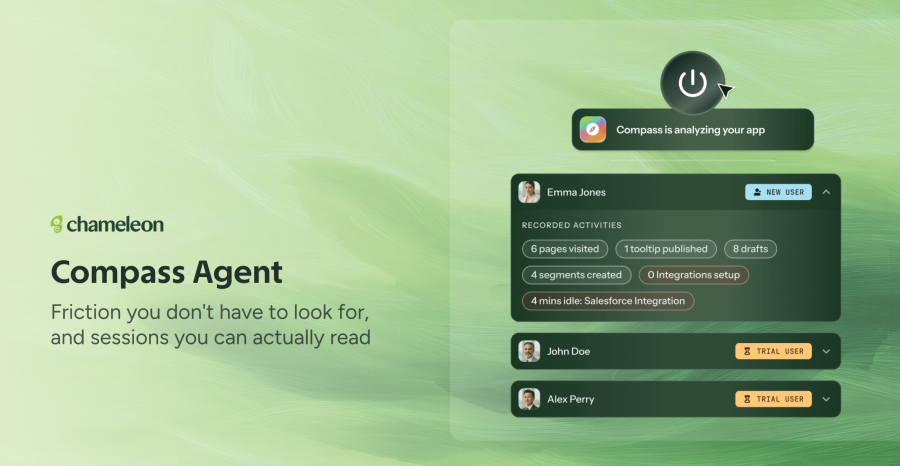
New debugging, analysis, and account awareness, built into Copilot
Improved page structure, Favorite Segments, and automatic audiences from integrations
Generate Themes from your product with AI
Skip the filters, just describe your audience in plain English
Create or optimize with one conversation
Add explainer shots, re-takes, or founder intros
Access what you create and review from one place
Share from the editor, jump to any step, see chapters clearly
Automate the cleanup work you shouldn't be doing
Automate workflows so users can find value faster
A cleaner structure to bring more focus and streamlined controls for account efficiency
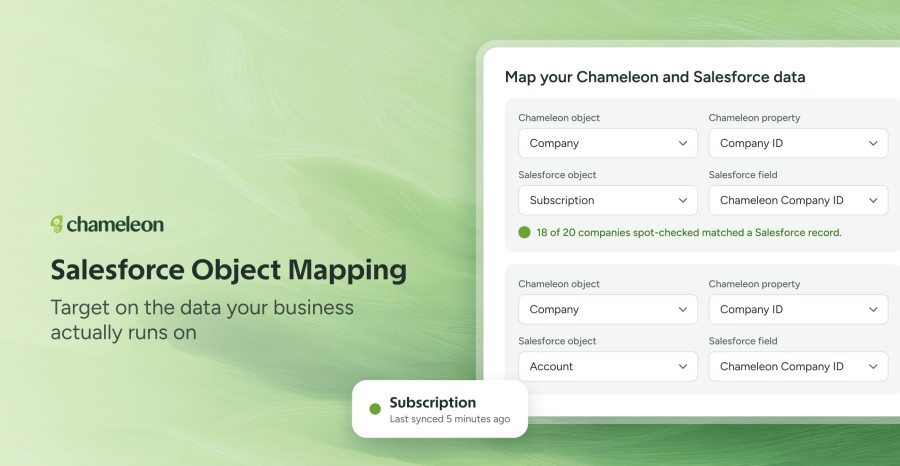
Improved Salesforce integration, new slideovers for Tooltips, and more
Launch tests in minutes and track performance in the Dashboard
Toggle between personal and team Activity views
Support for Fire UI links and faster audience building
New Homepage Leaderboard to help you replicate success
Free access for everyone. AI features like Talk to Create & Campaign Kit for AI+ add-on.
Get more precise insights with CTA clicks in conversion Goals
Turn product engagement into public praise on G2
Faster to format your titles, CTA buttons, or dismiss, and faster loading speed in the Dashboard
Easier to create engaging Demos
Easier to test Experiences on your account
Choose a single Company to target your Experience
Know who you're targeting at a glance
Get tips to improve your copy in Tours and Embeddables
Format your copy with more ease in the Builder
Easier to jump between Cards in the Builder and apply Custom CSS
Easier to organize your styles and use Themes in the Builder
Group Items into Sections and deliver a better user experience
Seamlessly showcase your product's value and capabilities
Maintain a cohesive, branded style with any Experience you create
Automate workflows for users to help them find value faster
Update your style and preview changes for all Experience types
Review and detect issues with on-page elements
Easier to troubleshoot Experiences that aren't displaying as they should
Add a dismiss to your Banners and Cards
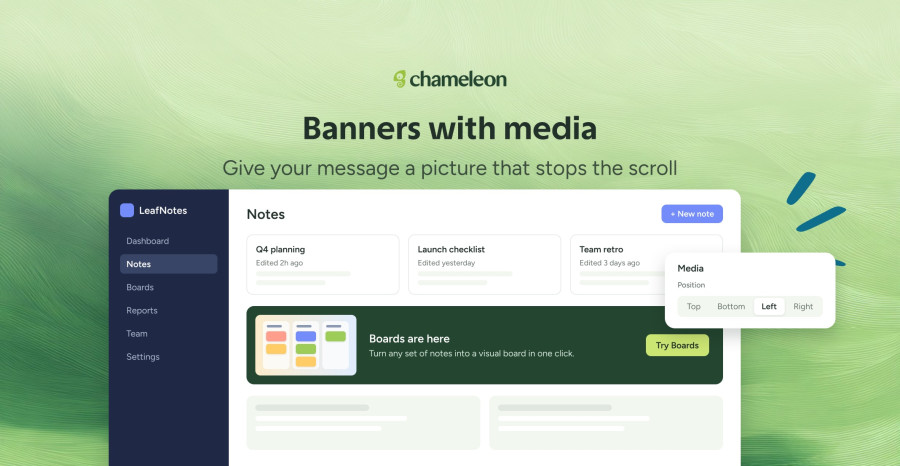
Place your media relative to the body or canvas
Mix any two input types and add two Questions in your Follow Up Steps
Control every aspect of your Cards' look
Leverage Custom Events for more accurate targeting
Tag "Neglected" users or Microsurvey respondents
You can now sync individual cohorts in real time to Chameleon
You can now encode your UIDs when installing via Segment, JS, or npm
Make quick copy edits or try out building in our Sandbox
Create embedded checklists and resource centers
Review the most common responses and understand sentiment at a glance
A quick recap of our most exciting releases from the past quarter!
Full-width buttons and media plus improved defaults to keep your patterns looking sharp
Analytics page available for Tooltips in your Dashboard
Pick what you want to edit or build out of all Experience types
Embed up to four rich content blocks anywhere in your app
Combine multiple Segments when defining audiences
Create embedded checklists or guide users through your latest updates
Allow users to access the pages they visited recently in your app
Better understand Experience performance and see how users engage with your in-apps
Enhance your account security with our SSO add-on
Add a dropdown in your Comments Steps for more insight
Review your account activity and use the "Engagement Index" to improve your efforts
Test how search results, Actions, or Page Collections display for end-users
Assing Creator, Designer, or Engineer Roles to new Teammates
Improved button navigation and a better Chrome Extension
Control the padding from the Builder, and more
Design Experiences with Figma and more!
HelpBar is available on our Free plan
Leverage AI to speed up your work in Chameleon
Dismiss updates & HelpBar content reordering
Easily review user actions on all Experiences
Download users' questions and interactions
Easily embed announcements in your UI
Test Tour variants to determine efficacy
Add your knowledge base to HelpBar and more
Launch integration 'Actions' from HelpBar
Find the most valuable integrations that fuel your efforts
Update any Segment and don't worry about applying changes to live Experiences
Enable users to access your HelpBar from your interface
Launch Arcade, Google Drive, Navattic, or any embeddable resource in-app
Now you can pin your most helpful resources to your HelpBar and get all of your queries and answers piped into Slack live.
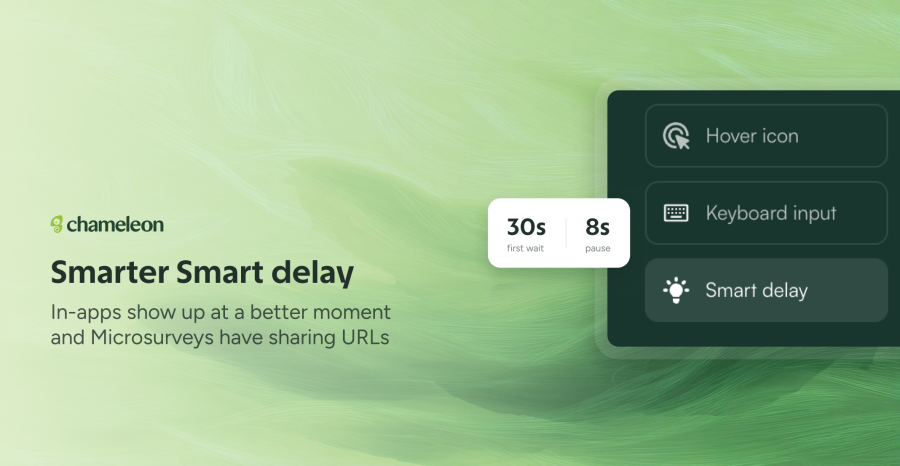
Trigger Experiences without interrupting or annoying your users by waiting for a break in their activity and a session with no other Experiences triggering.
Automatically Dismiss Tours and Microsurveys within a set time for your users if they don't engage
Now you can add individual links, target specific audiences, and showcase AI answersβall in your HelpBar
Better time your Experiences to users' actions with our new Trigger
Learn about using two-factor authentication to keep your account secure
Updated Segmentation filters for Microsurveys
Turn any effort into a quick go-live flow
Launch chats, videos, prototypes, and more from your Launchers
Use 2 elements at-a-time in your Rules
Engage users with top-of-app content
Enable users to access your documentation in-app
Review data from different sources or filter properties
Repeat Experiences when users perform actions
Clear steps and personalized guidance when you join Chameleon
Sync your audiences and review your data with ease
Get inspired by tens of Templates for all Experiences
Achieve an on-brand look in a few clicks.
Target Companies in Chameleon and richer CSV exports.
Launch in-app forms from your Experience buttons.
Easier to install Chameleon and choose what data to send.
Launch specific docs or the Help Scout chat in your app.
Launch captivating presentations from your Experiences.
Improve or generate new content on the spot? You can do both from the Builder.
Launch a full-screen video from your Experience buttons.
Launch product designs & prototypes from your Experience buttons.
Discard Experience changes & know that your efforts stay safe with Chameleon
Place your Launcher Widgets inline for a native style.
Enroll users in your events with a button click.
Localization is now available in the Dashboard for content and media.
Send Chameleon data to your stack for better insights!
To enable better use of your data, we improved our filters in Segments
Learn how to review Experience changes at a glance.
Now, it's easier to connect and understand what data your sending via integrations.
You can review and manage your user data easier than ever in the Dashboard.
Start a free trial or talk to our team.