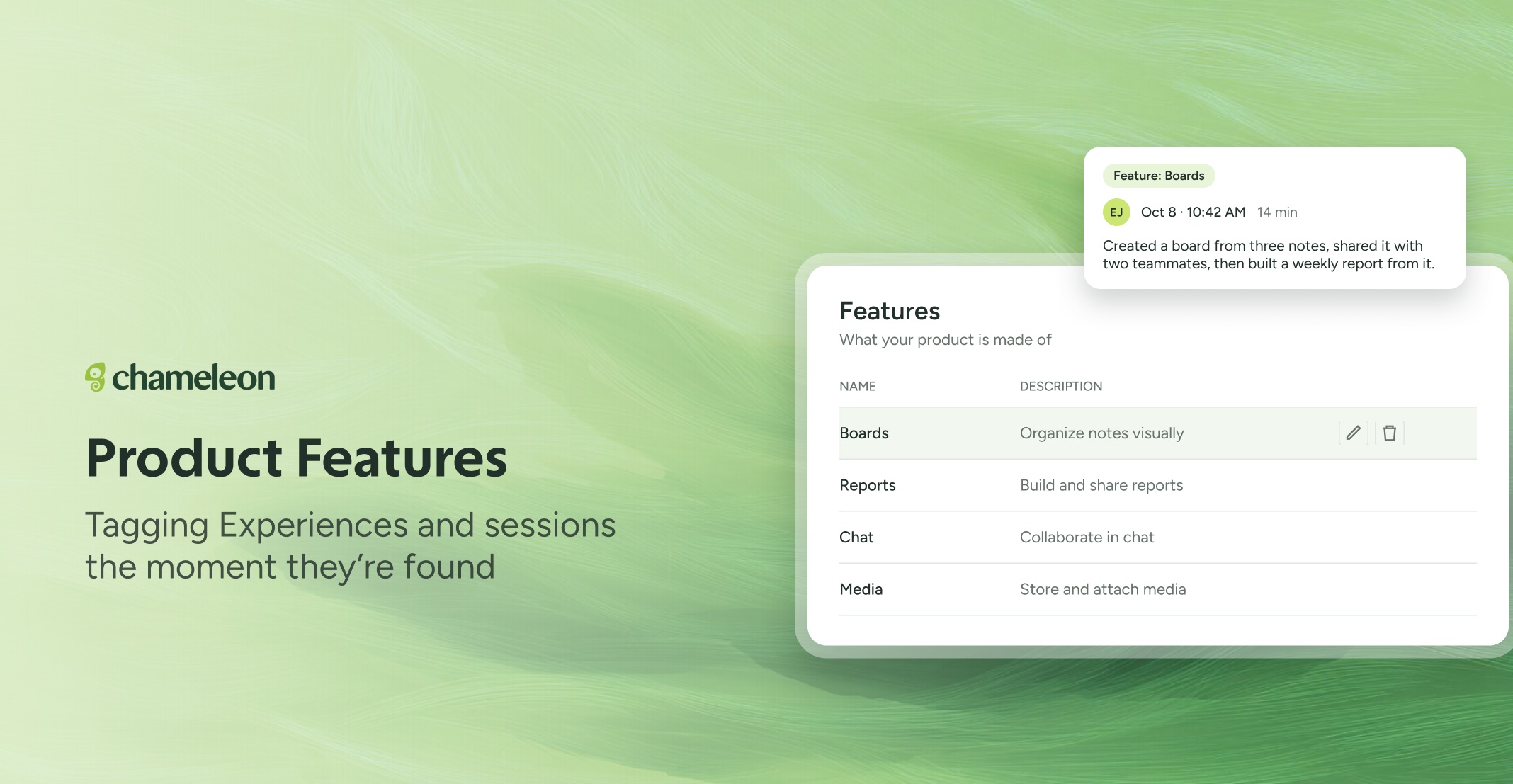
🎁 Your Features, working the moment they're found
Chameleon detects the Features in your product, and each one now starts working the moment it's found, with nothing to confirm. Your Experiences are tagged by the Feature they support, and on accounts with Compass, sessions are tagged too; friction shows up per Feature, and you can build Segments like "regular users of Reports who've since dropped off" straight away.
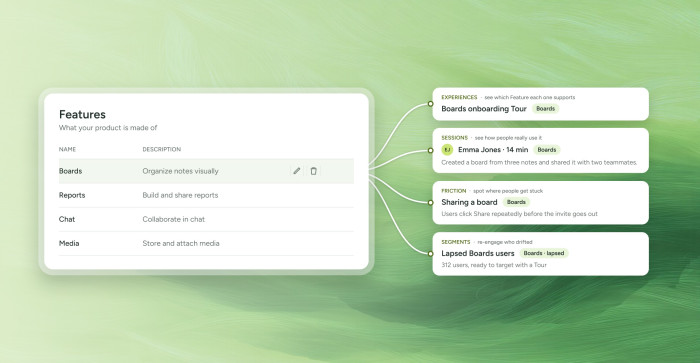
Two minutes to keep it accurate. Because Features now feed everything straight away, a quick look at your list pays off. Hover any Feature on the Features page to rename or delete it. Deleting a wrong or duplicate Feature clears it from your sessions, Experiences and friction reports in the same step, so it won't skew your data. If you add it again later, you can restore it.
Deleting a parent Feature deletes its sub-features too. The delete dialog lists them, with a link to each, so you can move any you want to keep under a different Feature first.
👉 Review your Features
📖 Learn more about Features
Available now on all plans. The sub-feature list in the delete dialog is rolling out over the next few weeks. Editing or deleting a Feature needs permission to edit properties.