🎁 Never dig for an export email again
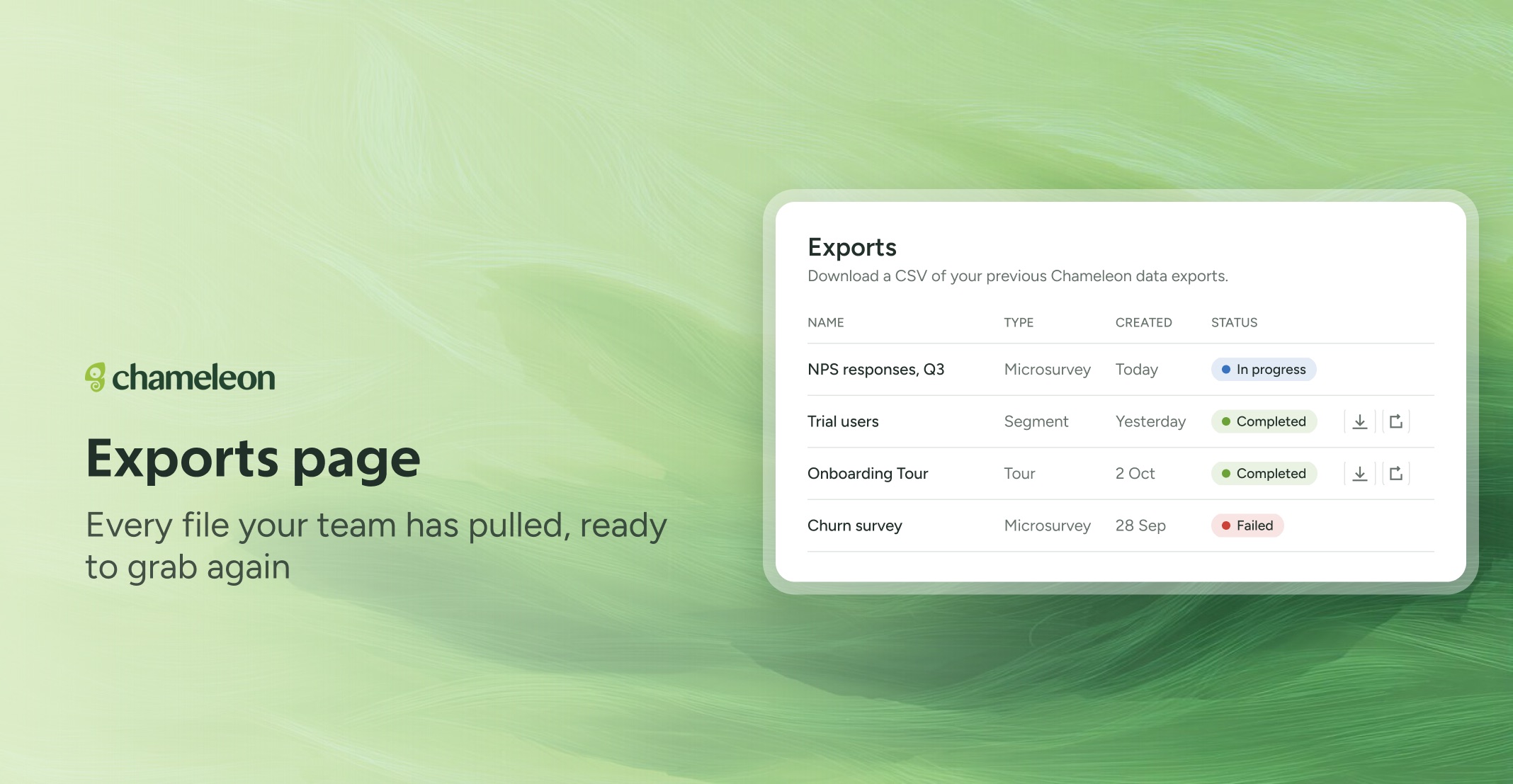
Data Management now has an Exports tab listing every export on your account, newest first, with its type, when it was created, and where it's up to: Queued, In progress, Completed, or Failed. The page updates itself while an export runs, and a failed export shows the reason.
Download it again, or run it again. Completed exports download straight from the list whenever you need them, and Google Sheets exports open the Sheet. Run export again repeats any export with its original settings, so a recurring report takes one click. And after you start an export, View exports takes you straight to the page.
Shared with your team. Everyone on your account sees every export, so the file a colleague pulled yesterday is ready to download without running it again. The email still arrives as before.
👉 See your exports
📖 Learn how to export data
Currently rolling out to all accounts on all plans.