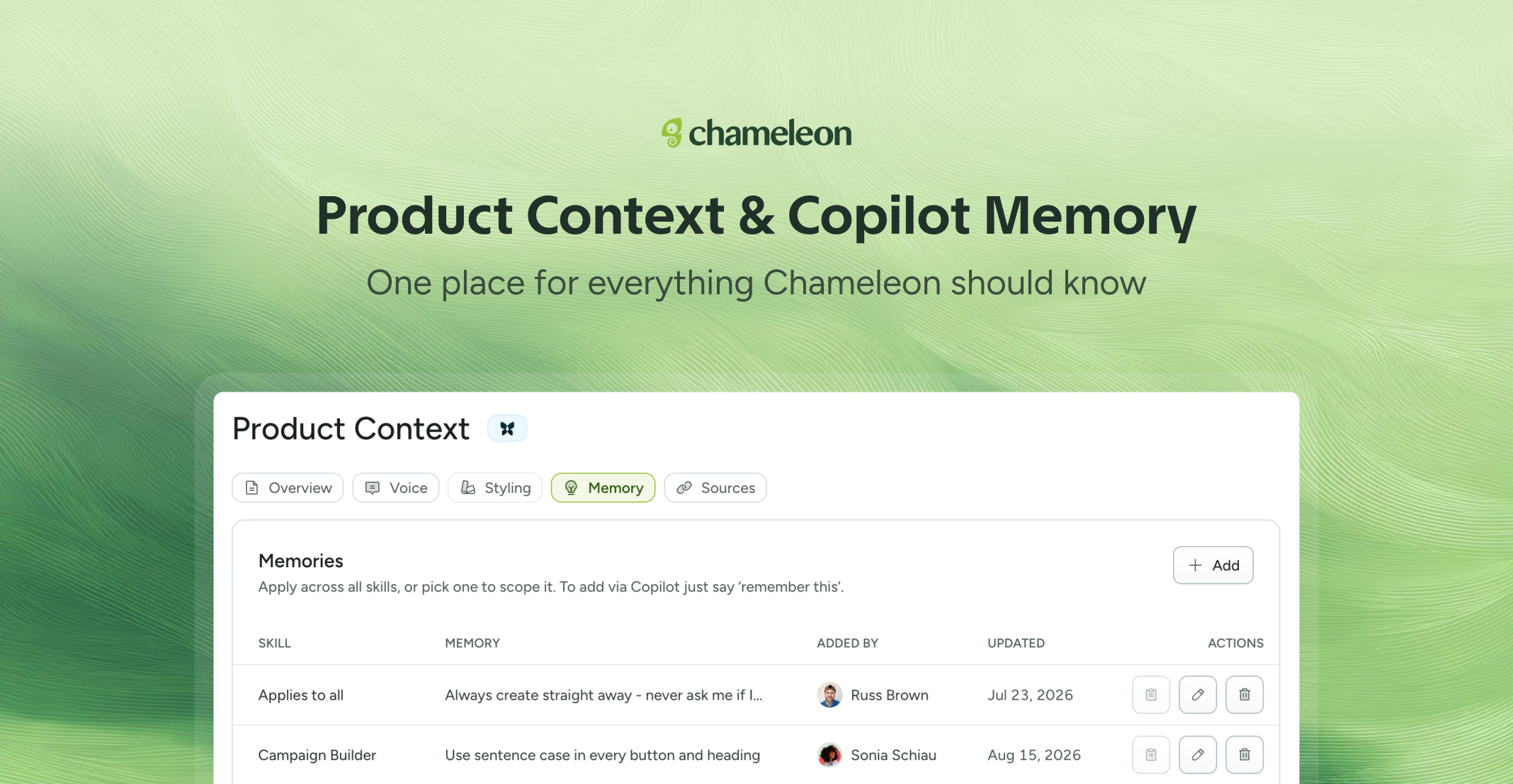
🎁 The context you keep repeating, saved
AI Customization is now the Product Context page, with tabs for Overview, Voice, Styling, Memory, and Sources. What you put there sticks: Copilot builds from it, Ranger checks your brand voice before suggesting a rename, and (Coming soon) Compass will fold into the summaries it writes about how people use your product.
The Memory tab holds rules for Copilot: write once and it carries it into every conversation after. For example, tell it how you want Tours structured, which Segments to leave alone, or the phrasing your brand team keeps sending back.
Each memory can be scoped to a single Copilot skill (or applied to all), so a rule about how you build Experiences doesn't get applied when you're asking for analysis instead.
💡 You don't have to fill any of it in for Chameleon to work. But you teach it the things only your team knows to skip tweaking.
👉 Open your Product Context page
📖 Learn more about Product Context in Chameleon
✨ While we're at it
Copilot can show charts in a conversation. It picks the type that suits the data, line, bar, or pie, or you can ask for one by name, and it works on whatever the question turned up rather than one fixed report.
Publishing an Experience now comes with already written notes. Copilot summarises what changed while you're in the publish modal, so the Activity tab reads the clear change log.
Copilot can also set an Experience to unpublish, either at a time you pick or once it hits a number of completions, so a bounded campaign doesn't need anyone to remember to take it down.
The Product Context page and Copilot improvements are currently rolling out to all accounts.