








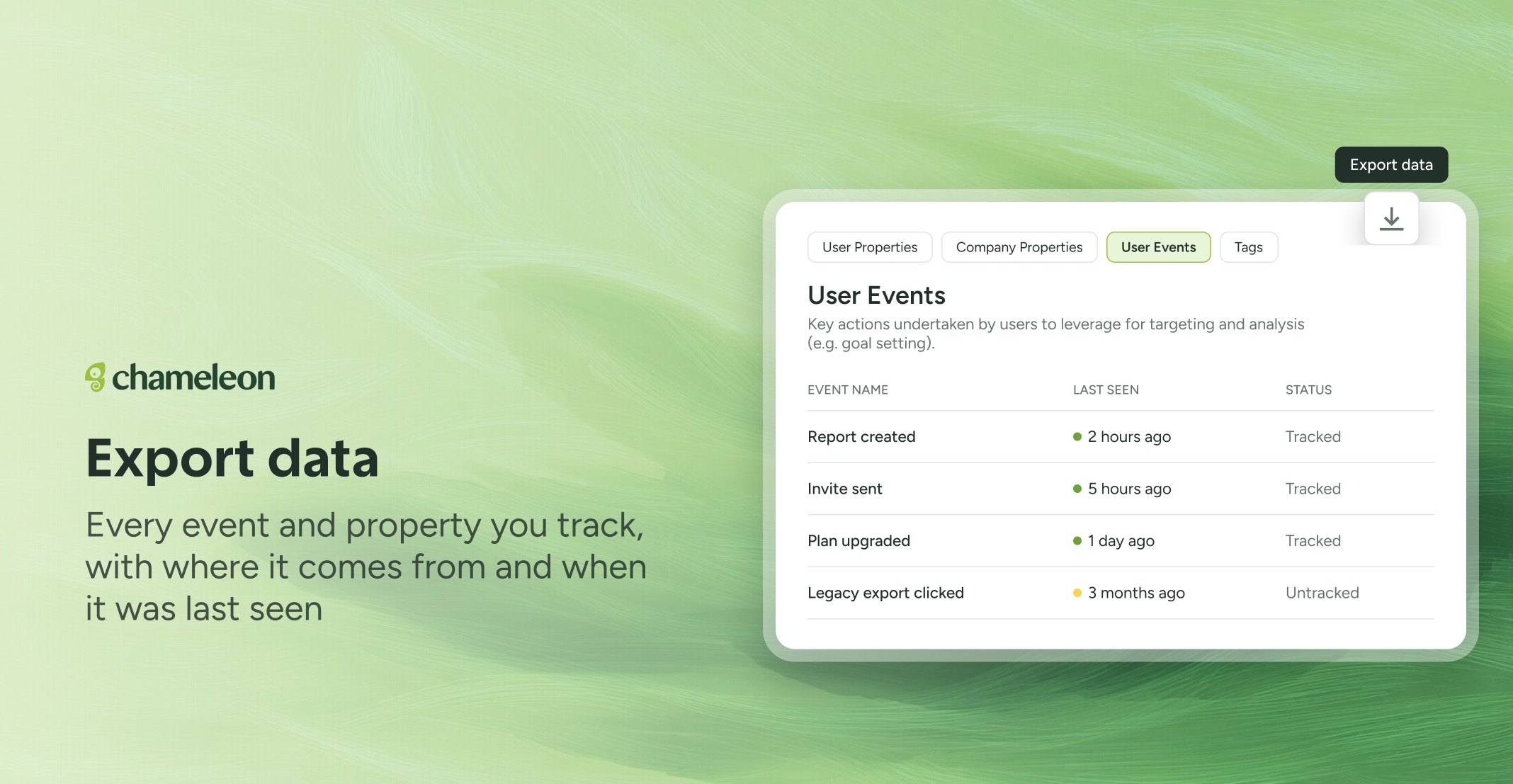
🎁 Your whole data setup, one click away
Knowing exactly what you track is the first step to trusting your targeting and your reports. User Events, User Properties, Company Properties, and Tags in Data Management now each have an Export data button, and one click gives you the full list as a file, not just what's loaded on screen. It's the quickest way to run a tracking-plan review, clear out old events with your engineers, or bring a new teammate up to speed.
Event exports show whether each event is tracked, where it comes from, and when it was first and last seen, and property exports include archived properties, too. Every file waits on your Exports page alongside your other exports, so anyone on your team can download it again later. Prefer to ask? Copilot can run the export for you.
👉 Export your events
📖 Learn how to export data
✨ While we're at it
Launcher widgets made from your own image or GIF now show the notification badge for unseen items
Create Translations lists Experiences with a missing or out-of-date translation, so you can re-translate them
The REST API returns scheduled publish and unpublish dates for Tours, Microsurveys, and Embeddables
Microsurvey Step Seen events carry a step_index, so your analytics tools can tell step 2 from step 3
Microsurvey follow-ups stay open while people type, however long they take
Everything here is rolling out to all accounts over the next few weeks, except for the REST API dates, which are now available on all plans. Re-translation needs Localization on your account, and exporting through Copilot needs AI enabled.