








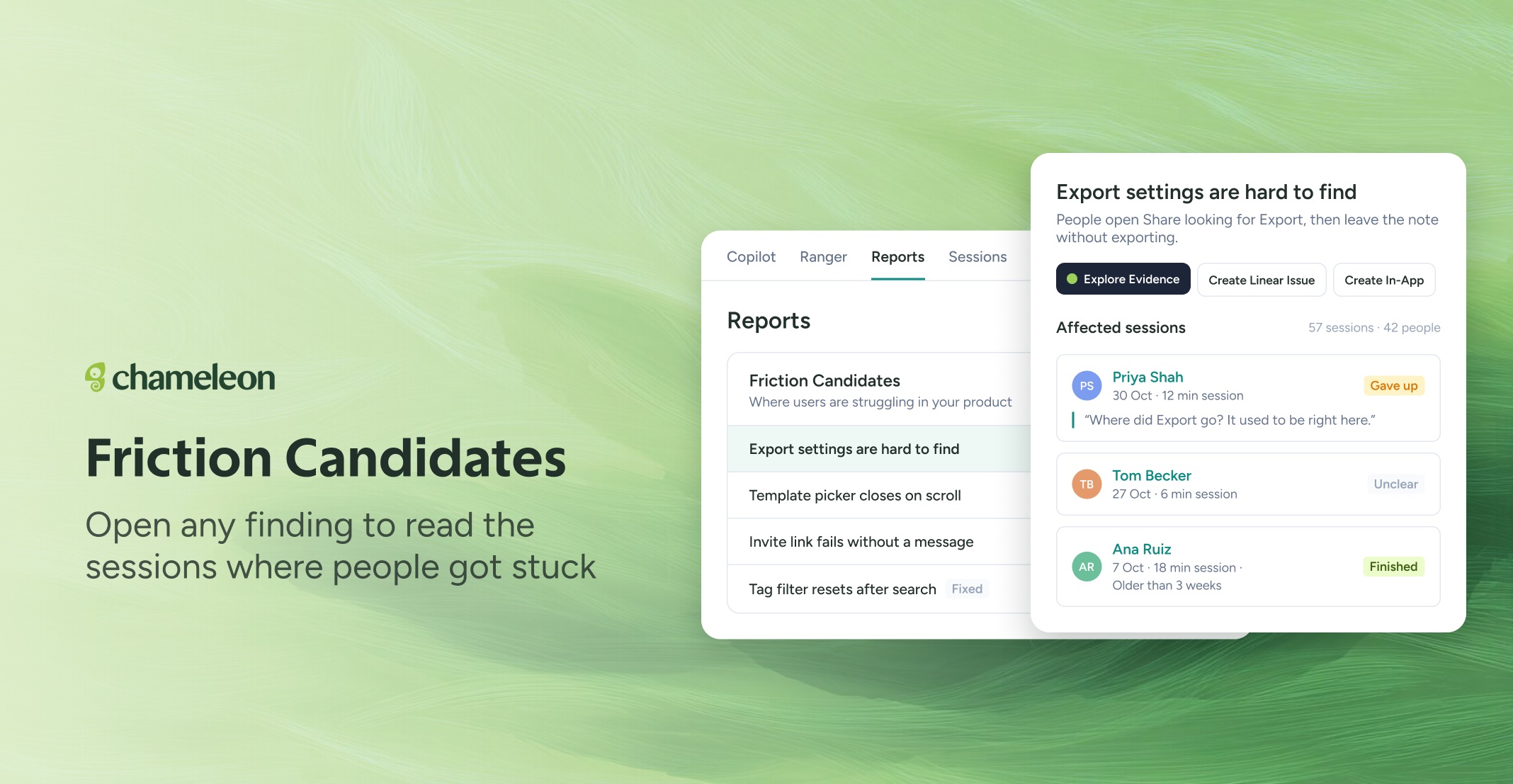
🎁 See the visits behind every friction finding
A friction finding is easier to act on when you can see who ran into it. Open any problem on the Friction Candidates report and Chameleon lists the affected sessions, each marked Gave up, Unclear, or Finished, so you can tell a real blocker from a passing hiccup before your team spends a sprint on it.
Friction now lives on Reports, the new name for the Insights tab. From any problem, choose Explore Evidence to dig in, Create Linear Issue to hand it to your team, or Create In-App to guide people past it while the fix is on its way.
Copilot writes the Linear issue the way that team already does: its template if it has one, otherwise the style of its recent issues. You see the full draft first, next to any similar issues already in Linear, so you can link to one instead of opening a duplicate. When your team completes the issue, Chameleon checks whether users still hit that friction and comments on the issue: stopped, down but still happening, or still happening.
Rolling out to all accounts with Compass switched on. Filing to Linear is available now on all plans, with Linear connected.
👉 See where people get stuck
📖 Learn more about friction findings
✨ While we're at it
File anything, not only friction. Describe a problem in your own words and Copilot drafts the Linear issue for it the same way. (Available now)
Set how Copilot files for each team. On the Linear integration page, choose which teams Copilot files into and add your own instructions, like "APP issues start with the area in brackets." (Rolling out)
Friction reaches larger accounts. A problem that 10 or more people run into now shows up even when they're a small share of your users. (Available now)