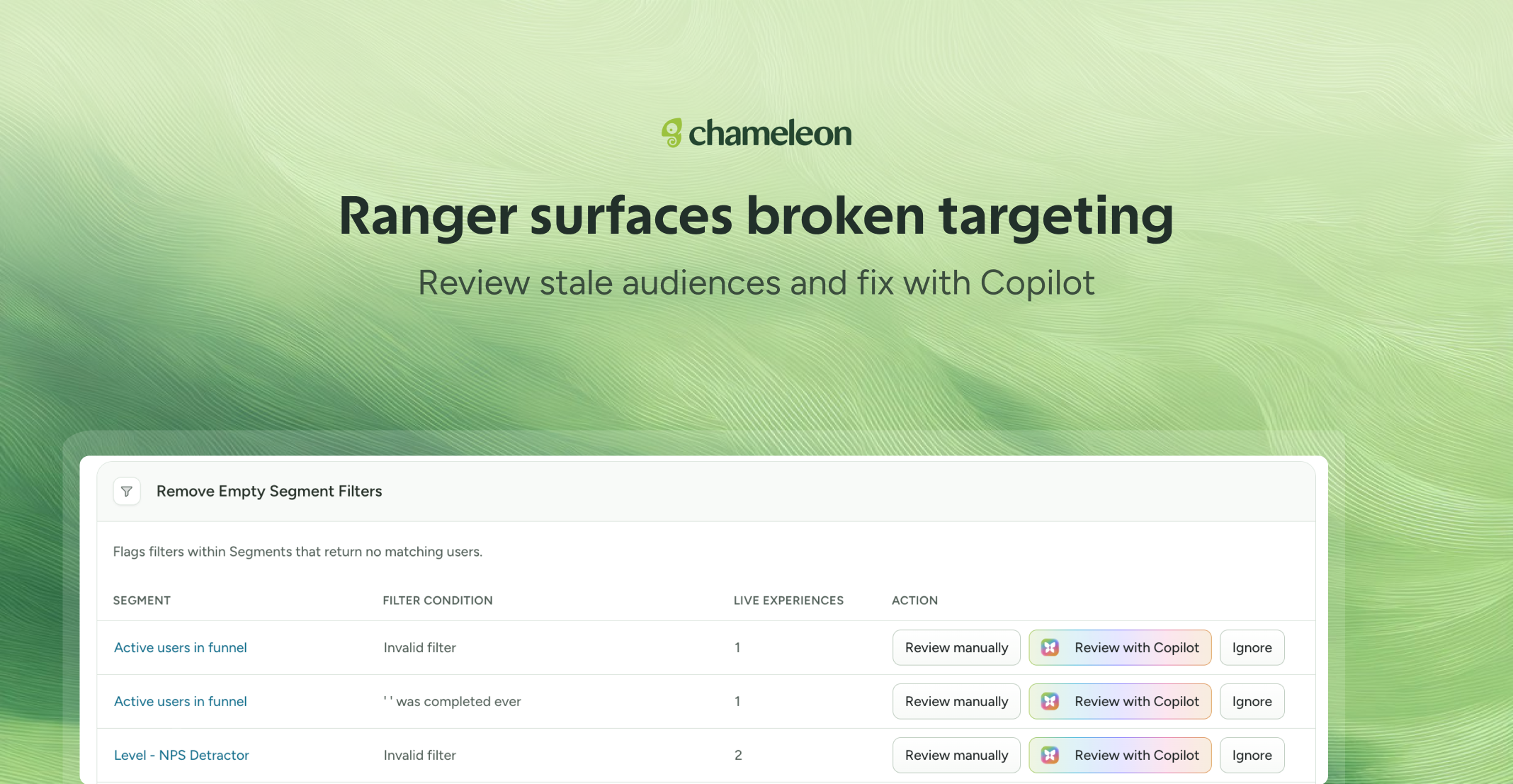
🎁 Ranger covers your segments
A Segment that matched your enterprise users six months ago might match nobody now. If the property it filters on changes or stops being sent, the filter remains inactive while the Experiences that use it keep running.
Ranger scans every filter condition across all actively used Segments in your live Experience. If the referenced attribute or event hasn't been seen in 30 days, or if the filter currently matches no users, Ranger flags it. Fix it manually by jumping straight to the Segment editor, or hand it to Copilot. Ranger opens a pre-loaded conversation with the full context, and Copilot looks for a replacement attribute and proposes a fix.
Ranger's new job is currently being released to Growth and Enterprise plans.
👉 See what Ranger found this week
✨ While we're at it, Copilot can:
Attribute Microsurvey responses to the specific user or company that gave them, so you can act on specific feedback instead of just the trend.
Take a Theme from creation to cleanup without you ever opening the style editor. Hand it a Figma file (or an image), and it builds a ready-to-use Theme, previews it live as you chat, then handles everything after. Rename it, set it as your default, apply it to an Experience, or even delete unused styles in the same chat.
Color extraction from images also got more accurate: Copilot reads palettes programmatically rather than relying on visual inference, so the output matches your brand colors instead of approximating them from a screenshot.