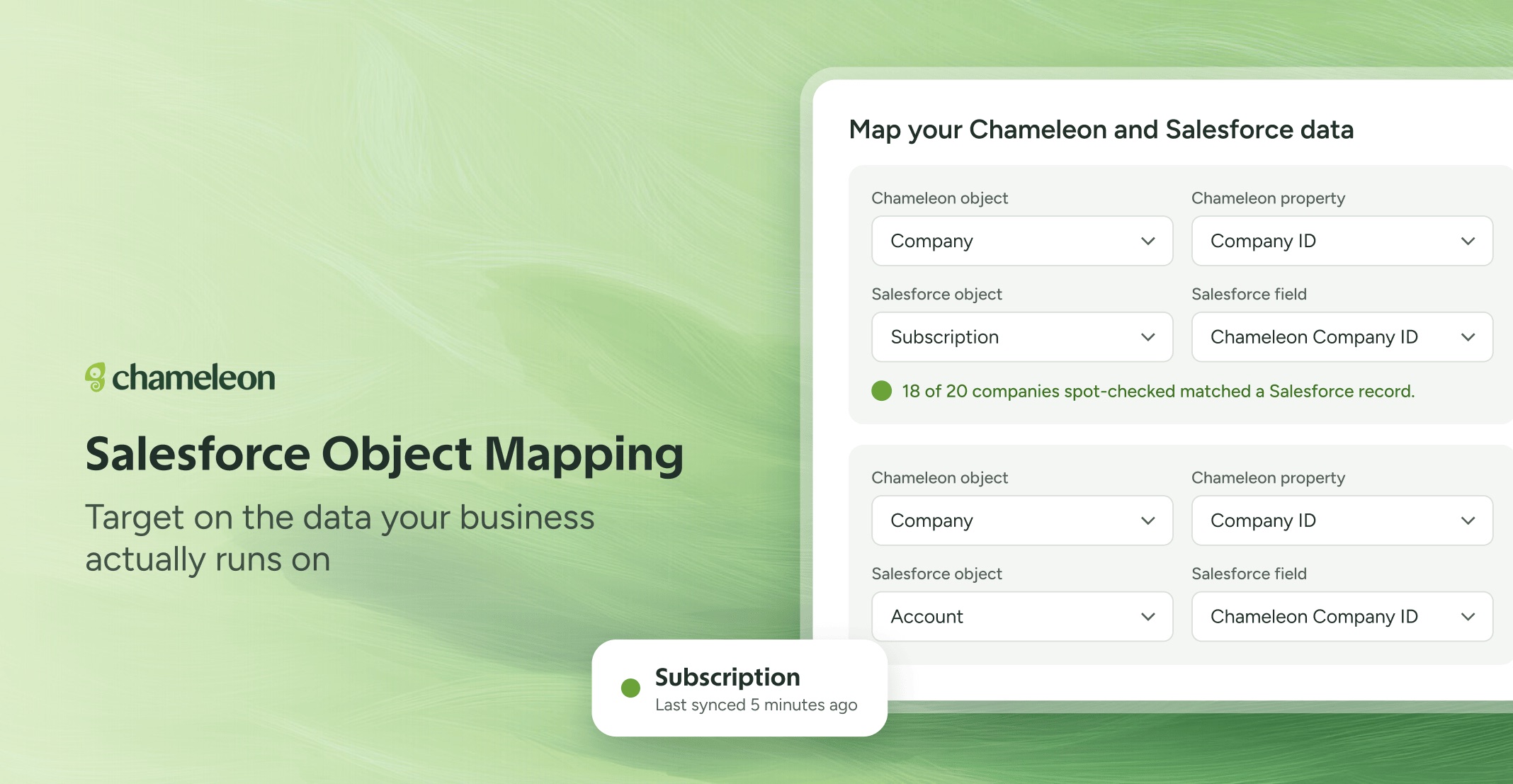
🎁 Bring any Salesforce object into Chameleon
Now you can map any Salesforce object onto a Chameleon Company or User. Choose the object, match it to something you already send Chameleon (a company ID, for example), then pick the fields you want to sync. You can set up to 10 mappings, and several can feed the same Company. Every synced property is named after the object it came from, like "Subscription: Tier", so it's always clear where the data is from.
Before you save a mapping, Chameleon spot-checks it against your live Salesforce data and tells you how many records matched, so a mapping that won't find anything gets caught during setup, not a week later. Once it's live, each mapping shows its own sync status. And before you change or remove one, Chameleon shows you which Segments and live Experiences use that data, because removing it clears the synced data for good.
🔓 Available now for accounts with the Salesforce integration. Adding or changing a mapping needs the Admin or Engineer role.
✨While we're at it
Disconnecting Salesforce no longer wipes your setup. Your mappings are kept, and reconnecting to the same Salesforce org brings them back and starts a fresh sync. If you'd rather start clean, tick the option to delete them when you disconnect.