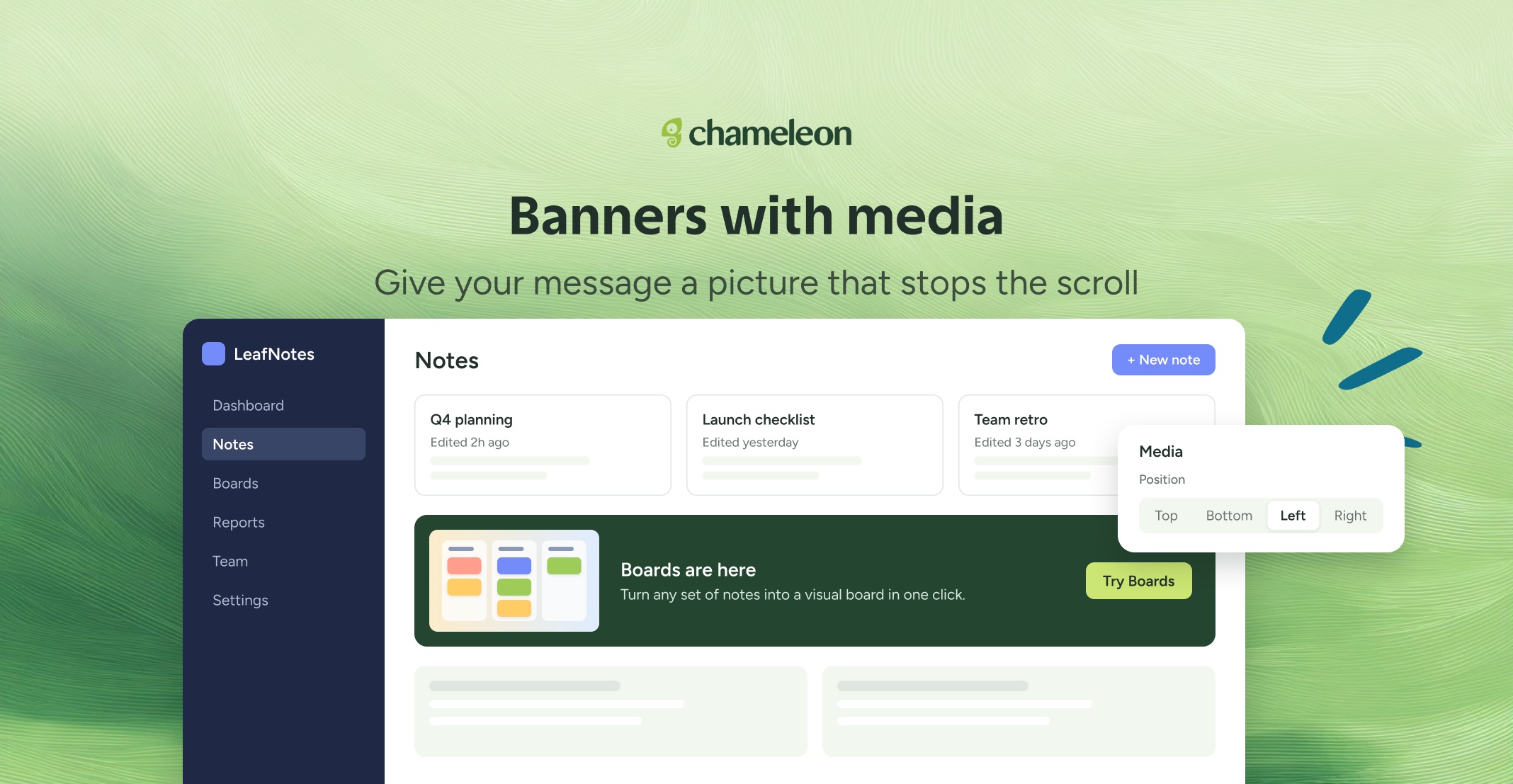
🎁 Banners with Media in one click
A text-only Banner is easy to scroll past. Now you can put an image, GIF, or video right beside your message, so a launch, an offer, or a quick how-to catches the eye and explains itself at a glance. No CSS, or workarounds. Now, you can find Media in the Builder, on any Banner. Upload an image or GIF, pick one from your Media Library, or paste a YouTube or Vimeo link. It works for cover, pushdown, and inline Banners.
👉 Add media to a Banner
📖 Learn more about Banners
✨ While we're at it
Spread feedback out with a daily cap. Set how many responses a Microsurvey collects per day in Review & publish. It pauses at the cap and resumes the next day, so responses arrive at a pace your team can act on, and fewer users get asked than you need.
Launchers can open on their own. Under Open behavior, set a floating Launcher to open on page load, every time, or until the user closes it. You can also let users close a Launcher and choose if and when it comes back.
Target people who closed a Launcher. Reach users who dismissed a Launcher with something different, or keep showing it to those who haven't.
Launchers work with a keyboard and screen readers, with clear focus outlines that follow your Theme.
Rolling out to all accounts on all plans over the next few weeks.