








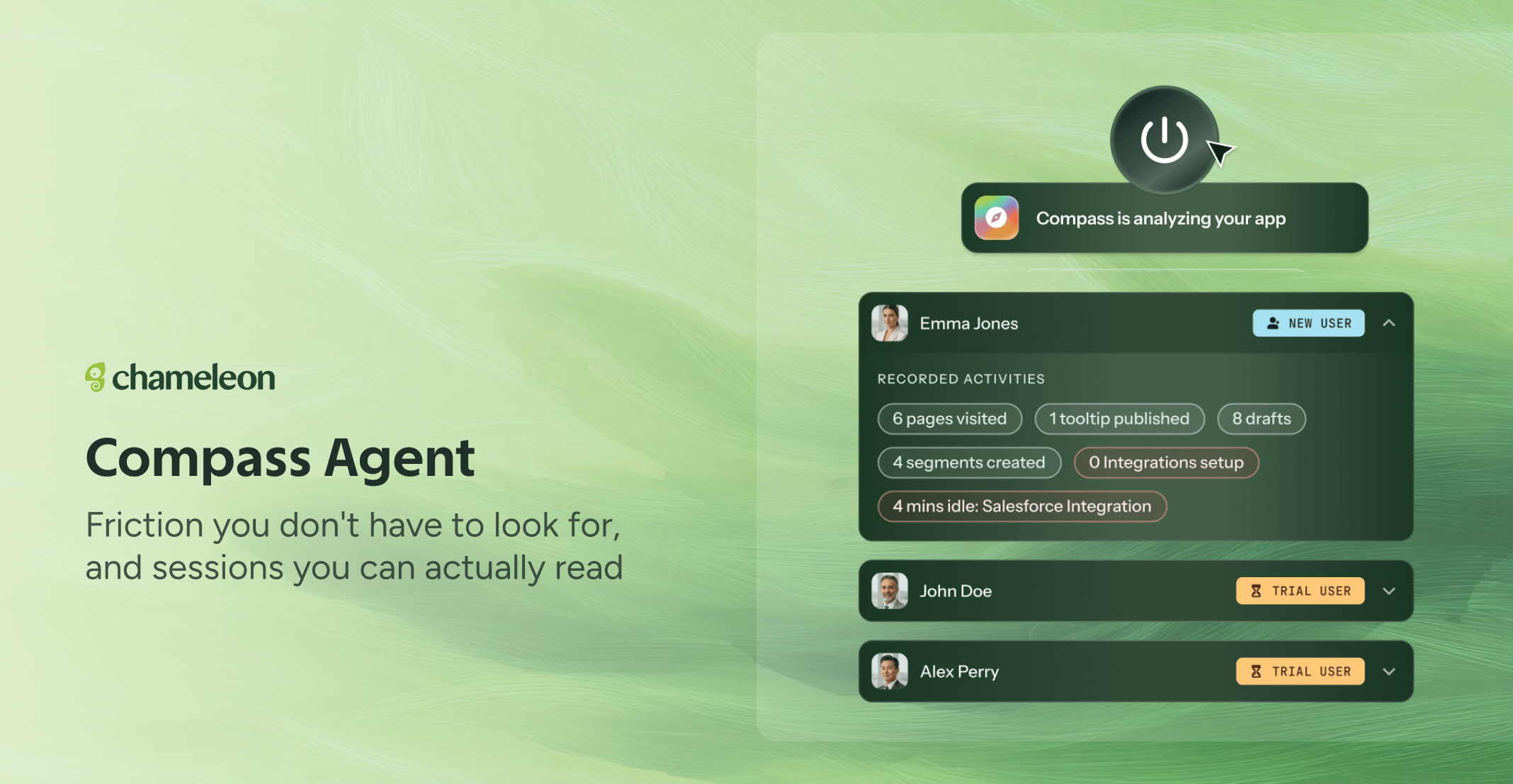
🎁 See where users struggle, without instrumenting anything
Finding out where users struggle meant deciding in advance what to measure. You instrument an event, wait for data, and only ever learn about the friction you thought to look for. Now Compass watches how people actually move through your product (sessions and the actions within them) and surfaces the friction without you tracking a single event. Where users hesitate, repeat themselves, or give up.
Sessions narrate what an individual user did, as a readable account rather than a log. Friction collects where people struggled, classified by type and severity. And Copilot reads all of it, so when you ask what to build next, the answer comes from real usage.
Compass also adds a layer to your Features. For each one, you'll see where people are hitting friction, so the list starts telling you which features are costing your users effort. Open one and every friction report has a Discuss button that opens Copilot, so you can go straight to "build me the fix".
💡 Tips
Confirm your Features first. Friction is attributed per feature, so the names on that list are the names you'll read in every finding and use in segmentation.
Check what it's spending before you widen it. The Credits page breaks usage down by day and by product, so you can see what Compass actually costs on your account before deciding how far to open it up.
Compass is rolling out to all Pro, Growth and Enterprise accounts. It's metered in AI credits , and your account already has a balance to run it on. On the Credits page, AI Controls lets you switch each capability on or off independently. Profile Summaries run by default; Session Summaries are more expensive and start switched off, with the estimated cost.