








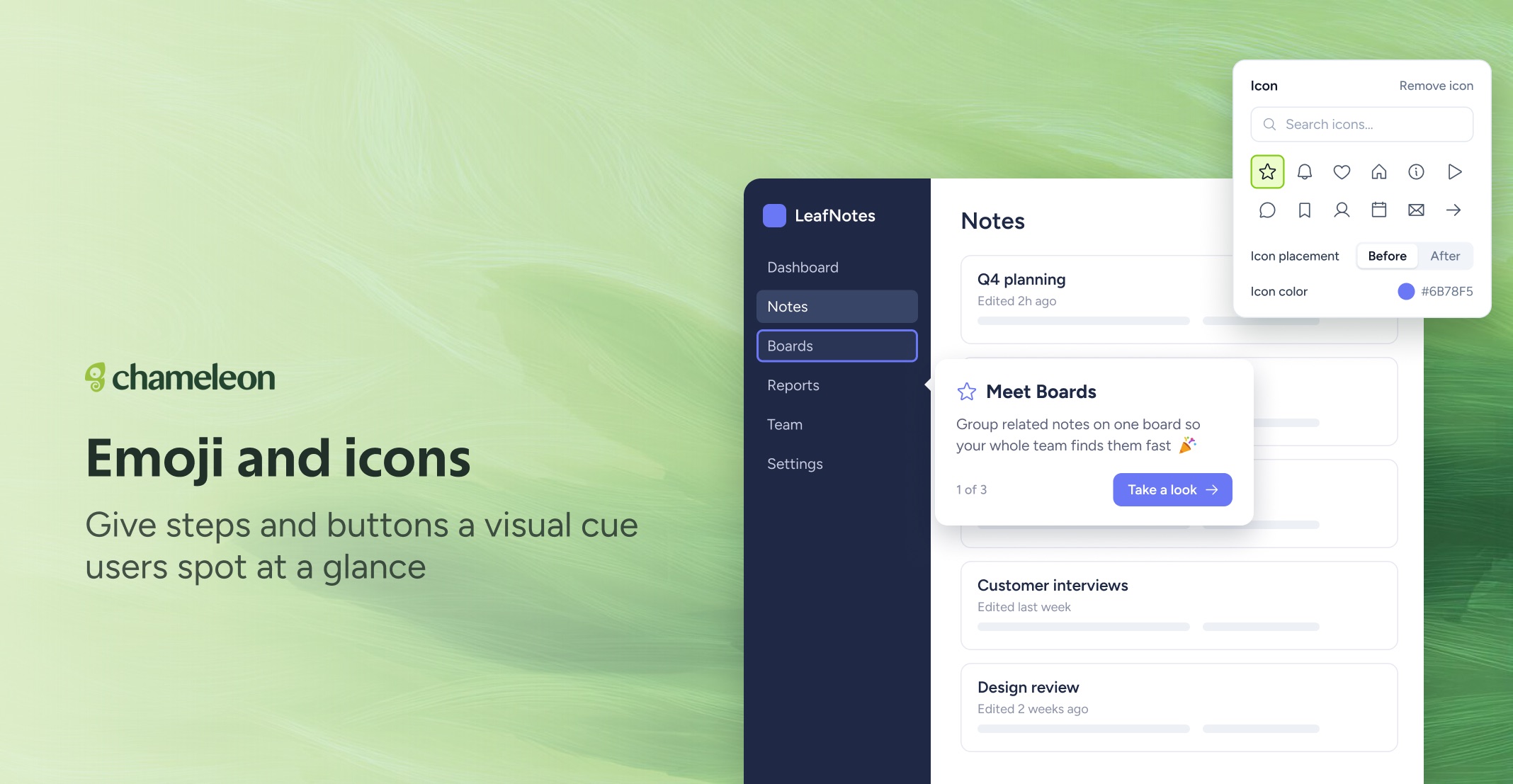
🎁 Add icons and emoji right in the Builder
Pick the icon set that fits your product once, and it's the one you build with from then on. Choose from Phosphor, Lucide, Iconoir, Remix, Heroicons, or Material Symbols on the Styling Assets page, and upload your own SVG icons to sit alongside it.
In the Builder, add an icon to a step's title or buttons, a Launcher item, or an on-page trigger, place it before or after the text, and set its color. Text fields get an Emoji button too: search, browse by category, or type a colon to pick one without leaving the editor.
Rolling out to all plans. Changing the icon set needs permission to edit Styling.
👉 Choose your icon set
📖 Learn more about adding icons
✨ While we're at it
Experiences show above your app's own popups. A Tour or Microsurvey step attached to something inside a popup or dialog now appears on top of it, and so does HelpBar search. (Rolling out)
Choose how often long-open tabs update. Proactively Refresh Stalled Sessions, in Governance → Controls, decides how often Chameleon checks a long-open tab for changed Experiences: every minute, hour, day (the new default), week, or never. (Rolling out)