Plans before it builds
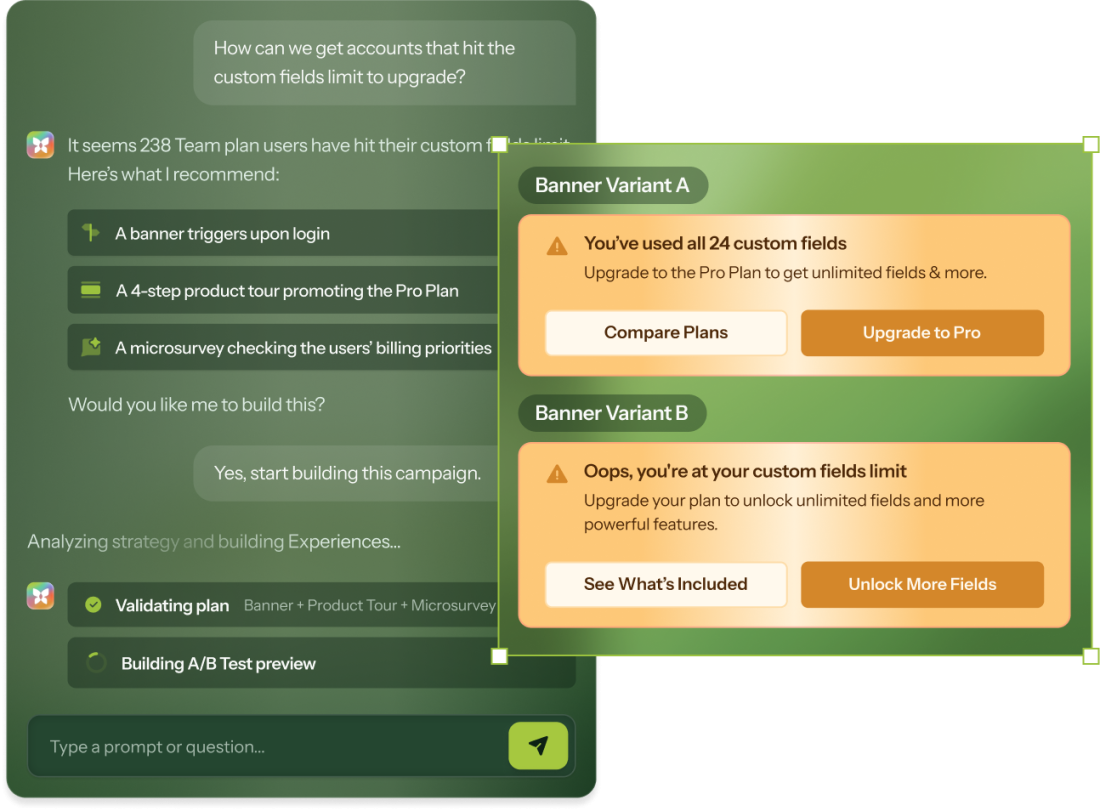
Copilot researches your product, presents a strategy, and iterates with you before any Experience exists. Or skip planning and quick-create when speed matters.



Existing customer? Sign in

 Copilot
AI that researches your product context, trained on 10 years of what converts, and designs with your brand standards. It's like having a principal growth PM in a tab, without the standups.
Copilot researches your product, presents a strategy, and iterates with you before any Experience exists. Or skip planning and quick-create when speed matters.
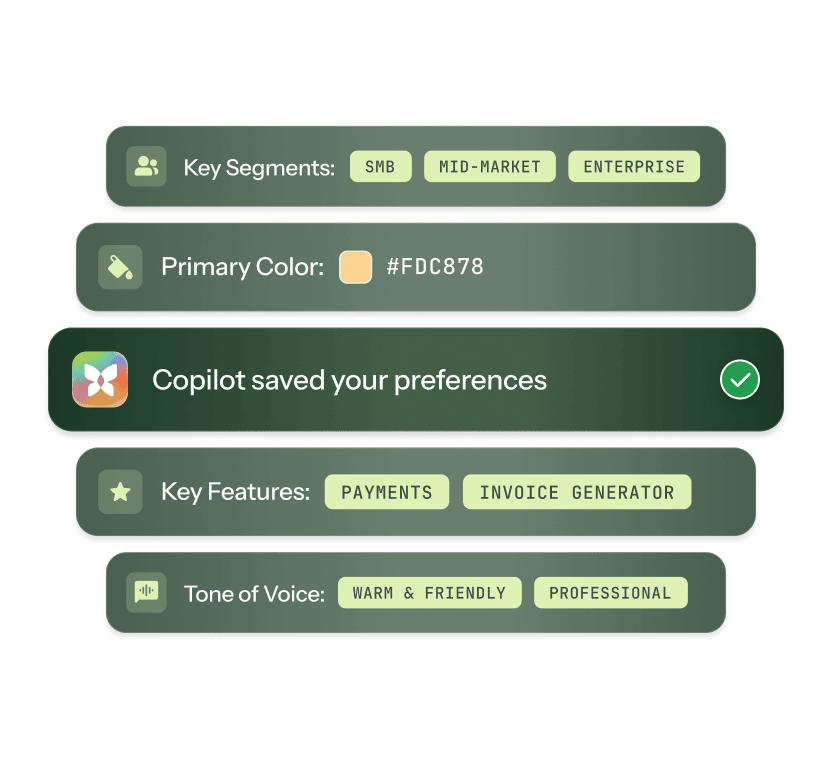
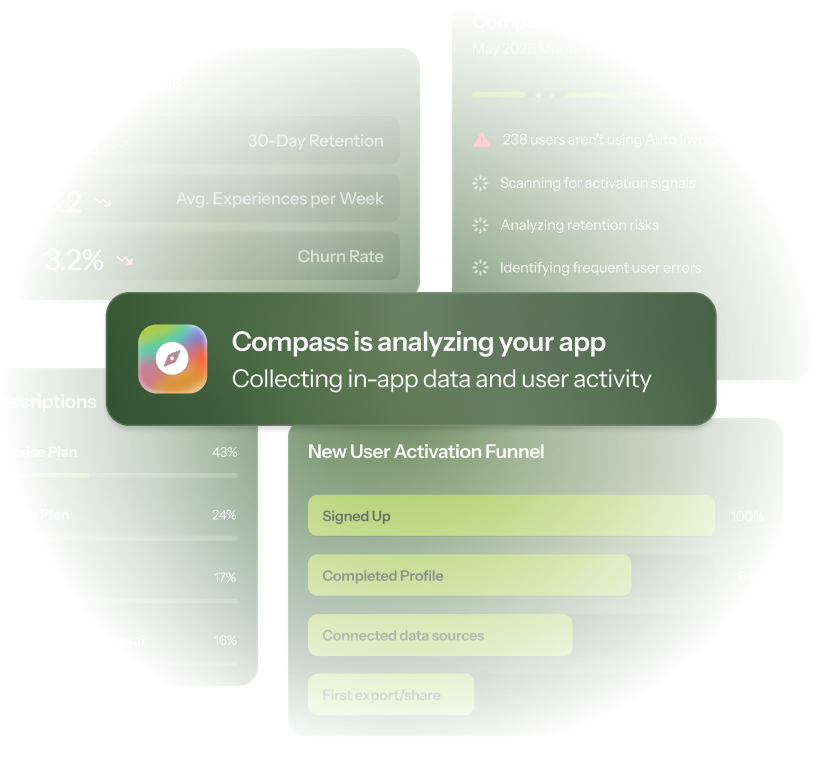
When you first log in, Copilot already knows your features, your tone of voice, and what you shipped last week. You can set further product context, too.
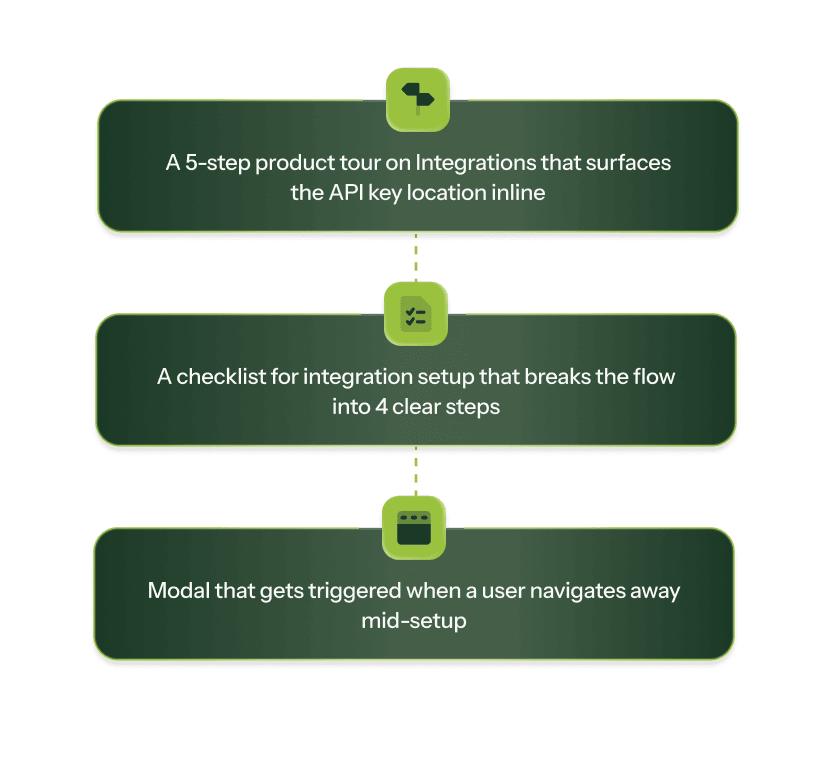
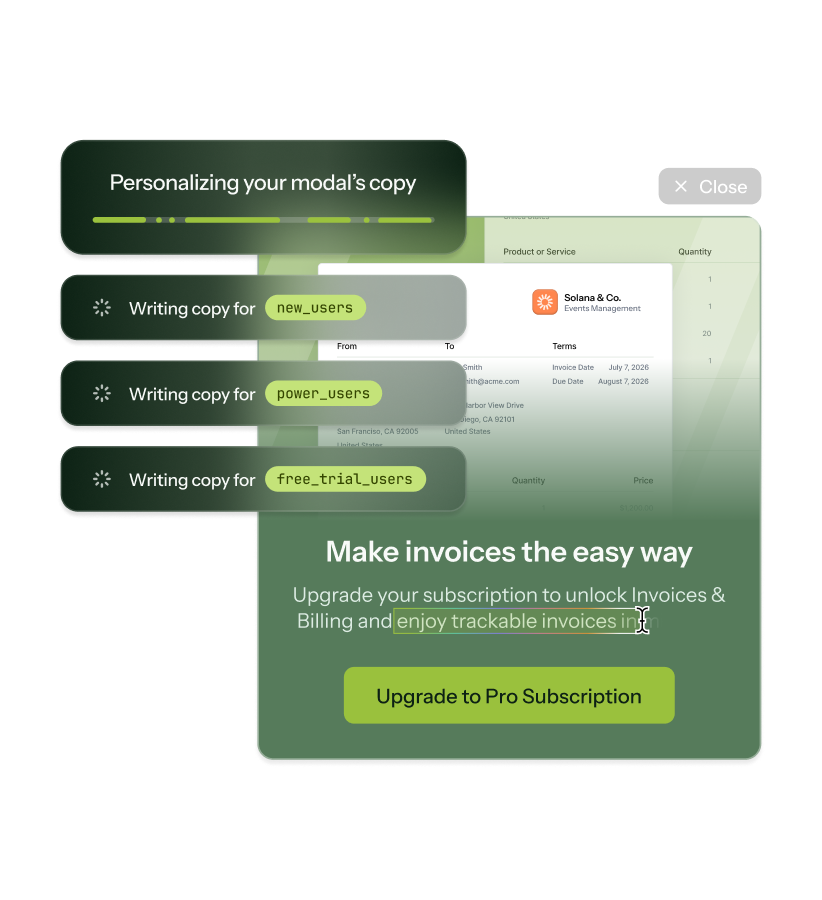
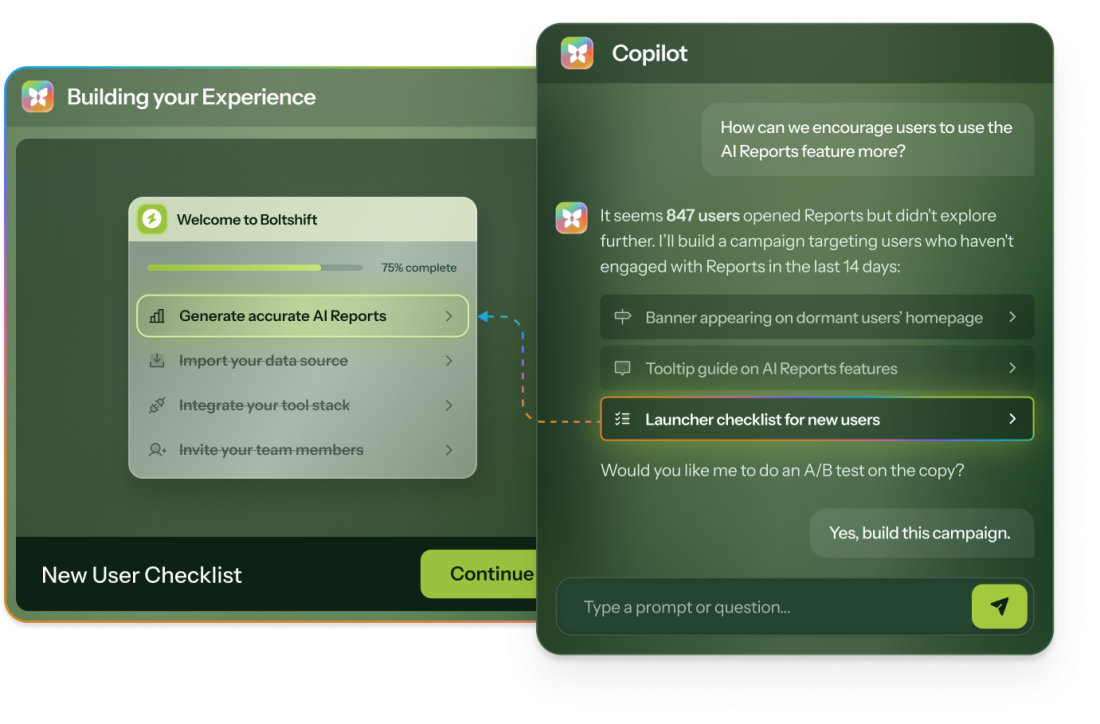
One conversation turns a goal into a multi-Experience flow with strategy, content, themes, audiences, A/B variants, and QA on every link.
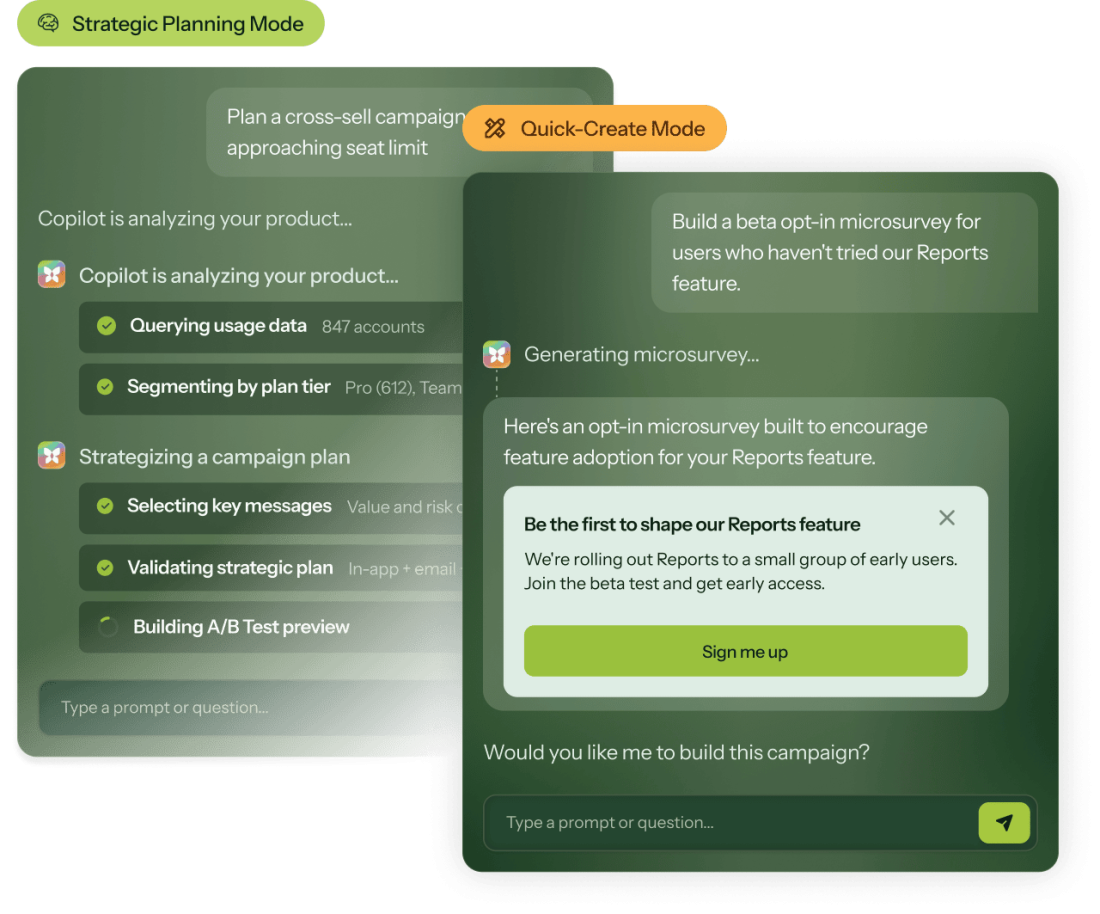
Copilot adapts to your goals. Go with a quick-create for fast launches, or choose strategic planning when you need to research and validate before building.
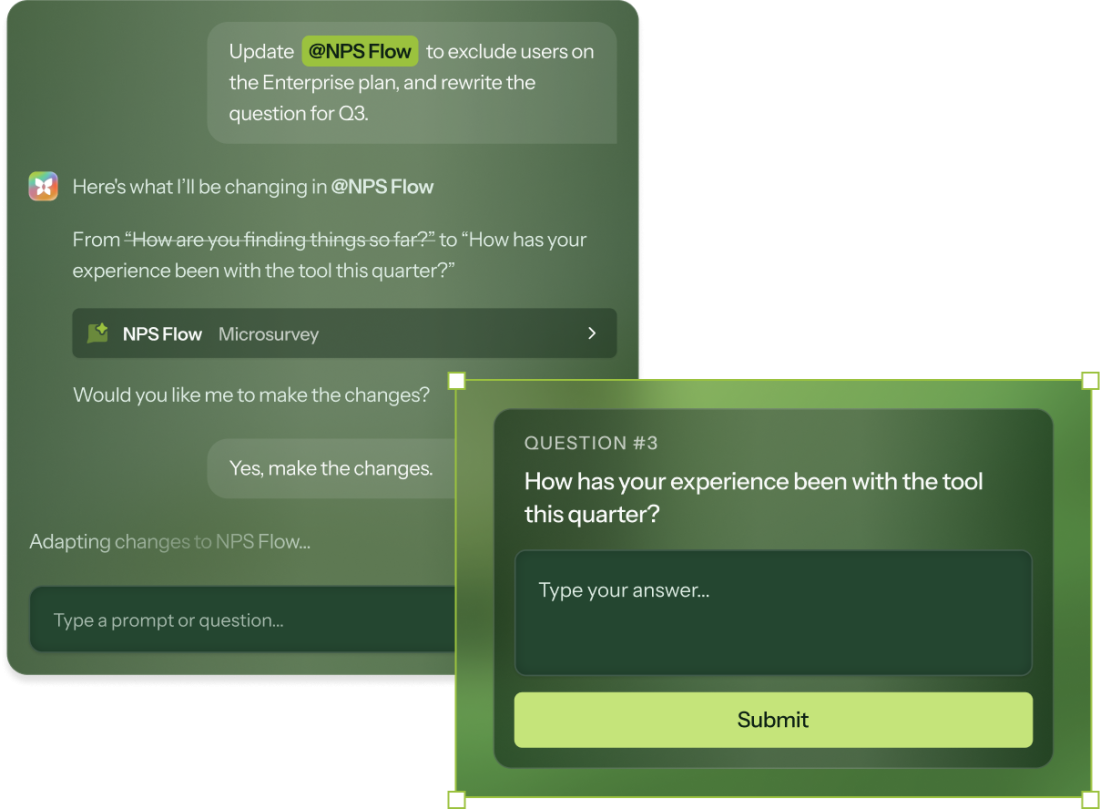
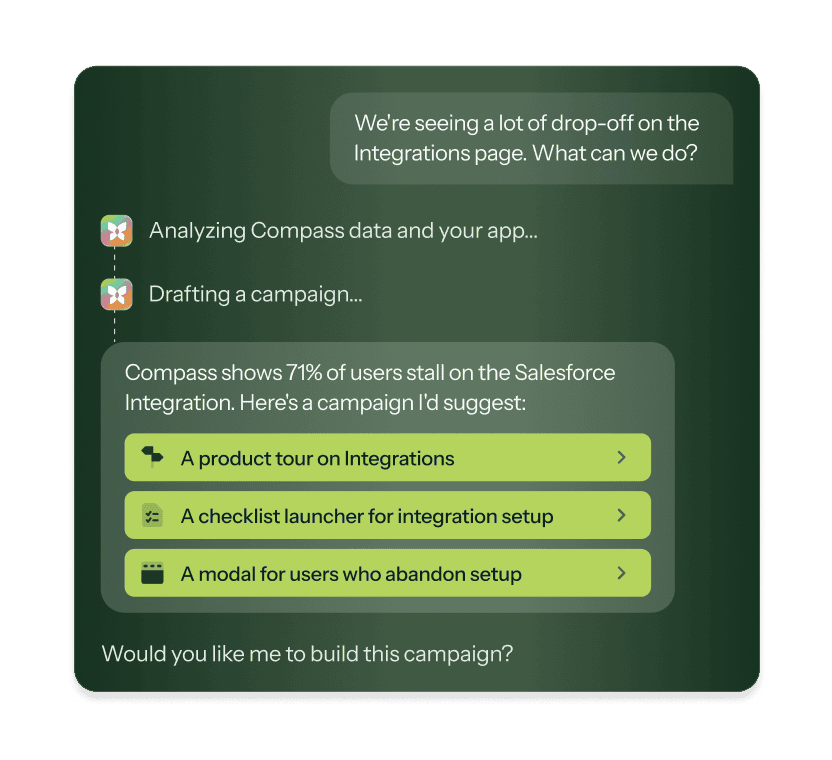
Copilot handles the full campaign lifecycle. Build new flows, analyze what's live, edit existing flows, and translate it all.
Chameleon keeps your company and personal data safe.
Visit our trust center
SOC-2 Type II

GDPR

Supports HIPAA (BAA available)

AI never trains on your data

Robust data privacy controls
For when you need to check the spec before booking the demo.
Build & create
Multi-Experience campaign flows
Strategy planning + Quick-create modes
A/B test variant creation
Theme creation and styling
Analyze & improve
Health and drop-off analysis
A/B variant comparison
Microsurvey theme analysis
Account audits ("audit my account")
Manage & maintain
@mention edits for any Experience
Debug and troubleshoot
Translation file generation
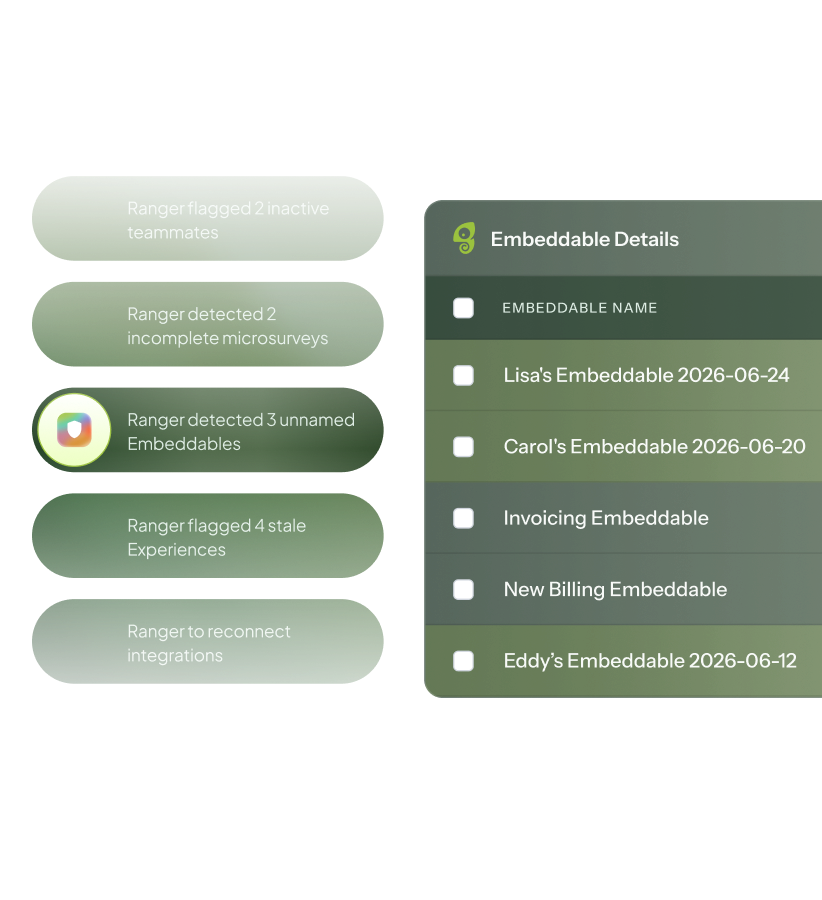
Daily personalized suggestions
Quality & setup
Available on all plans
AI tone of voice controls
Link validation on every Experience
Nothing ships without approval
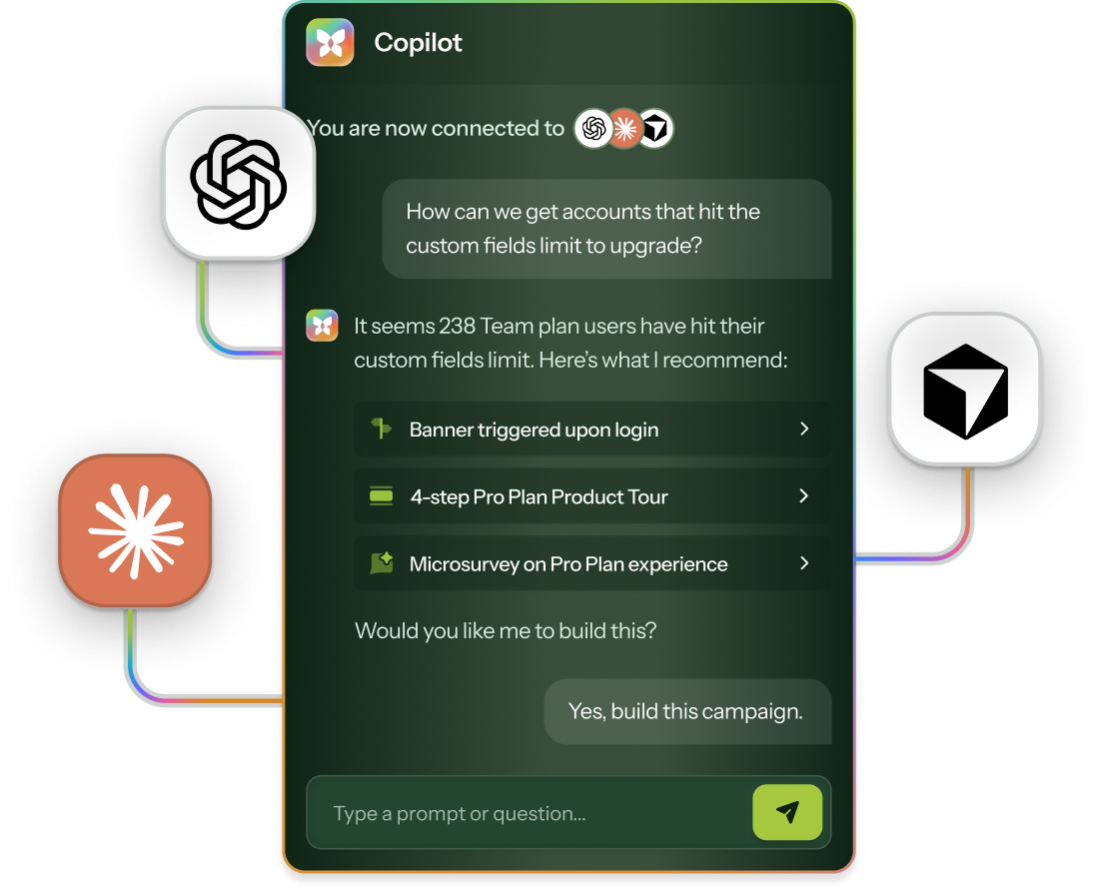
MCP connector
No. Copilot pauses at every key step. You review and approve the strategy, audiences, and content before anything ships.
Copilot is account-aware from day one. It knows your product, your tone, your features, and what you've launched. Generic tools start from scratch every prompt.
Yes. Add custom prompts and tone guidelines on the AI Customization page. Copilot applies them across every Experience it builds.
Yes. Start with Quick-create for speed, then ask Copilot to put together a strategy brief if the campaign turns out to be more complex than expected.
Demos and HelpBar configuration aren't supported. Everything else is fair game: Tours, Microsurveys, Embeddables, Launchers, Segments.
Yes. Connect Chameleon's MCP server to Claude, ChatGPT, or any MCP-compatible AI tool and get the same Copilot capabilities without leaving your existing workflow.