








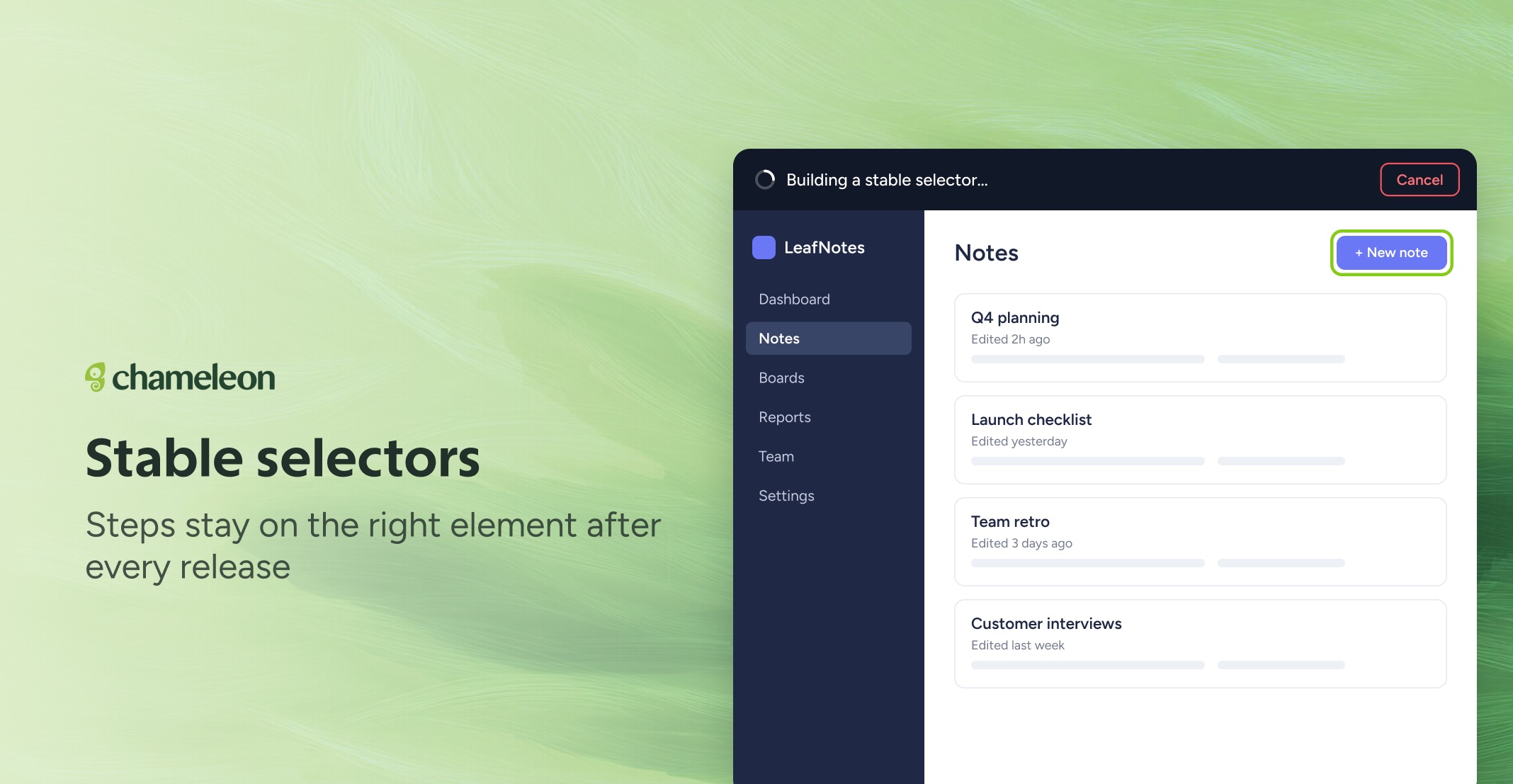
🎁 Pick an element once, and it stays matched
Plenty of web apps give their elements names that change every time the site is rebuilt. Now, when you pick an element in the Builder, Chameleon removes any throwaway names before it saves the selection, so your Tooltips and Tour steps stay anchored to the right element with each release.
You'll see "Building a stable selector…" for a moment after you click. Automations get the same treatment, so a recorded step on a form field keeps working when the page re-renders. Selections you saved before stay as they are; if one has stopped matching, pick the element again.
👉 Open an Experience in the Builder
📖 Learn how to select the right element
✨ While we're at it
Your save status stays in the Builder's top bar while you edit. It shows Changes saved, or why a save stopped: Not saved, Admin needed, or Domain blocked. Hover it for the details
Switch from Preview back to Edit and the Builder reopens the panel you left in Tours, Tooltips, and Microsurveys
The save status is available now on all accounts. Stable selections and reopening the panel you left are rolling out to all accounts over the next few weeks.