🎁 Copilot works from what you already have
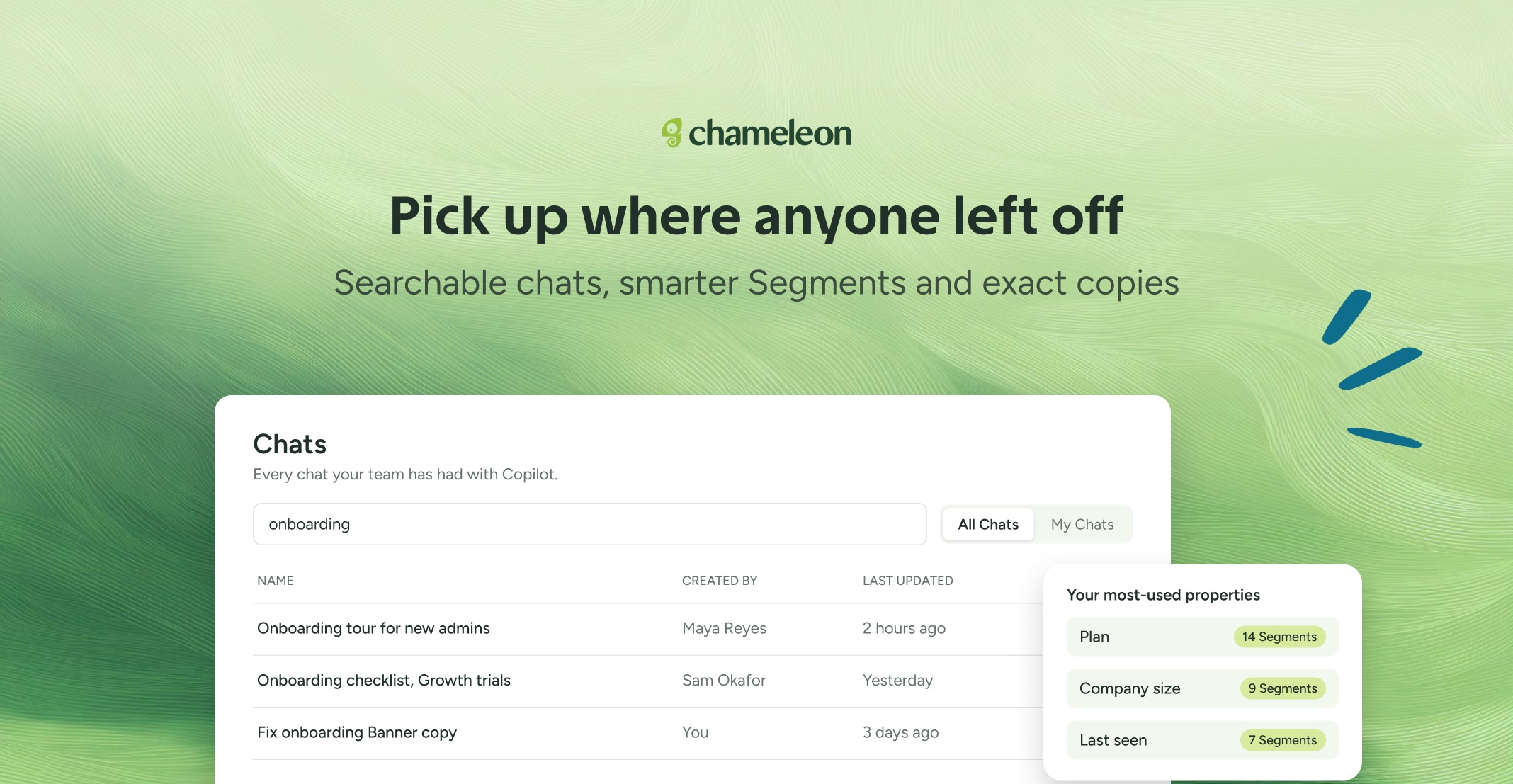
Find any Copilot chat. When you open Copilot, an All chats link is there as soon as anyone on your team has used it, and Continue last chat takes you straight back to your own most recent conversation. On the Chats page, you can search by chat name, switch between All Chats and My Chats, and load older conversations, so picking up where a teammate left off takes seconds, not scrolling.
Copilot finds the field you mean. On accounts with a lot of data, Copilot could miss a field you asked for, but now it works from a much larger view of your user and company fields, searches before telling you one is missing, and can find a field from its description. So "subscription tier" works even if the field is called something else. Start with "help me build a Segment" and Copilot suggests the properties your team segments on most, with how many of your Segments already use each. It can target by company tags too, like "users at companies tagged Enterprise".
Copies that stay copies. Ask Copilot to duplicate an Experience, or make eight versions of a Banner with different text, and each copy keeps the original's audience, URL rules, styling, and triggers. Only the text you asked for changes. Copies start unpublished, and Copilot checks the names with you before making several at once.
👉 Pick up a past Copilot chat
📖 Learn more about Copilot
Available now on all plans, with AI enabled on your account.
✨ While we're at it
Ask Copilot to talk to a person, and your request now reliably reaches our support team. Copilot asks at most two questions before handing over.