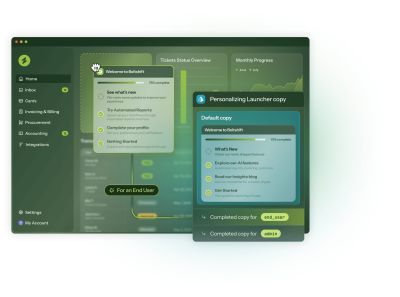














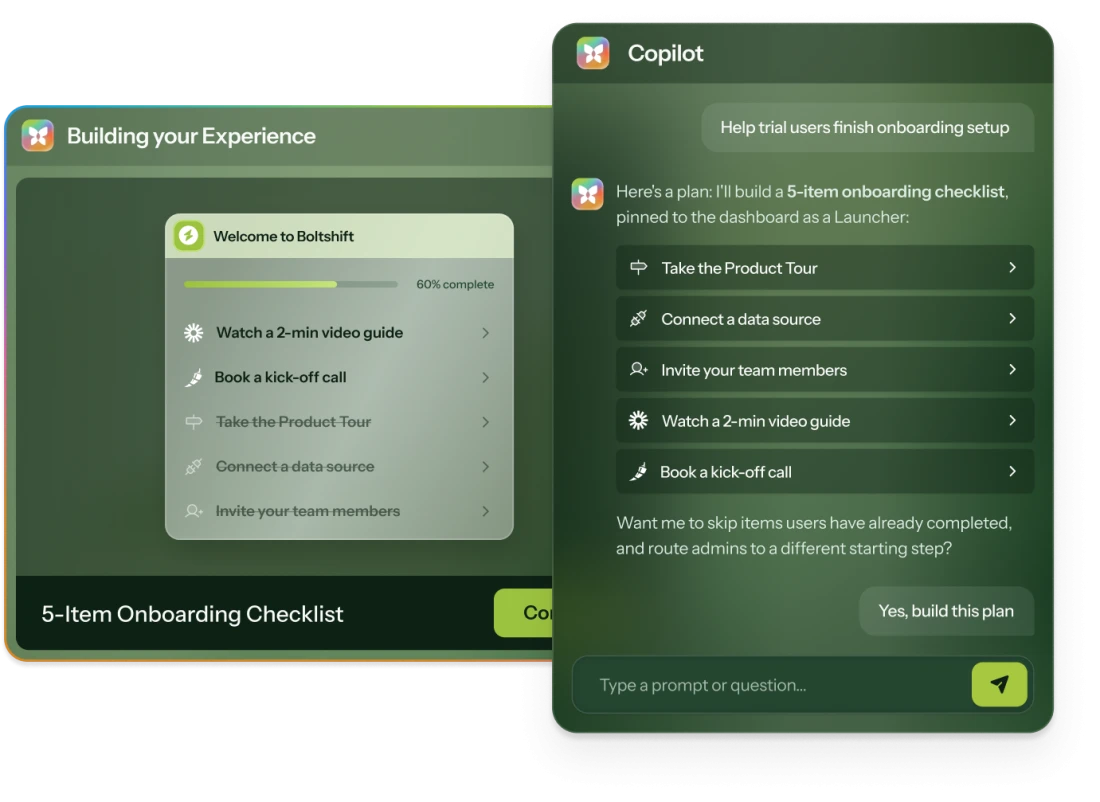
Audit your account, fix a drop-off, build a tour. Just ask Copilot.
Launchers

In-app checklists that surface the next right thing for every user

A menu of everything is a menu of nothing. Chameleon Launchers show each user only the items that help right now.
In-app checklists that surface the next right step for every user
Since 2023
Read Case Study
Since 2022
Since 2024
Read Case Study
Since 2022
Read Case Study
Since 2022
Since 2024
Read Case Study
Since 2021
Read Case Study
Since 2020
Read Case Study
Since 2023
Read Case Study
Since 2022
Read Case Study
Since 2025
Since 2025
4.4 stars from 359 reviews
Teams whose self-serve
actually serves
G2 Leader badge for Spring 2026. G2 badge for Highest User Adoption, Enterprise, Summer 2025

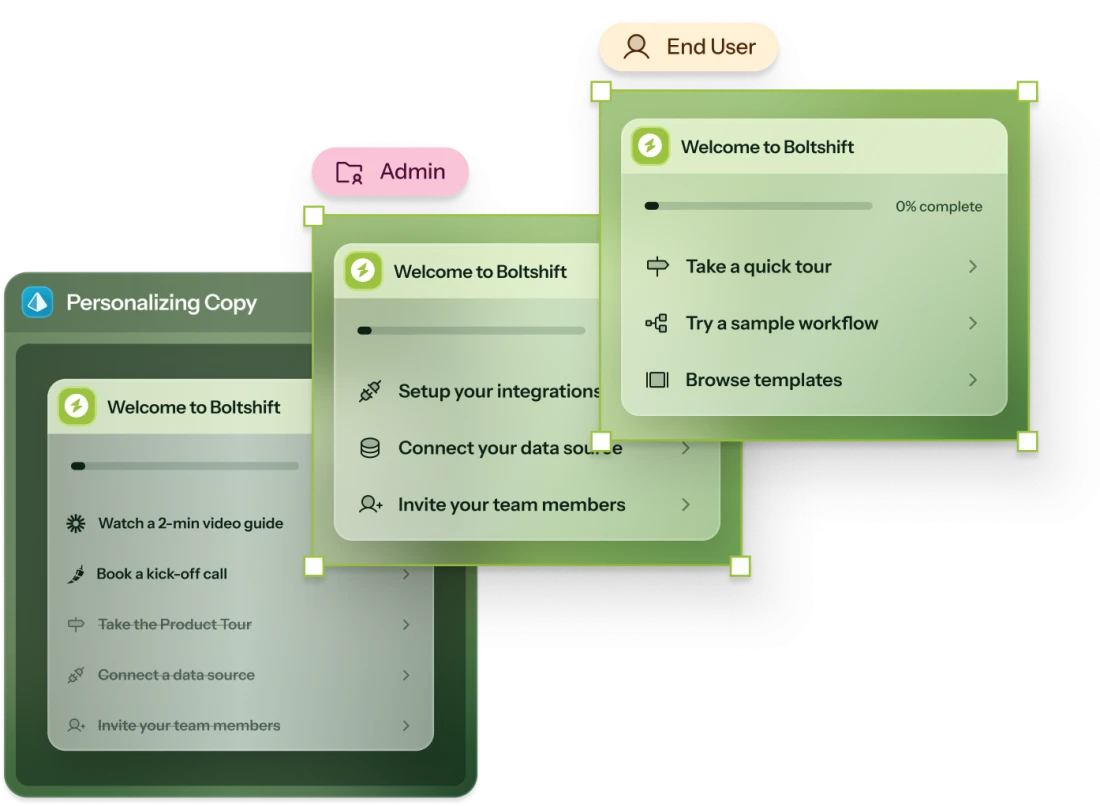
Launchers that adapt to whoever opens them

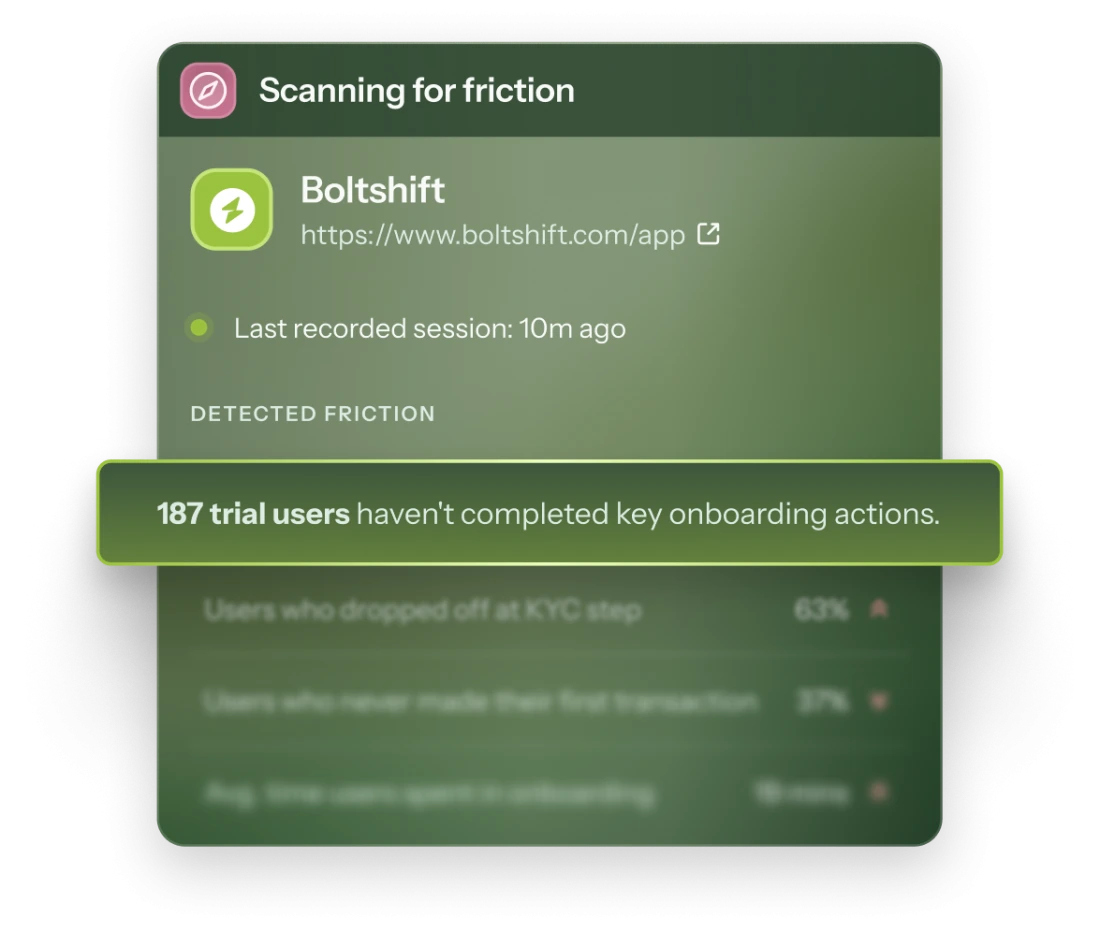
A Chameleon Compass panel titled 'Scanning for friction' for a fictional product, noting that many trial users haven't completed key onboarding actions, with additional friction metrics on onboarding drop-off listed beneath.

Launchers that get users where they want to go

Built for each user
Built for each user

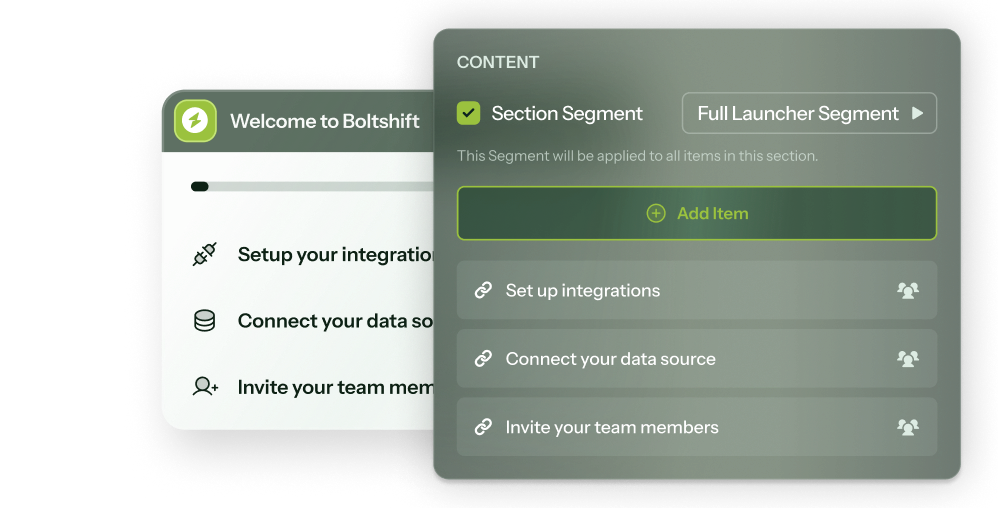
Group items into sections and give each its own audience (or let AI pick), so users see only what they need.
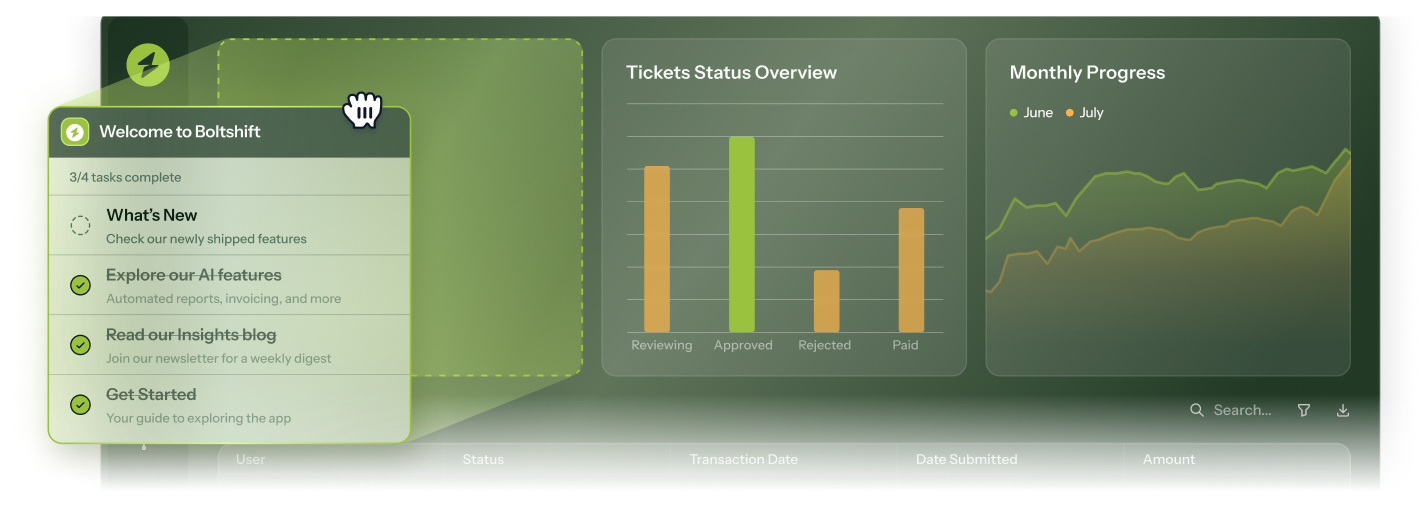
Pick where it sits
Pick where it sits

Launchers can float in the corner with a custom widget, anchor to an existing element, or be embedded inline so they become part of the product.
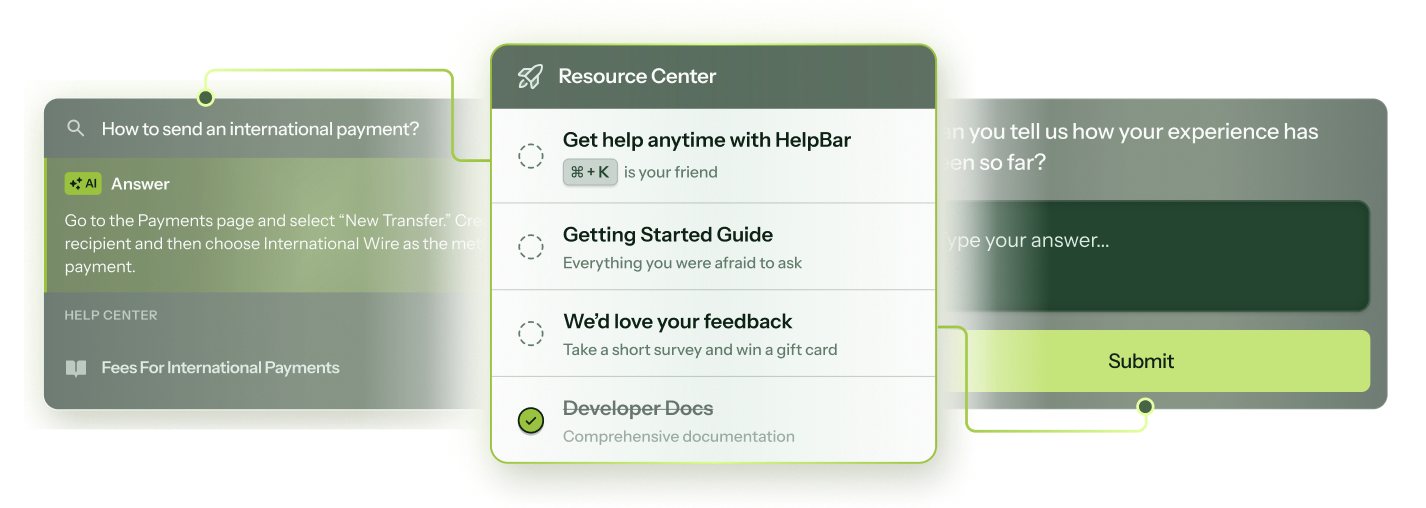
Launch users to their next right step

In one click, you can open Chameleon guidance, launch integrations like Figma, Chili Piper, and Intercom in-app, run custom code, or send users to a URL.
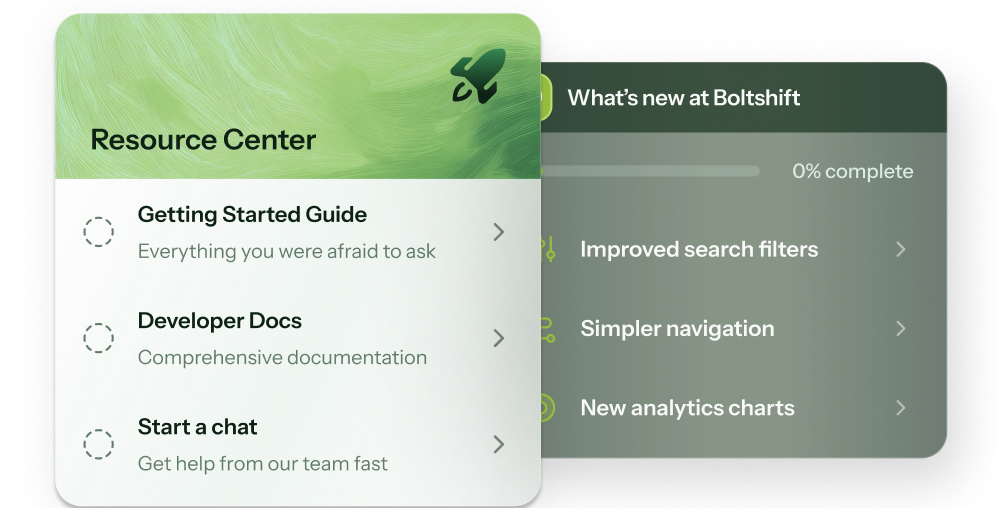
A Launcher for every job

Whether you need an onboarding checklist, a changelog, a help center (or all three!), build it with a Launcher.
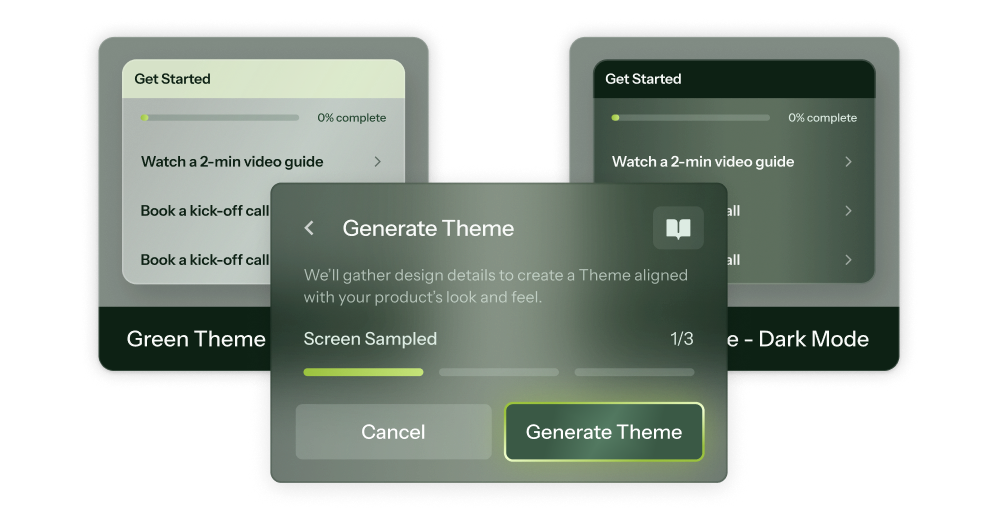
Designed to blend in

AI-generated Themes match your brand on day 1, and optional custom CSS handles anything more specific.
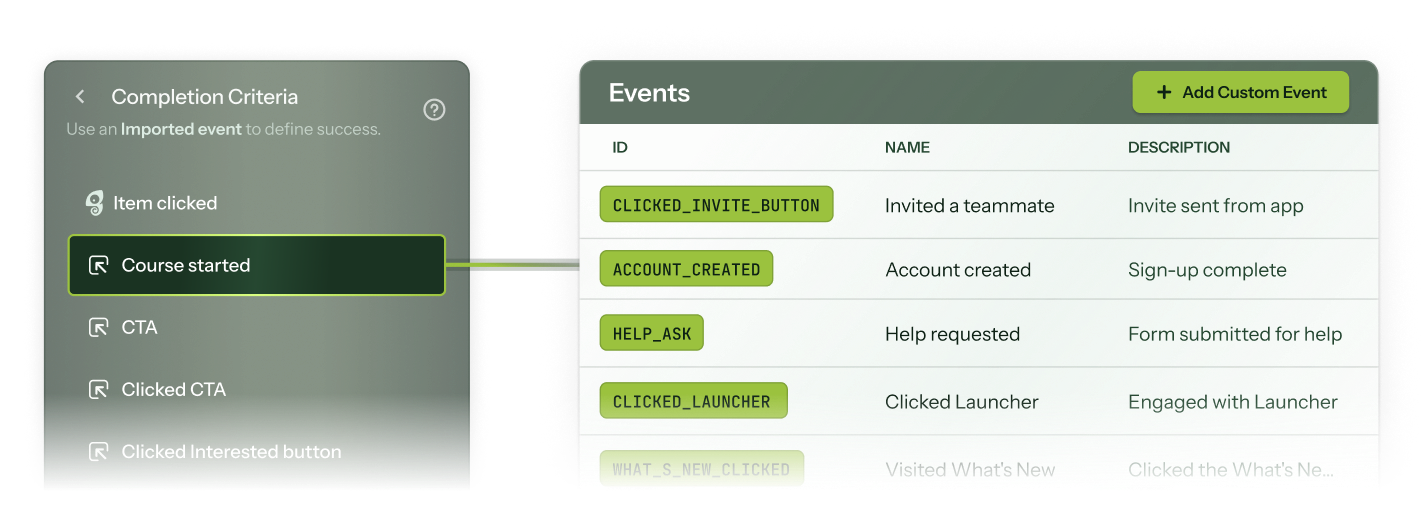
Progress that means something

Items check off when users complete the actual action in your product, not when they click the item in the menu. So "done" means done, not clicked through.
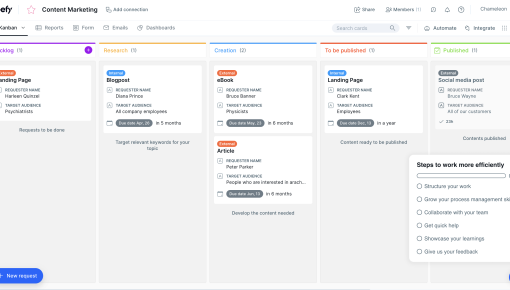
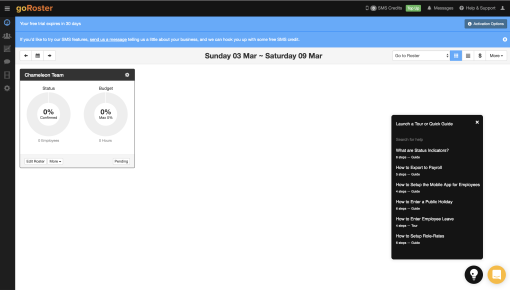
Real Launchers built with Chameleon

Launchers that read the room, built in minutes
Build a Launcher in our sandbox or book a personalized call with our product experts.
"Chameleon Resource Centers have been instrumental in educating our users from different countries."
Ricardo BriceΓ±o
Ricardo BriceΓ±o
Head of Product Design
"By using Checklist Launchers, Chameleon has helped us solve the problem of not having direct access to help articles from the app."
Steve Groccia
Steve Groccia
Head of Customer Success
"Having Chameleon was really helpful because we were reducing the number of tickets that our support team got."
Macarena Moraga
Macarena Moraga
UX Lead
"We're shifting away from pop-ups. Even when they're highly contextual, it can be a blocker to users. Because of that, we believe that self-serve is the way."
Joran Bloemen
Joran Bloemen
Product Education Manager

Frequently Asked Questions

With Copilot, a Launcher can go from idea to live in under 20 minutes. Copilot plans the structure, builds every section and item, and drafts the copy. You review, refine, and ship.
Chameleon's AI is deeply integrated, not bolted on. Our four agents help you find and fix product friction:

- Compass tracks user behavior and surfaces friction without instrumentation
- Copilot plans, builds, and reviews entire campaigns from a goal
- Prism personalizes content for each user, without you managing audiences or variants
- Ranger flags stale or broken experiences automatically

You'll also find AI copy enhancements, natural-language audience creation, A/B variant creation, Microsurvey summaries, Copilot diagnostics on every live experience, and more.
Lots! Find all our integrations here.

Tools like HubSpot, Salesforce, Mixpanel, Heap, Amplitude, and Segment sync customer data and audiences into Chameleon, and push Chameleon engagement data back out (specifics vary by tool).

Tools like Figma, Calendly, Intercom, G2, and Typeform launch in-app, so users can book meetings, give feedback, or start a chat without leaving your product.

For anything else: Zapier, webhooks, a REST API, and an MCP server.
Only once, to install the Chameleon code snippet, which can be done in minutes. After that, your Product or Growth team can own everything from creating Launchers to targeting user segments, without writing a single line of code.
You can target new users based on user attributes (e.g., role, plan), behaviors (e.g., first login), or even specific segments from tools like Amplitude, Heap, or Mixpanel. You can build audiences manually or with AI, and you can mix and match your segments to define the perfect audience every time you go live.
Launchers are opt-in by design (users click to open them when they want help) so they don't interrupt anyone. Display Rules and audience targeting (down to the section level!) make sure Launchers only show when, where, and to whom you want them to.
Most customers don't. Copilot accelerates rebuilds (paste your existing content, get a Chameleon-native version built immediately) and teams typically find rebuilding faster and better than porting one-to-one. But on our Growth and Enterprise plans, you can rebuild your favorites with support from your dedicated CSM.
Not at all. Chameleon offers a wide range of in-app guidance, including product tours, embedded cards, NPS + surveys, interactive demos, and CMD+K search. They share targeting, governance, and analytics, so you can improve your product in one platform, not five tools. Find all Chameleon in-app patterns here.

Keep exploring

Launchers

Template gallery

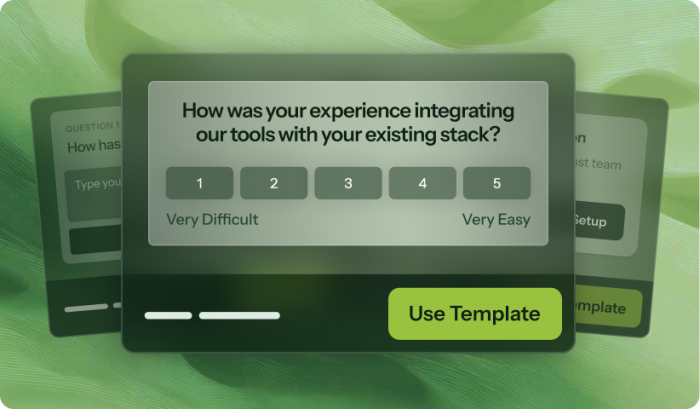
Get started now with Launcher templates
View templates
Launchers

Native integrations

Connect Launchers to the rest of your stack
View integrations
Launchers

All patterns

See what else Chameleon can build for you

View guidance