🎁 Your navbar and Builder, working your way
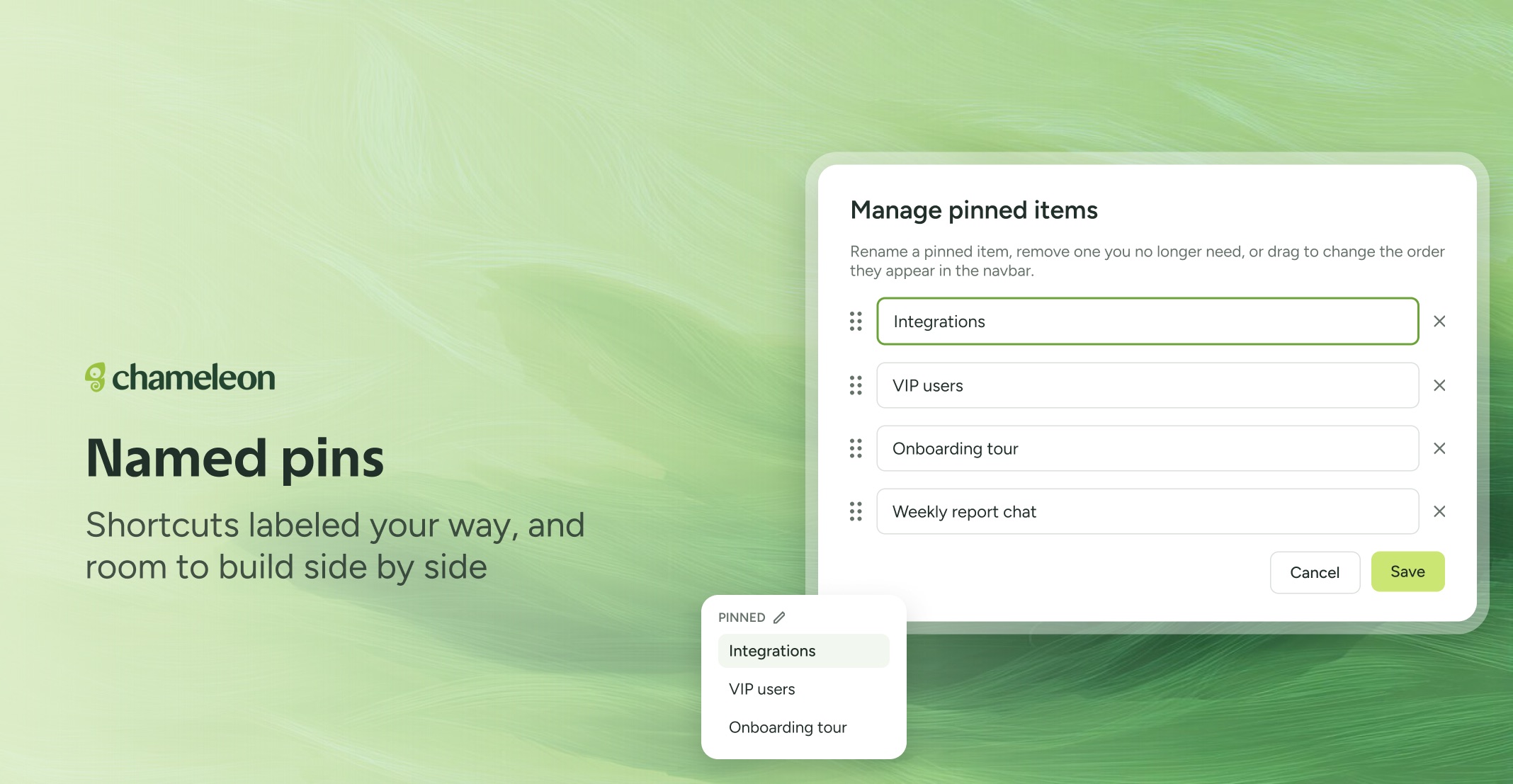
Pins, named your way. Click the pencil next to PINNED in your navbar to rename, reorder or remove your pinned items in one window, then hit Save. Names are personal: a new name only shows in your navbar and never changes the Experience, Segment, or page behind it. Clear it to go back to the original.
You can also pin any tab straight from hover, without opening it first, or ask Copilot in your Dashboard chat to pin, rename, or reorder things for you, including "pin this chat".
👉 Tidy up your pinned items
📖 Learn how to pin, rename, and organize your navbar
✨ While we're at it
Filter your Favorite Experiences by Pattern, Creator, or Tag
Create Experience, User, or Company tags straight from Data Management → Tags with the Create new button.
The Builder fits smaller windows, so you can keep your app on one half of the screen and edit on the other. On very narrow windows (under 500px), the topbar keeps just the essentials.
Picking an element in the Builder now has a Cancel button (or press Escape), shows when your selection is saved, and tells you what went wrong and what to try if a selection fails.
Buttons in Cards, inline Banners, and inline Launchers now respond to the first tap on iPhone.
Rolling out to all accounts on all plans over the next few weeks.