



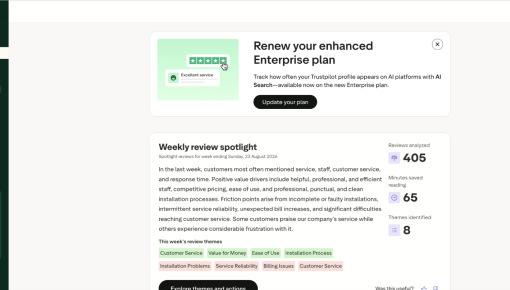
Trustpilot's Plan Renewal Embedded Card
A single Card that fits seamlessly on the page spotlights locked features and encourages customers to renew...



Existing customer? Sign in
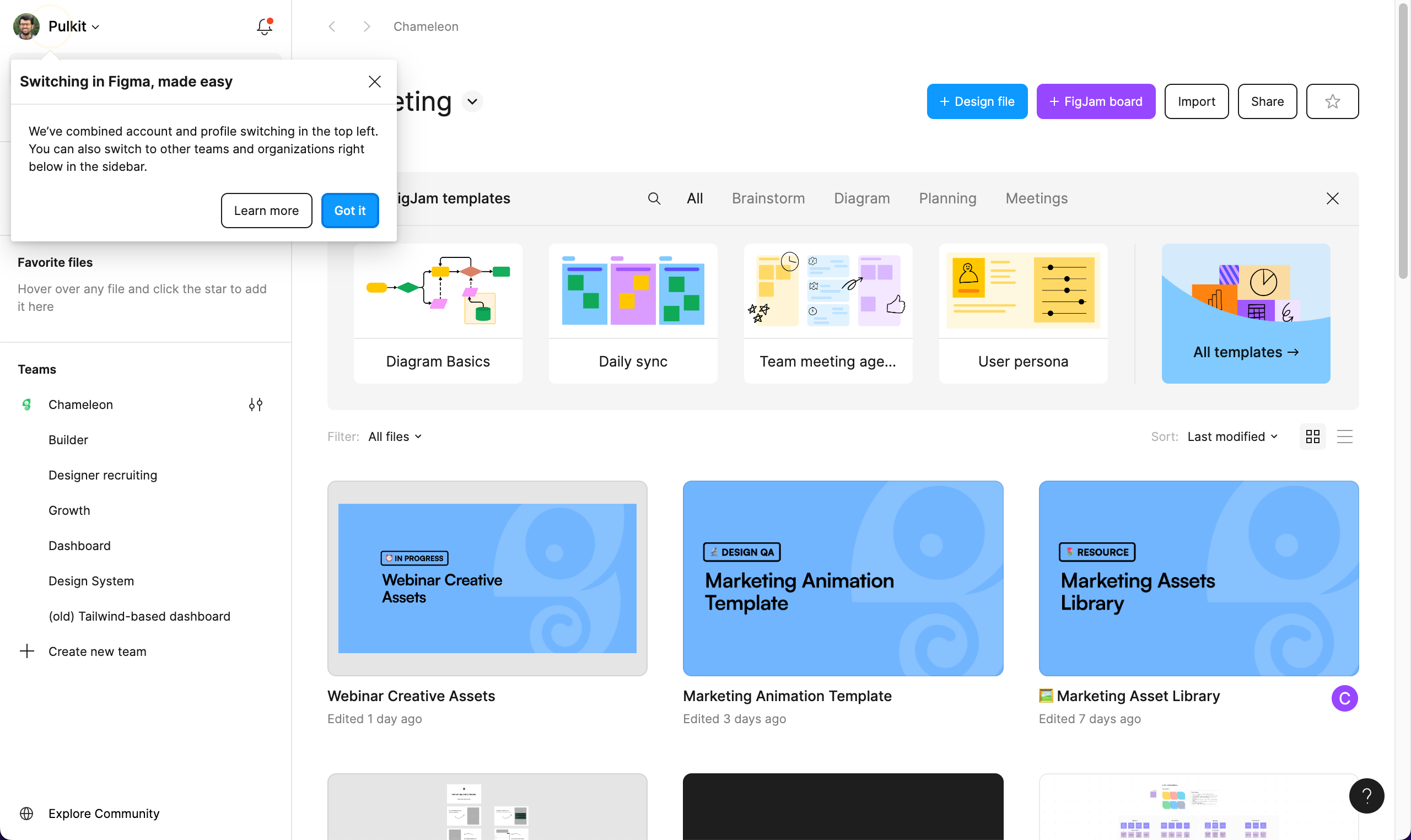
The modal explains how they’ve streamlined switching—now it’s all in the top left and more intuitive than ever. The design is clean, focusing on what’s changed and how it benefits the user, with a clear “Got it” button to get you back to work or a “Learn more” link for deeper details. It’s a smooth, user-friendly update that puts convenience front and center without any unnecessary noise.
More inspiration examples
Start a free trial or talk to our team.