









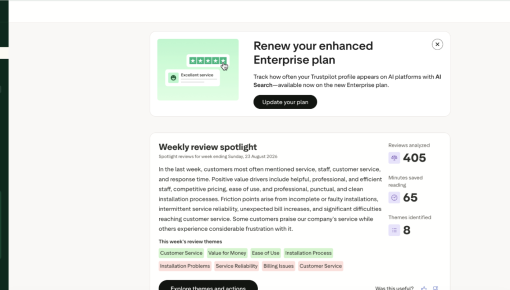
Trustpilot's Plan Renewal Embedded Card
A single Card that fits seamlessly on the page spotlights locked features and encourages customers to renew...



Existing customer? Sign in
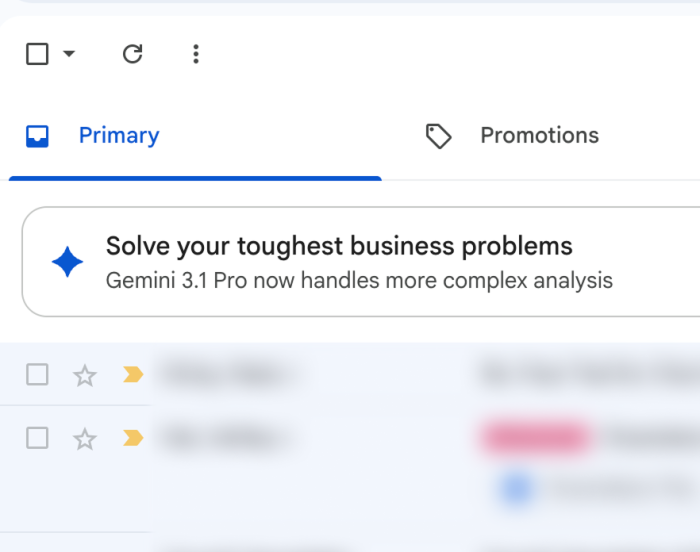
Gmail embeds a feature adoption card at the top of the inbox, styled like a notification so it reads as actionable without shouting like an ad. The placement catches users mid-scan without blocking the inbox they came to use. It's a soft pitch aimed at users who haven't tried the latest version of a feature that's already available to them.
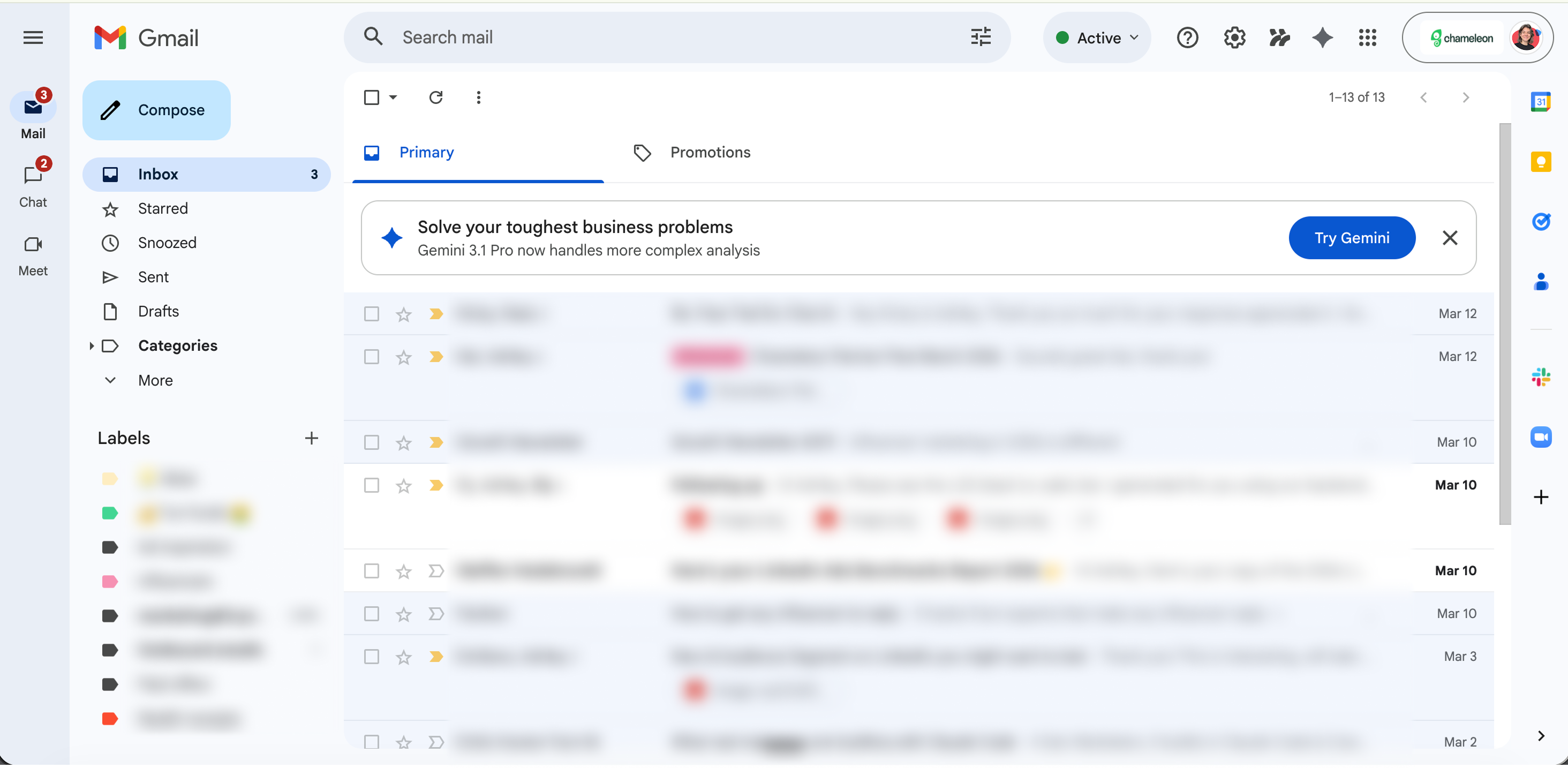
Embedding a promo inside the inbox trades loudness for persistence. The card sits at the top of the email list, styled just distinctly enough to stand out without demanding attention. Users scanning their messages catch it in peripheral vision, not head-on. That placement reads as part of the product rather than a layer bolted on top.
The headline leads with the user's problem, not the product's capability. 'Solve your toughest business problems' speaks to a state of mind most inbox-scanners recognize. The subtitle names what's new without spelling out specs or features. Anyone stuck on a thorny analysis task gets pulled in by the promise before they've had to parse what's actually on offer.
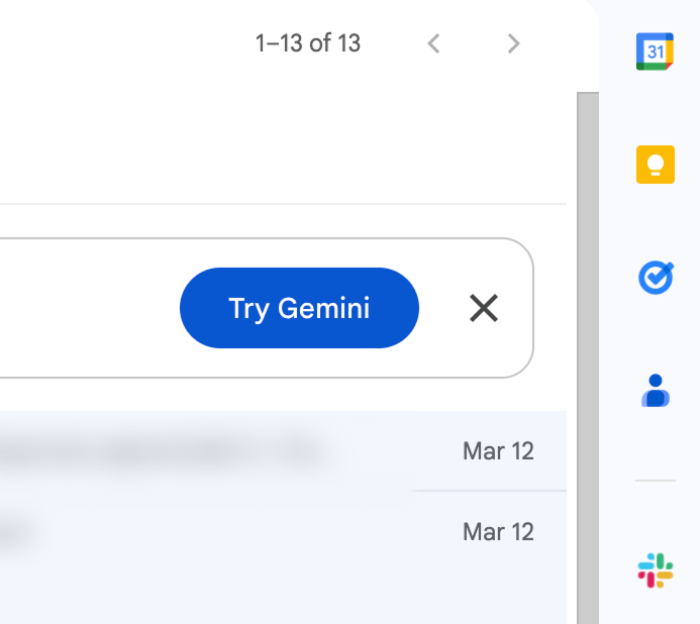
The card offers one CTA and one exit. 'Try Gemini' is the only action, and the X dismisses it without friction. Giving people an easy out turns a promo from an annoyance into a suggestion. Users who know they can close a card without penalty are more likely to read the next one.
Build an embedded banner to drive feature adoption.
More Embeddable, Banner, & Launch examples
Start a free trial or talk to our team.
