









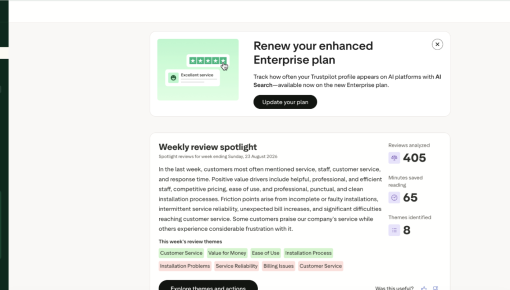
Trustpilot's Plan Renewal Embedded Card
A single Card that fits seamlessly on the page spotlights locked features and encourages customers to renew...



Existing customer? Sign in
Install prompts walk a tightrope: too early and users ignore them, too loud and they get dismissed on reflex. Unify's answer is a small install card tucked into the bottom-left of the nav sidebar. It's always reachable but never in the way. Hover the card and a detailed explanation expands to the right, letting users dig in when they're curious.
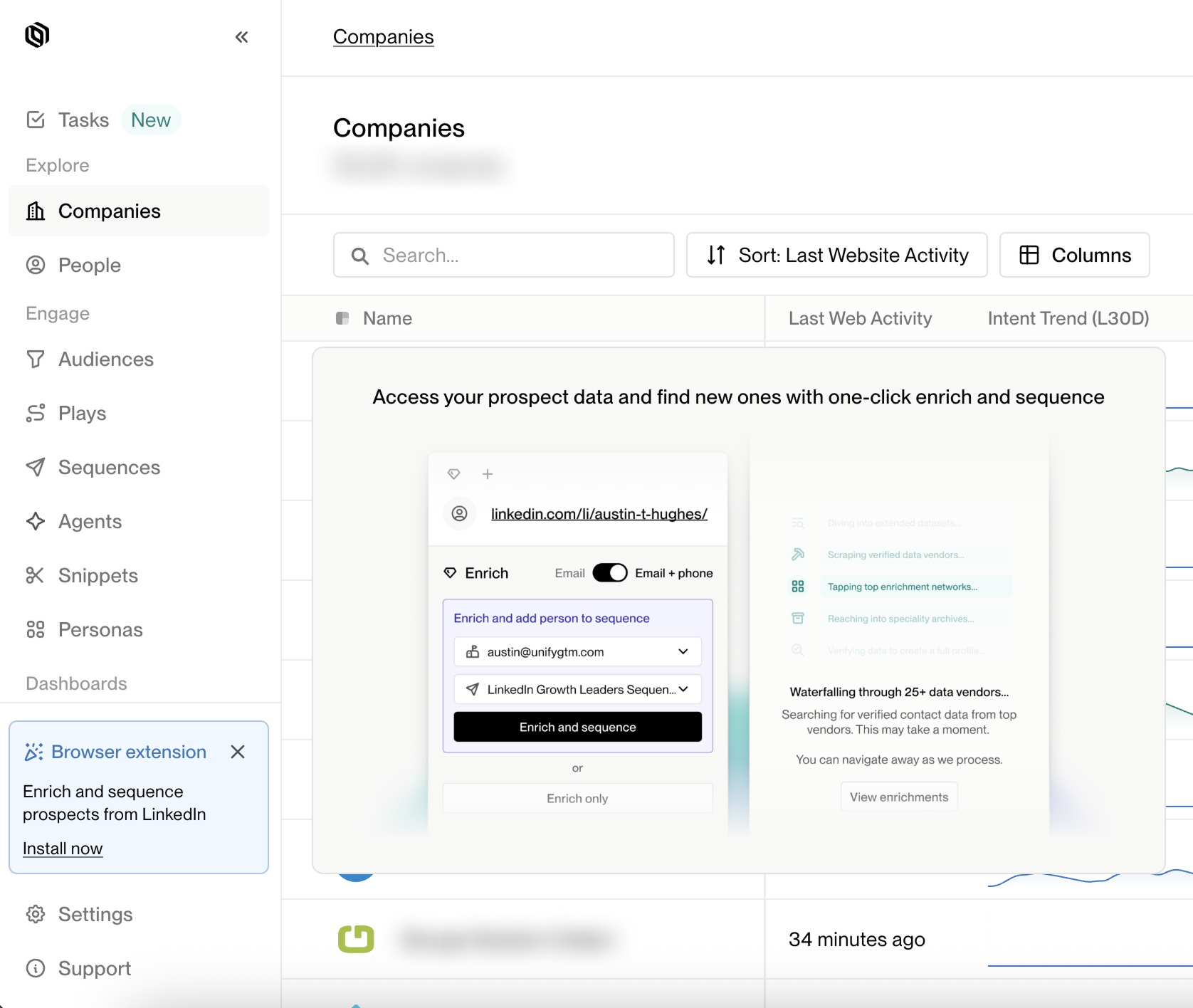
Users learn their way around a nav by muscle memory, and anything that shifts the functional items around breaks that learned layout. Slotting an install prompt at the top of the sidebar would push every active menu item down, forcing users to re-orient for the sake of a promo they didn't ask for. Unify drops the card to the bottom, beneath every functional nav item, where it's visible without moving anything the user already knows how to find.
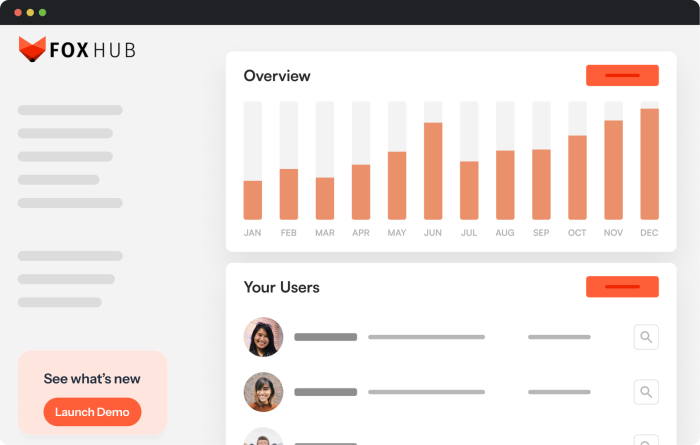
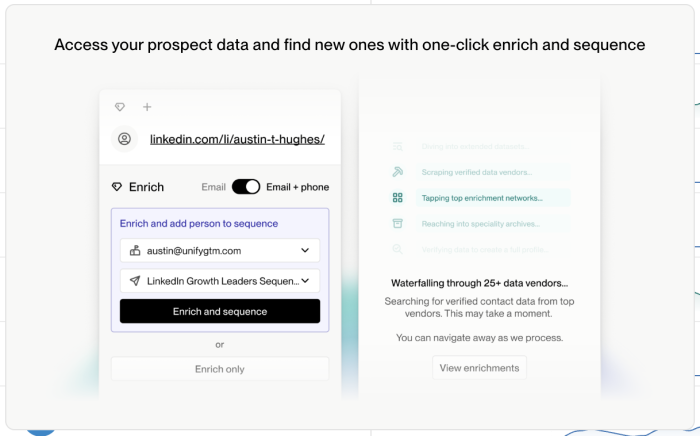
The card on its own is a two-line teaser: enough to communicate what's on offer and nothing more. Hover over it and a detailed panel expands to the right, showing the extension in context with screenshots of the flow it enables. Users who are curious get the full pitch; users who aren't never have to engage.
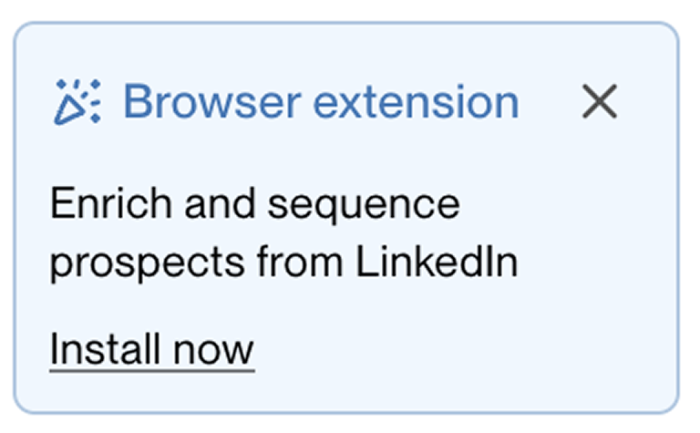
The copy cuts past vague promises and names two concrete things a user gets by installing: enriching prospects from LinkedIn and adding them to sequences. By the time a user scans down to 'Install now,' they already know exactly what the extension does. The small dismiss button in the corner signals the final piece: the card isn't a trap, and nothing bad happens if a user closes it today.
Build an Embeddable to drive adoption of an under-used but high-value feature.
More Embeddable, & User Onboarding examples
Start a free trial or talk to our team.
