









Chameleon's New Feature Product Tour
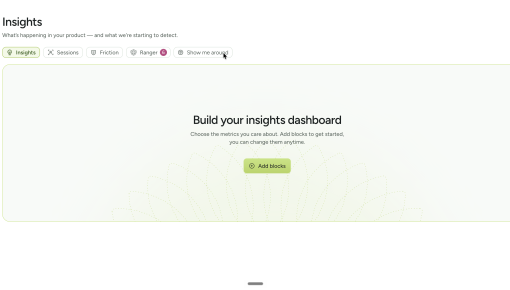
Chameleon built this five-step tour to get people using its Insights section rather than clicking past it....



Existing customer? Sign in
There's a specific window where tool-connection prompts land well: after a user understands the product's core value, but before their workflow solidifies without the integrations. Cowork's home-screen modal hits that window. It appears only for users who haven't yet connected any tools, catching them at the moment when the gap between their current setup and a more powerful one is most visible. What makes it worth studying is how the CTA is designed. Rather than routing users to a settings page, 'Let's go' initiates an active, guided process where the product does the heavy lifting.
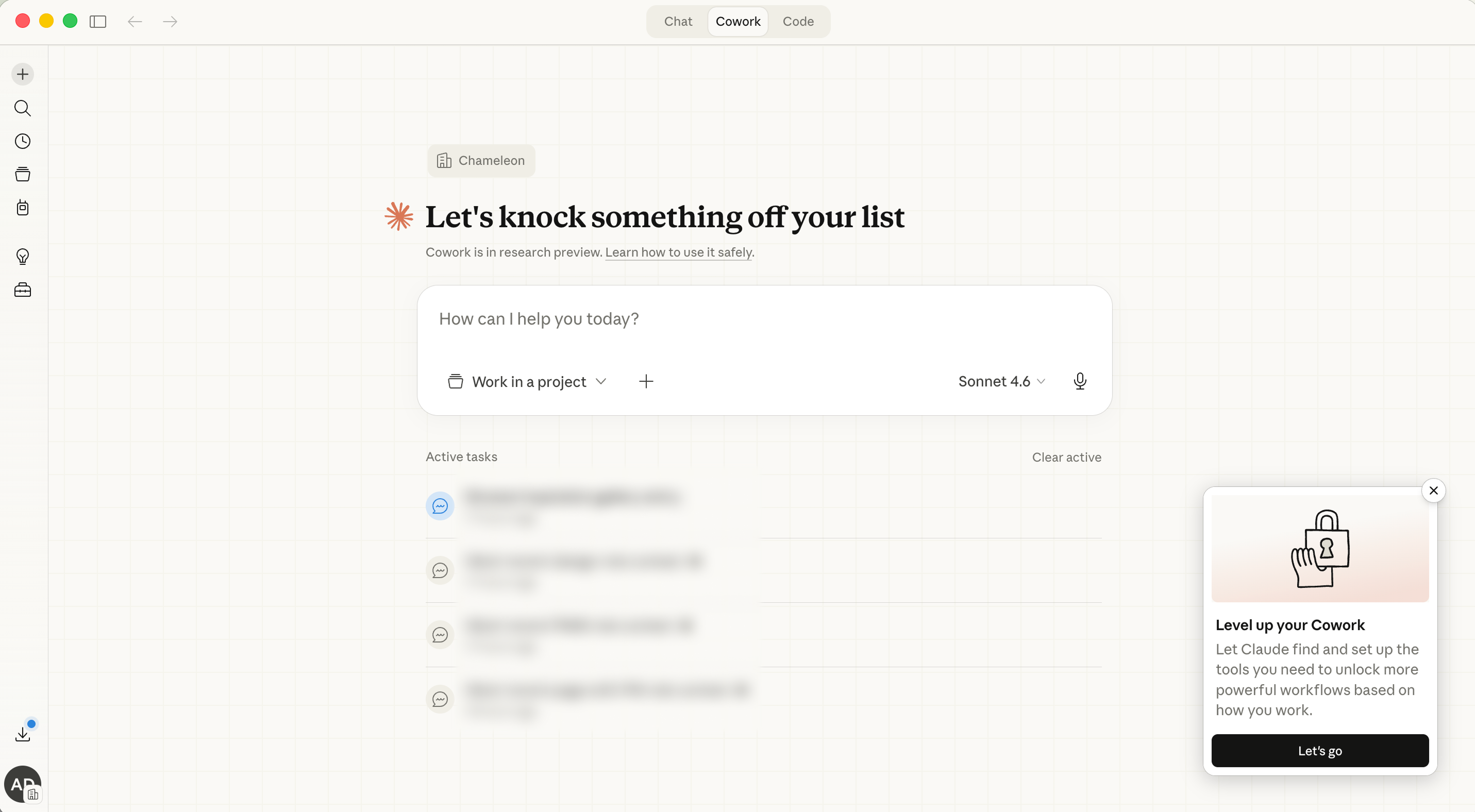
Ask users to connect integrations on their first session and you're competing with their curiosity about the product itself. Claude's modal appears only for users who have landed on the home screen without any tools connected: people who have already formed a working hypothesis about what the product does and are now in a position to care about making it more powerful. The behavioral trigger is what keeps the prompt from feeling like setup overhead and makes it feel like a well-timed suggestion instead.
Integration prompts usually fail the copy test: they promise access to a wall of logos and leave the user to figure out which ones matter. The modal's body copy makes a different promise. "Find and set up the tools you need... based on how you work" signals that Claude will figure out what's relevant. That shifts the cognitive work from the user to the system. A user who would have bounced from a generic integrations list might lean in when they're told the selection will be tailored to them specifically.
Most tool-setup CTAs drop you at the door of a settings page and leave you to figure out which of forty options actually applies to you. 'Let's go', on the other hand, kicks off an active, guided setup process where the product takes the user's context as input and does the configuration work for them. Any team can apply this pattern. Whether through a short wizard, a preference survey, or a smart default-setting flow, the goal is to make the product do the heavy lifting, not the user.
Build a modal to guide new users to connect the tools that will make their workflows more powerful.
More Tour, User Onboarding, & Modal examples
Start a free trial or talk to our team.
