













Every question answered, inside your product
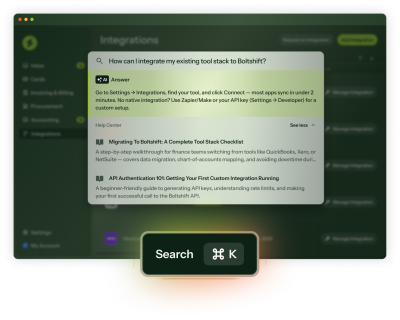
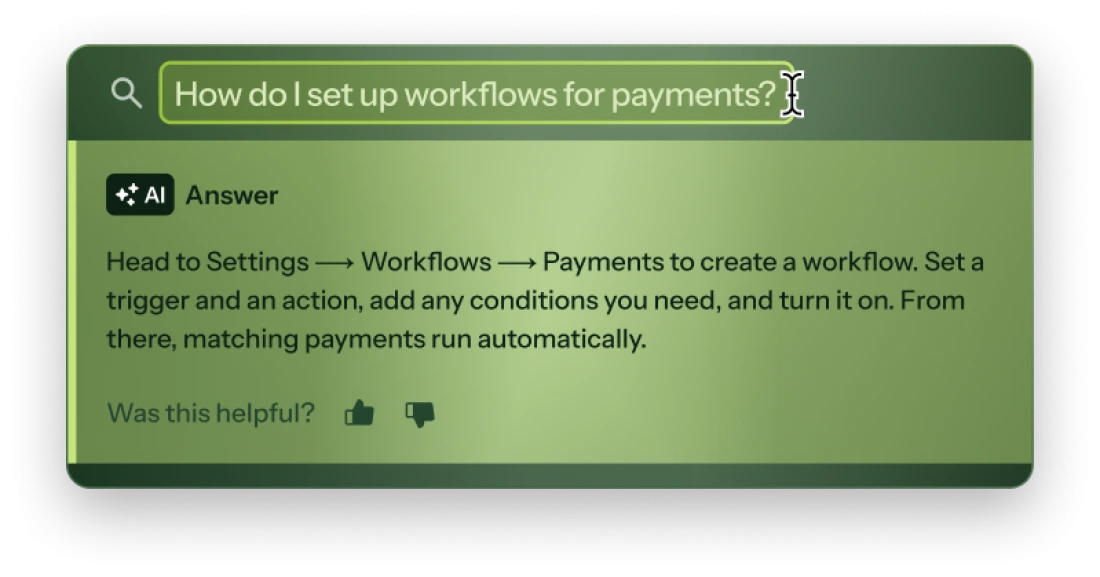
In-app search that knows your product
Get more than a search bar, without another tool to manage
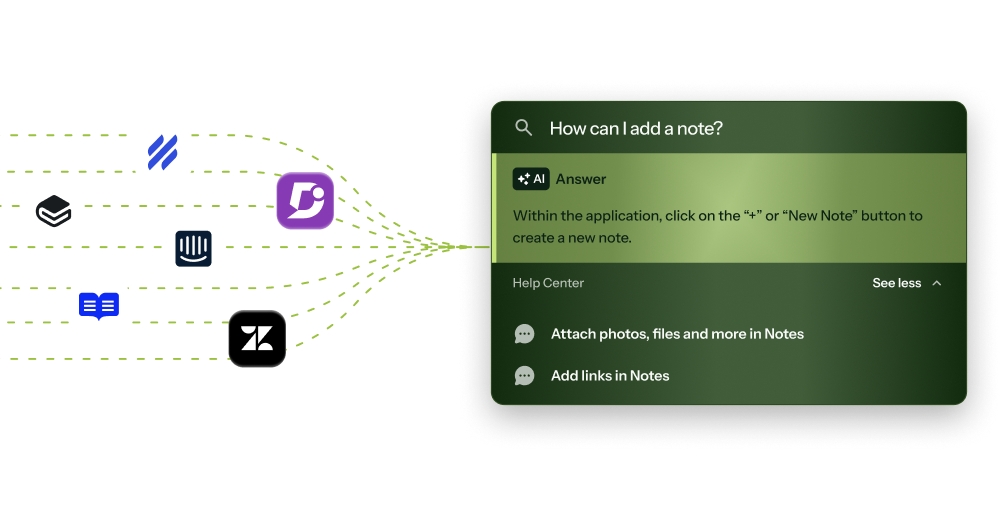
Integrates with your help center
Connect your public or private knowledge base from Zendesk, Intercom, Help Scout, and more.
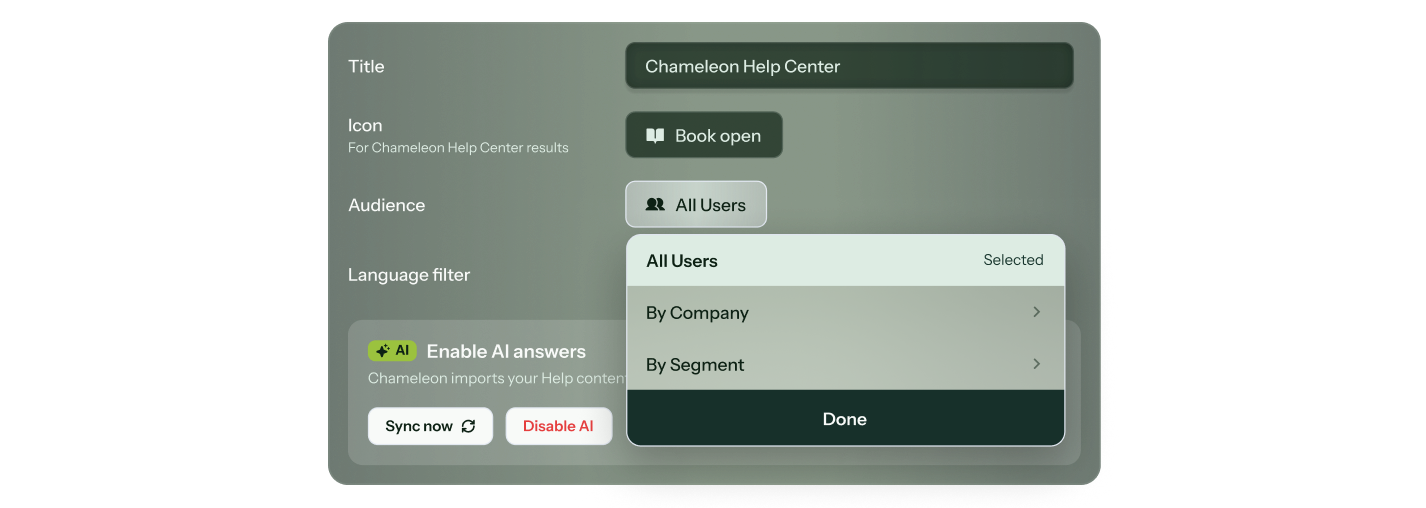
The right help, for the right user
Pin resources to specific pages and target by segment or account, so a new user on the billing page sees something different than a power user on the integrations page.
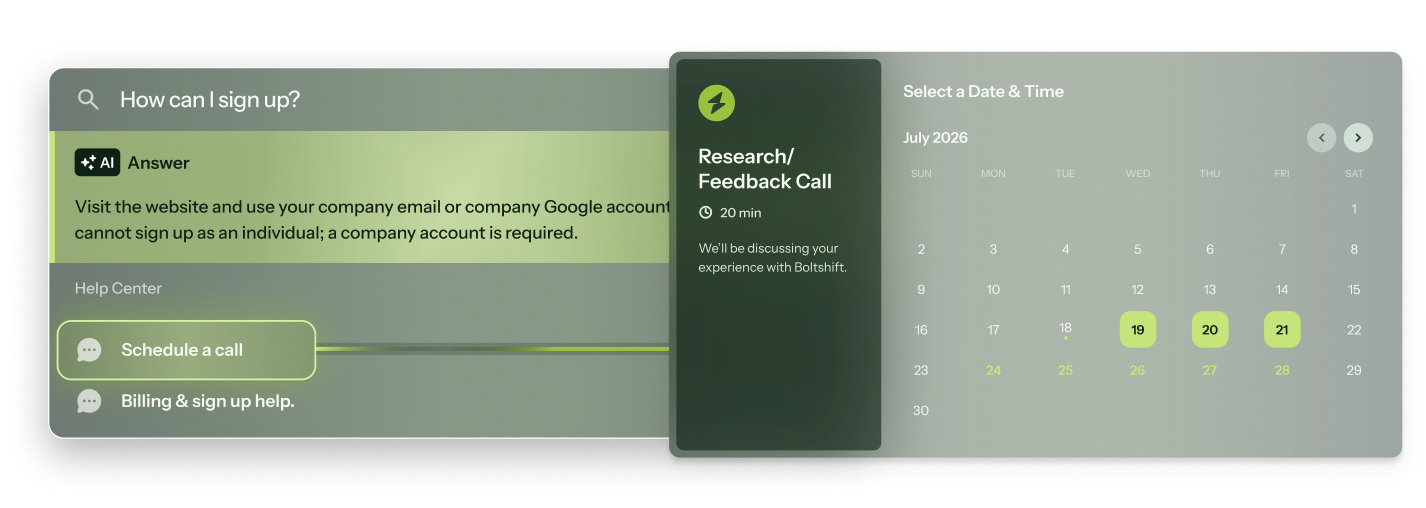
Turn help into a next step
Launch native integrations from HelpBar so users can book a Calendly call, start a live chat, watch a Loom video, and more, all without leaving your product.
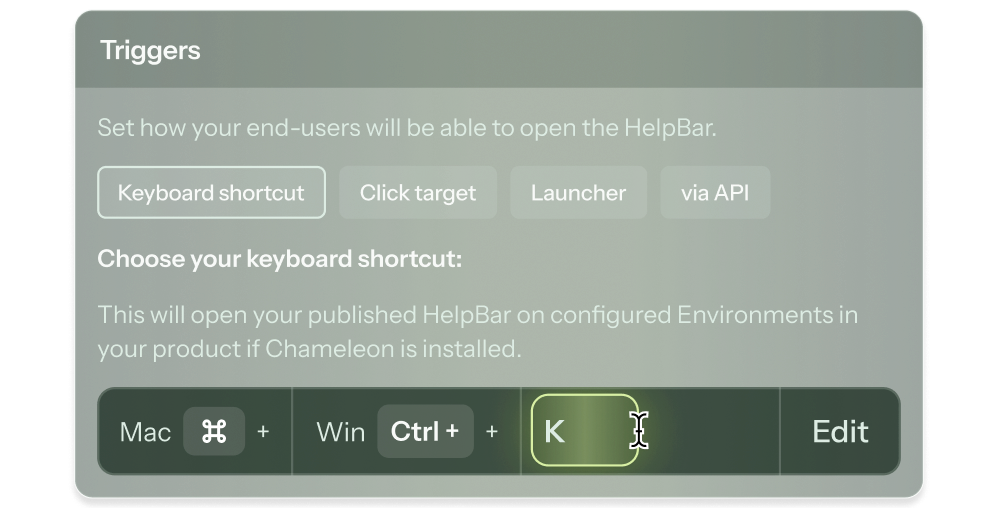
Flexible triggers
Open HelpBar with a keyboard shortcut, a widget, an element in your product, or a Chameleon Launcher.
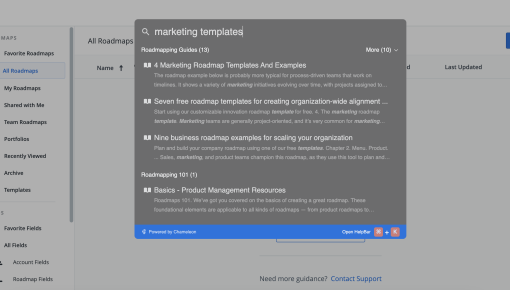
Real HelpBars built with Chameleon
Roadmunk's HelpBar
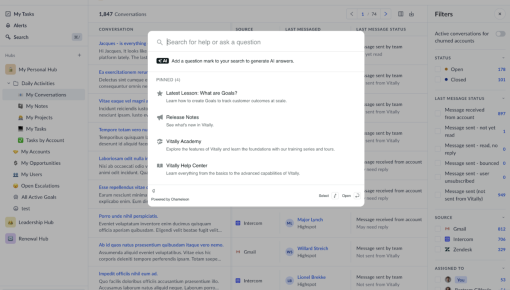
Vitally's HelpBar
(and out of your support queue) with HelpBar
Frequently Asked Questions
-
Most teams are live within a day. Connect your documentation sources, configure your triggers and branding, and publish. No complex setup required, and HelpBar trains on your documentation in less than a minute.
-
Only once, to install the Chameleon code snippet, which can be done in minutes. After that, your Product or CS team can own everything from uploading help documentation to targeting user segments, without writing a single line of code.
-
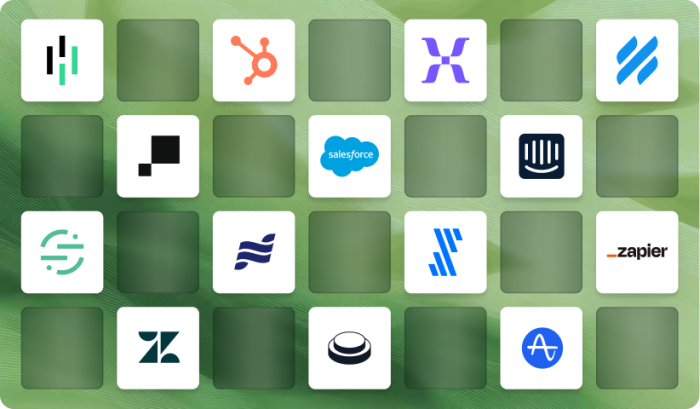
Lots! Find all our integrations here.
HelpBar integrates with public or private documentation hosted on Intercom, Document360, GitBook, Help Scout, ReadMe, and Zendesk.
Tools like HubSpot, Salesforce, Mixpanel, Heap, Amplitude, and Segment sync customer data and audiences into Chameleon, and push Chameleon engagement data back out (specifics vary by tool).
Tools like Figma, Calendly, Intercom, G2, and Typeform launch in-app, so users can book meetings, give feedback, or start a chat without leaving your product.
For anything else: Zapier, webhooks, a REST API, and an MCP server. -
You can target users based on user attributes (e.g., role, plan), behaviors (e.g., first login), or even specific segments from tools like Amplitude, Heap, or Mixpanel. You can build audiences manually or with AI, and you can mix and match your segments to define the perfect audience every time you go live.
-
Absolutely. Colors, fonts, border radius, placeholder text, icons, and optional custom CSS are all configurable, so HelpBar looks like it was built into your product from day one, not added on later. You also control which resources, actions, and integrations appear and how they're organized, so users only see what's relevant to them.
-
Not at all. Chameleon offers a wide range of in-app guidance, including product tours, embedded cards, NPS + surveys, checklists + resource centers, and interactive demos. They share targeting, governance, and analytics, so you can improve your product in one platform, not five tools. Find all Chameleon in-app patterns here.
Keep exploring
Use cases
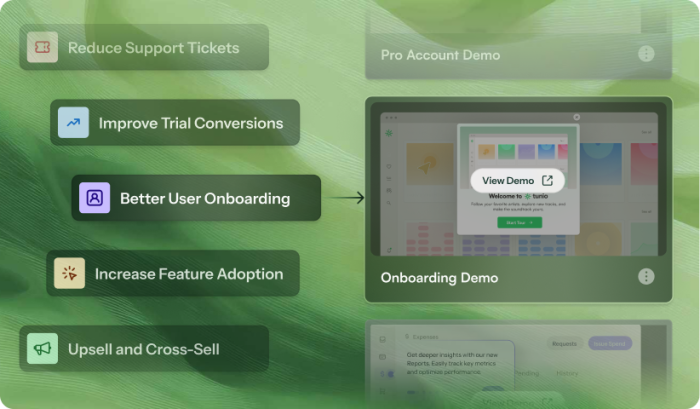
Discover how teams use HelpBar
Native integrations
Connect HelpBar to the rest of your stack
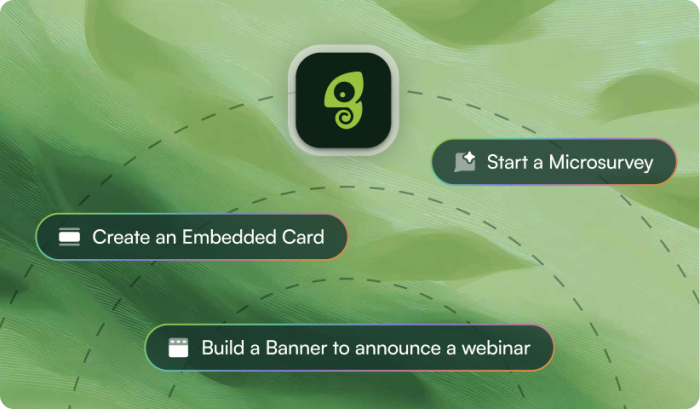
All patterns
See what else Chameleon can build for you