








Automations
Get users from zero to one with Automations that do the tricky stuff for them
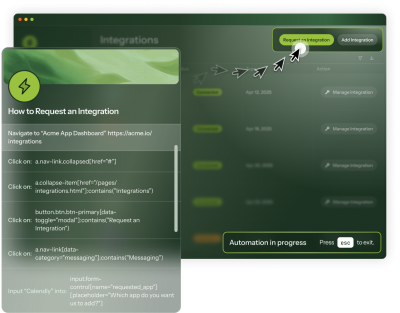
Help articles describe the setup. Tours point at the buttons. Automations do every step for users while they watch.


Since 2023




Since 2024






Since 2024










Since 2025
4.4 stars from 359 reviews
Teams that let Automations
do the work
do the work









The agent working behind every Automation
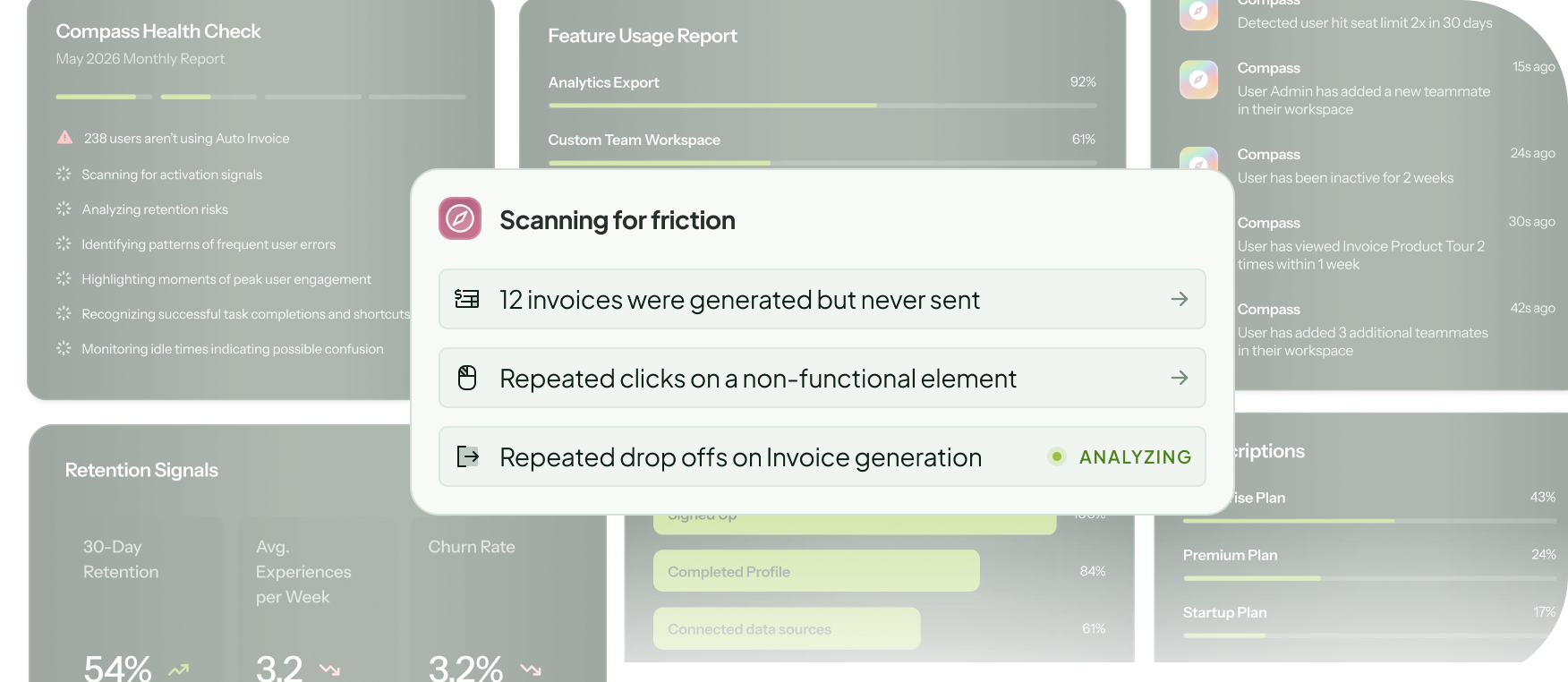
Spots where users get stuck
Compass identifies where users are struggling across your product and flags the flows an Automation could fix.
Designed for the workflows users skip
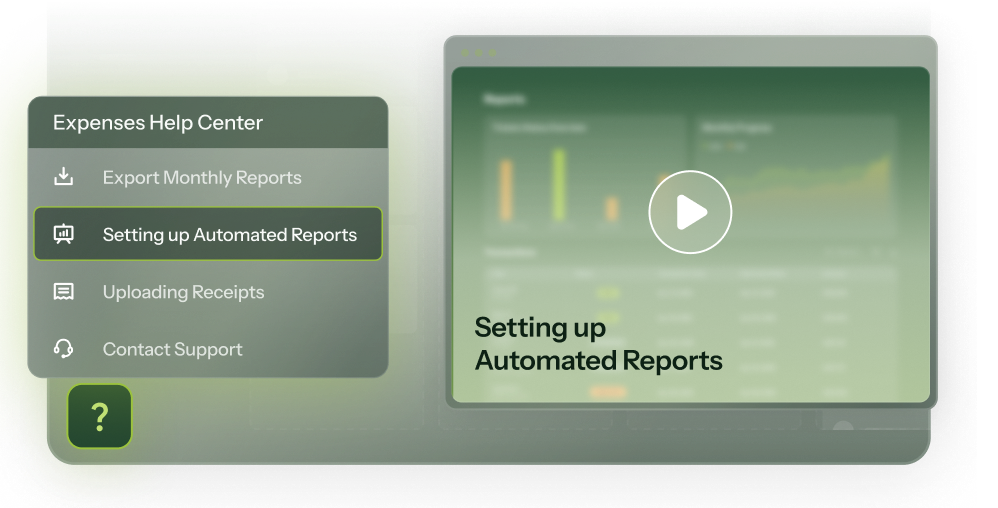
Wherever the "how do I" moment hits
Launch from a Tour button, add to your Launcher, or surface through HelpBar on relevant searches.
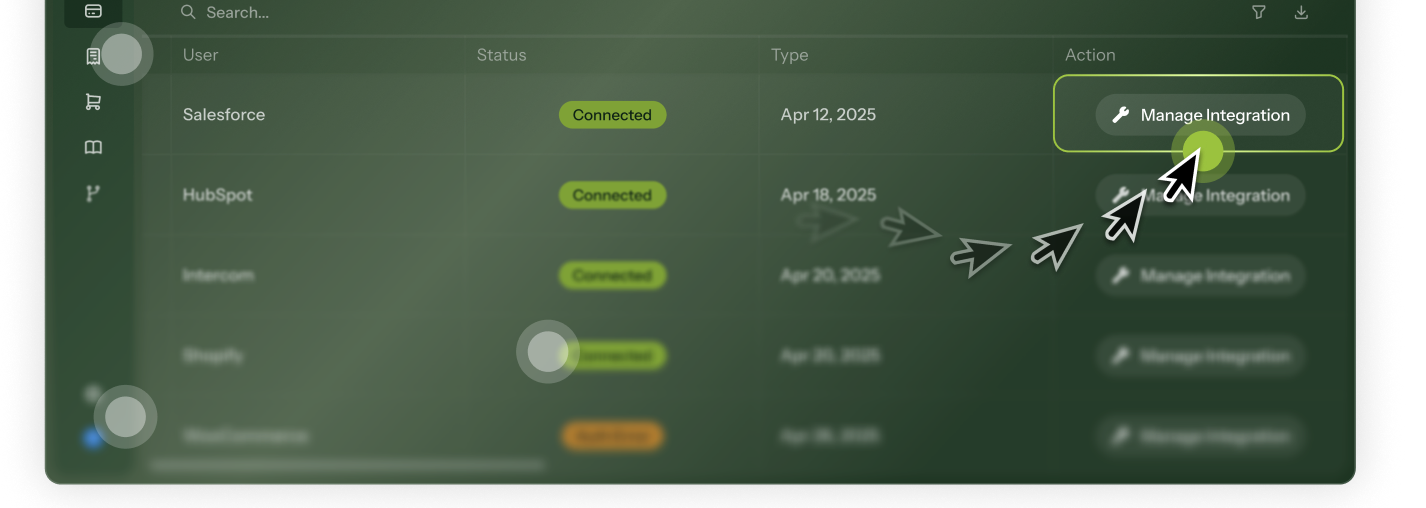
Real clicks, real setup
Every click, input, and page navigation executes inside the user's account while they watch. When the Automation ends, the setup is done and users take it from there.
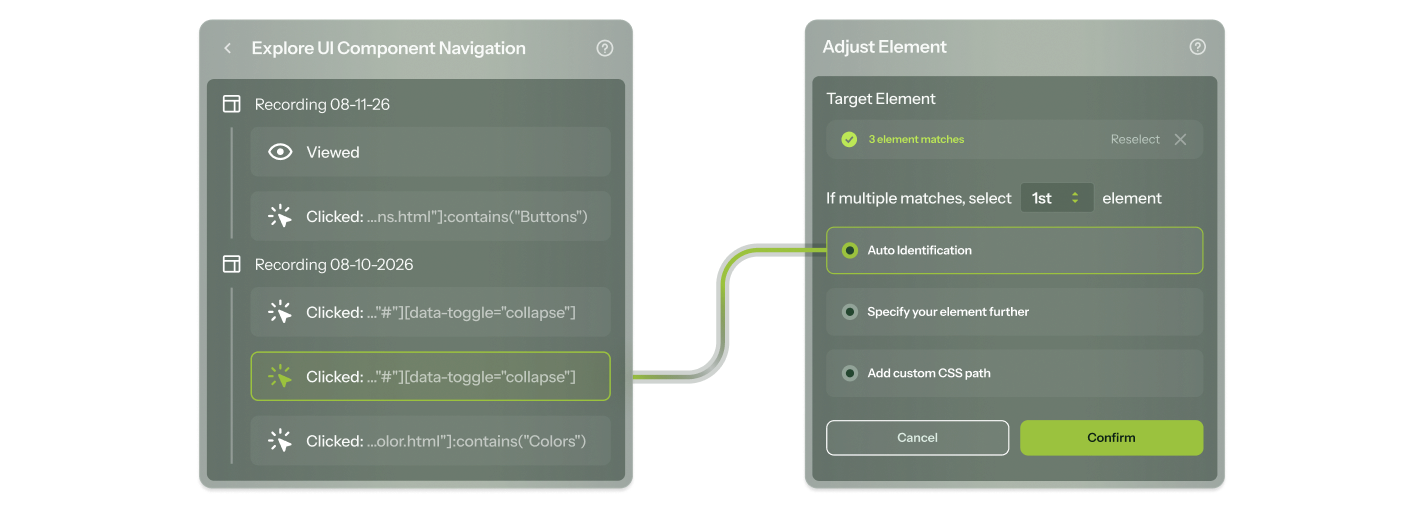
Edit without starting over
Product changed? Open the step editor to update a target element, swap out input text, or fix a broken selector, without having to re-record.
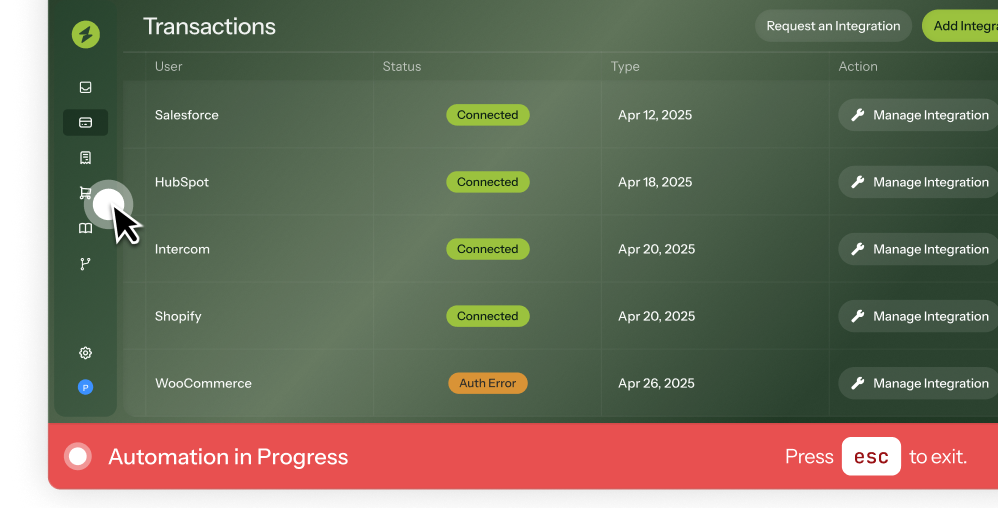
Interruptible by design
Users can pause or exit the Automation at any time and smoothly return to using your app as usual afterward.
Put your product to work for every user
Try Automations in our sandbox or book a personalized call with our product experts.
"We chose Chameleon because we saw how easy it was to get going, and didn’t require any developers to operate."

Mitch Yarchin
Director of Product Management
"My absolute favorite part is working with our CSM, Andrew. Since my first day joining my new role I've seen him as a true partner in helping me achieve success."

Verified User in Computer & Network Security
Digital CS Leader
"I like how intuitive and flexible Chameleon is. It allows us to create customized in-app experiences without needing heavy development work."

Bea Patricia P.
Senior support specialist II
"It showed how much more effective in-app messaging is, compared to email."

Josh Suess
Senior Director of Digital Service Strategy
Frequently Asked Questions
-
The recording takes about as long as the workflow itself, a few minutes for most flows. Navigate through it in your product, Chameleon captures every action, and you can preview and adjust individual steps before publishing. Most teams have their first Automation live the same day.
-
Tours point at what to click and ask users to act. Automations do the acting. Every click, input, and navigation executes in the user's account while they watch. Tours are better for teaching concepts and building habits over time. Automations are better for complex setup flows where you want users to arrive at a specific state, without asking them to get there on their own.
-
Page navigation, element clicks, keyboard events, text input, form submissions, and dropdown selections.
-
Only once, to install the Chameleon code snippet, which takes minutes. After that, Automations are built entirely in the Chameleon Builder by your Product or Growth team, without writing a single line of code.
-
Lots! Find all our integrations here.
Tools like HubSpot, Salesforce, Mixpanel, Heap, Amplitude, and Segment sync customer data and audiences into Chameleon, and push Chameleon engagement data back out (specifics vary by tool).
Tools like Figma, Calendly, Intercom, G2, and Typeform launch in-app, so users can book meetings, give feedback, or start a chat without leaving your product.
For anything else: Zapier, webhooks, a REST API, and an MCP server. -
Not at all. Chameleon offers a wide range of in-app guidance, including product tours, embedded cards, NPS + surveys, checklists + resource centers, interactive demos, and CMD+K search. They share targeting, governance, and analytics, so you can improve your product in one platform, not five tools. Find all Chameleon in-app patterns here.
Keep exploring
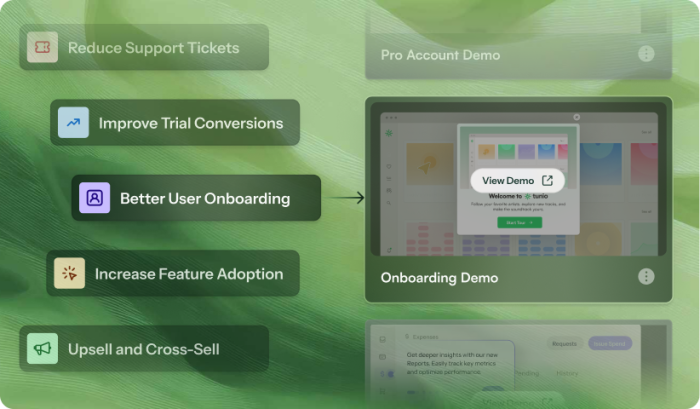
Use cases
Discover how teams use Automations
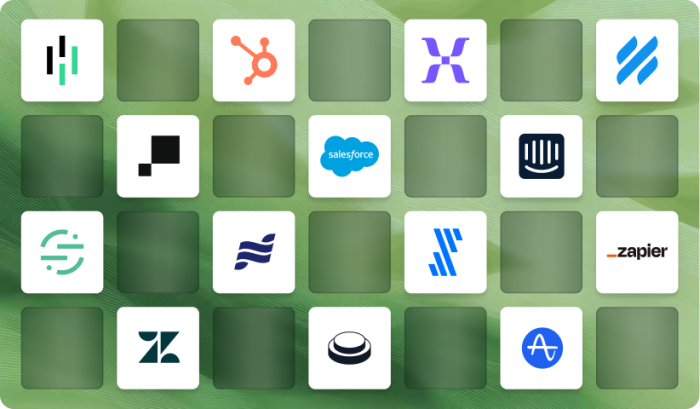
Native integrations
Connect Automations to the rest of your stack
All patterns
See what else Chameleon can build for you