



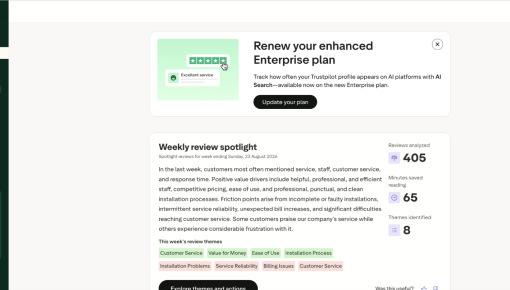
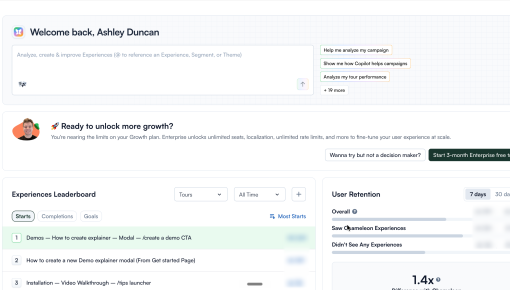
Trustpilot's Plan Renewal Embedded Card
A single Card that fits seamlessly on the page spotlights locked features and encourages customers to renew...



Existing customer? Sign in
Granola's notes app knows something most tools ignore: there are better and worse moments to ask a user to try a feature. This banner doesn't appear in a welcome flow or on a settings page. It fires at the end of a recurring meeting, the moment the AI notes finish processing, when the user is already in the context of that meeting series and more likely than ever to care about organizing it. The prompt itself is a single button, taking advantage of everything Granola already knows about the event to eliminate any setup friction. Feature adoption rarely fails because the feature is bad; it fails because the ask comes at the wrong time.
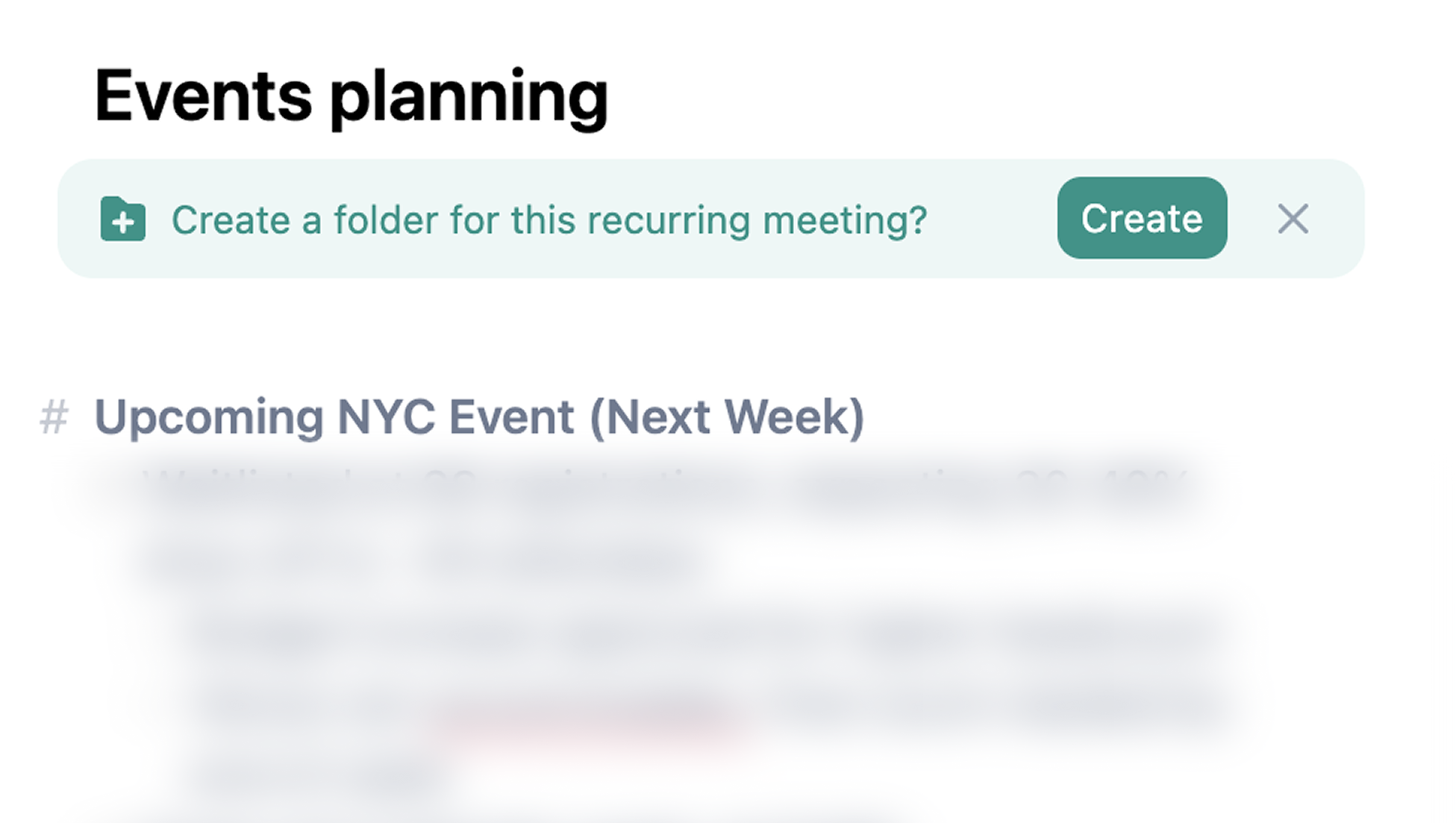
Most feature prompts work against themselves by appearing before the user has any reason to act. This one fires at the end of a recurring meeting, precisely when the user has just experienced the problem the feature solves: another set of notes with nowhere obvious to live. The meeting context makes the folder suggestion self-evident. Granola doesn't need to explain what a folder is or why it's useful; the timing already makes the case. Choosing when to show a prompt is often more important than what the prompt says.

The banner reduces what could be a multi-step workflow (navigate to folder management, create a folder, name it, link the meeting series) down to a single button click. There's no form, no text field, no decision to make beyond yes or no. Granola pre-fills everything it needs from context it already has: the meeting name, the calendar recurrence, the series pattern. When you remove every step between intent and action, conversion almost takes care of itself. The 'Create' button isn't a shortcut; it's the entire experience.

The banner only appears for recurring meetings, not one-off calls. That specificity matters. A single meeting probably doesn't need its own folder; a weekly standup that will generate dozens of note sets over the coming months absolutely does. By using the calendar recurrence signal as the targeting condition, Granola ensures the prompt appears exactly when the organizational benefit is real. The result is a message that feels useful rather than promotional, because the user encounters it only in contexts where acting on it makes sense.
Build an Embeddable to drive adoption of an organizational or workflow feature at the moment users are most likely to need it.
More Banner, Embeddable, & Feature Adoption examples
Start a free trial or talk to our team.