



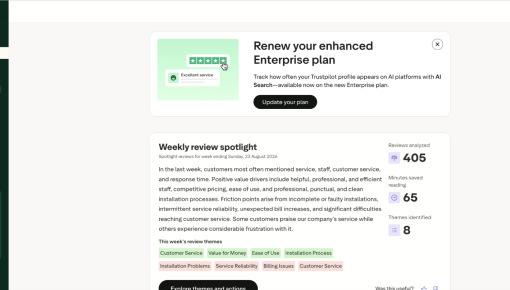
Trustpilot's Plan Renewal Embedded Card
A single Card that fits seamlessly on the page spotlights locked features and encourages customers to renew...



Existing customer? Sign in
Asking for feedback at the wrong moment is how you get silence. Chameleon sidesteps this by gating this embedded banner behind actual usage: it only surfaces to users who have already engaged with the feature, not to people who stumbled onto the page once and left. When a user sees this ask, they know they're the intended audience, and that's exactly what makes them more likely to respond.
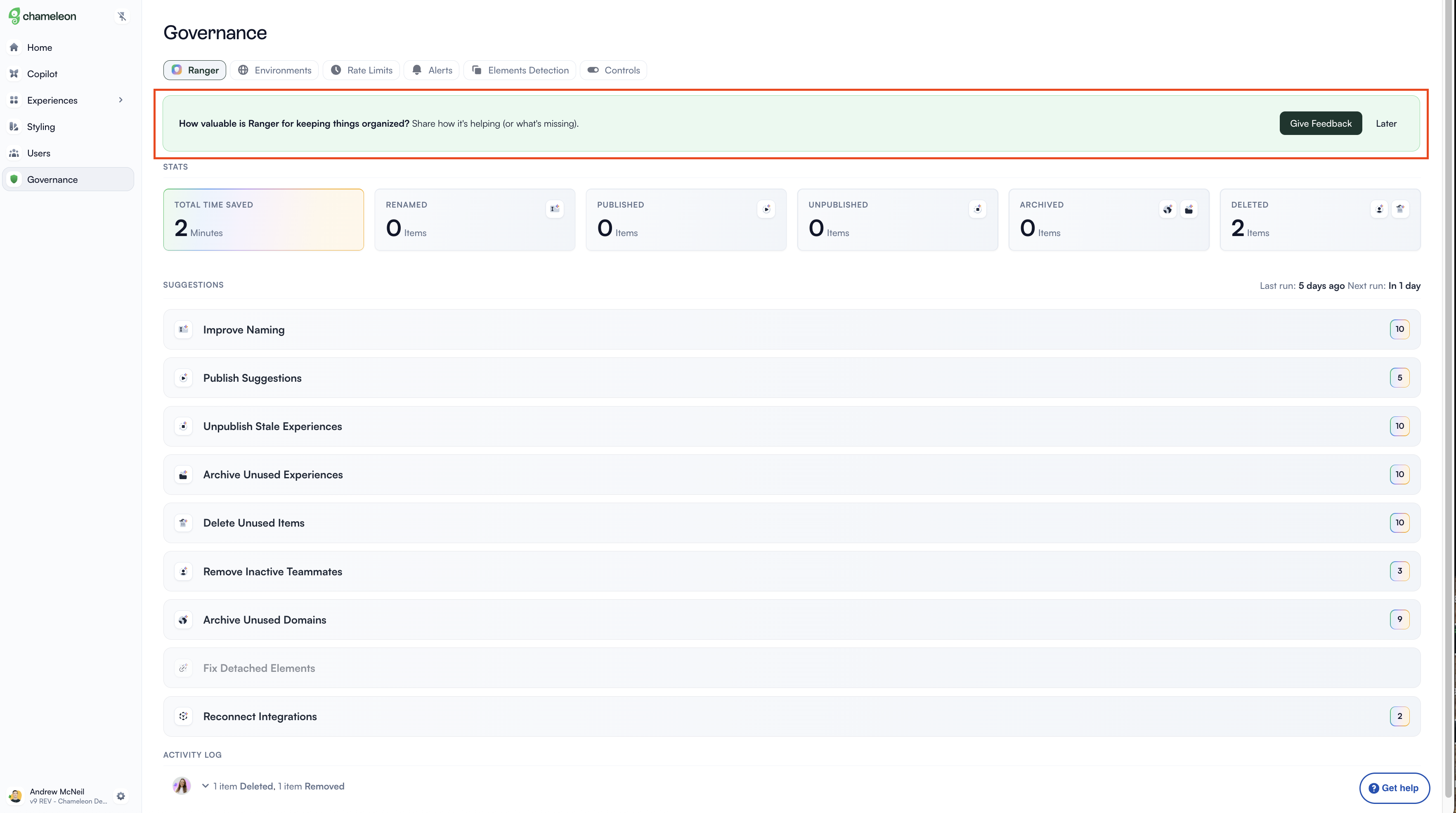
This banner only appears to users who have actually used the feature. That one targeting rule is the difference between feedback that's meaningful and feedback from people who have no real opinion yet. When someone sees 'How valuable is this for keeping things organized?' and they've been using it for weeks, the question lands. They have an answer. Showing the same banner to a brand-new user would be noise at best and mildly annoying at worst. Usage history is the qualifier that makes the ask credible.
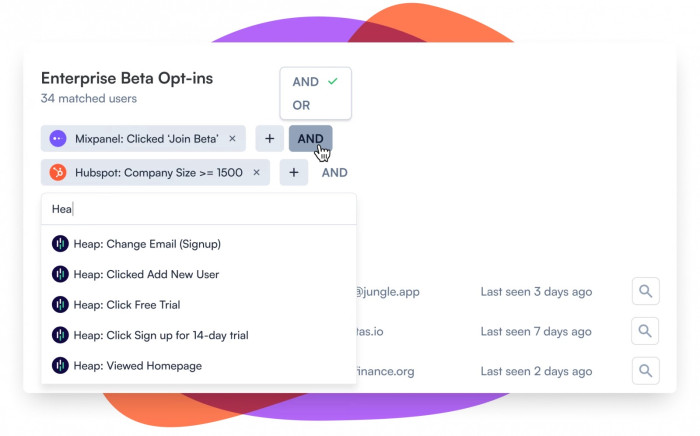
There are two buttons: 'Give Feedback' and 'Later.' The second one matters as much as the first. Giving users a clear, labeled way to dismiss a prompt without permanently closing the loop signals that you respect their time. It also keeps the relationship intact. A user who dismisses a feedback request politely is not a lost cause; they might respond next week. A user who feels nagged into something tends not to come back at all.
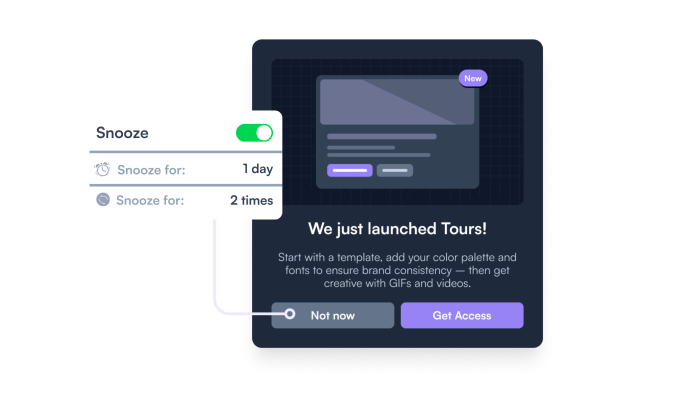
This ask lives inside the page, not on top of it. It doesn't block the content the user came for. That's a meaningful design choice. Modals that interrupt flow carry an implicit message: your task can wait. Embedded banners carry a different one: here's something worth noticing, but your work comes first. For a feedback ask, where the goal is goodwill as much as data, that tone is exactly right. Users who feel respected are more likely to respond, and more likely to say something useful when they do.
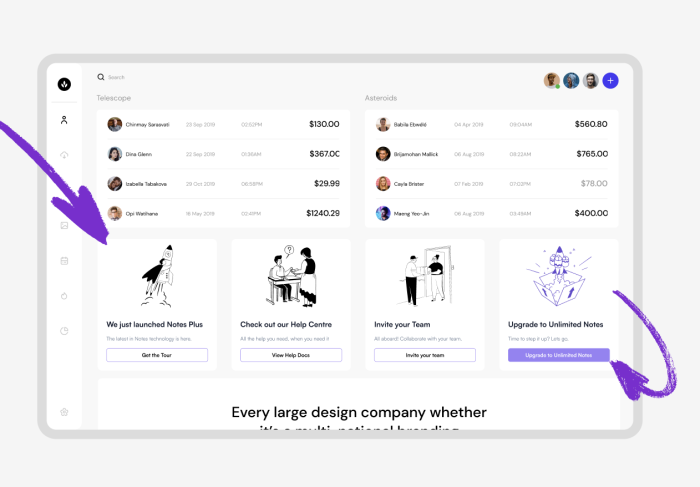
Build an Embeddable to collect feedback from users who have engaged with a specific feature.
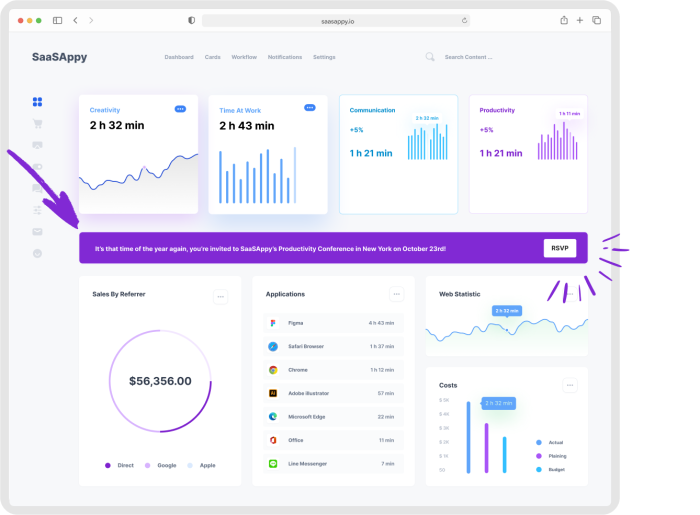
More Banner, Embeddable, Built with Chameleon, & User Feedback examples
Start a free trial or talk to our team.