








🎁 See where your Demo loses viewers
Not all demo drop-off is equal. Losing someone on step 2 of 12 is a different problem than losing them on step 11. One means your hook isn't working. The other means they got close — and something broke the spell right before the payoff.
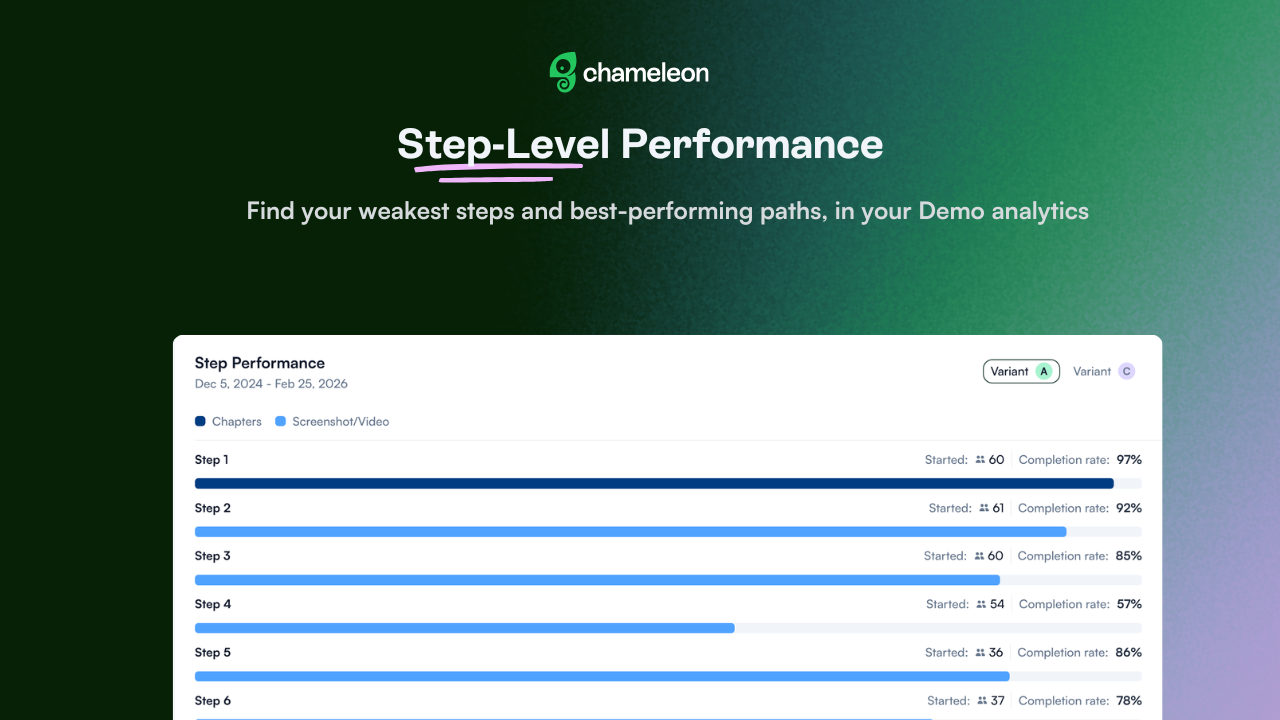
Step Performance Insights gives you a clear view of completion and drop-off rates for every step in your Demo, so you can start making changes that actually move the needle.
Use it to cut the steps that aren't pulling their weight, or double down on the branches that convert. Open any live Demo → Analytics tab → Step Performance to review.
Where to start:
Open an existing Demo in your account and check the Step Performance view — you may find a drop-off point you didn't expect.
If you're running branched Demos, this is a good moment to review path distribution.




