



Introducing the new Chameleon: Your Self-Improving Product System
Back to User Onboarding

DataCamp User Onboarding Tour

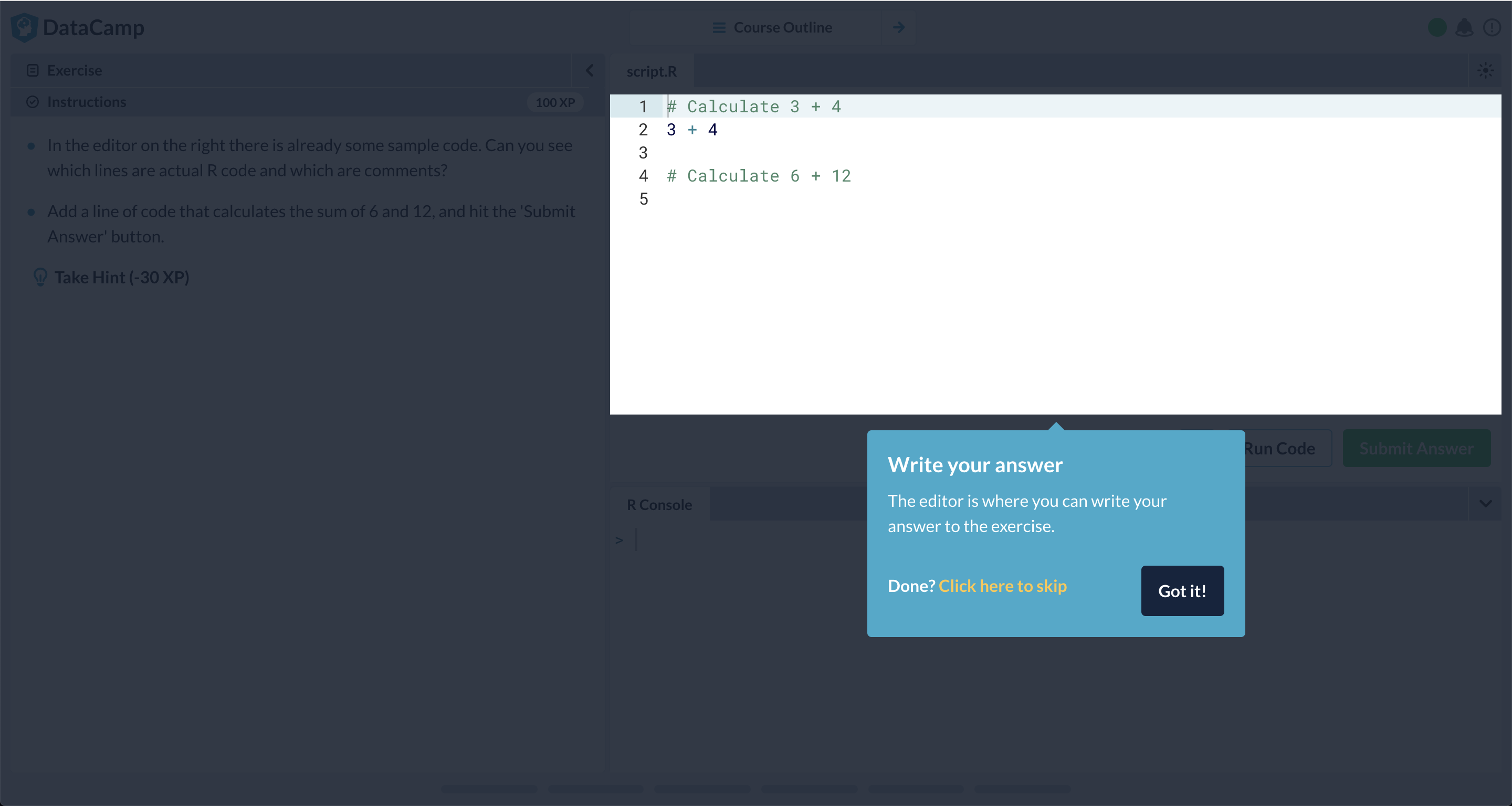
A stepped-out Tour from DataCamp that introduces new users to the app’s interface. Uses a Lightbox and clear CTAs to direct users to valuable actions.

An onboarding welcome modal on DataCamp's code learning interface, greeting new users and offering a 'Get Started' CTA to begin the tutorial. A DataCamp onboarding tooltip directing new users to read the exercise assignment before starting, with a skip option. A DataCamp onboarding step directing new users to read the exercise instructions. A DataCamp onboarding tour step introducing the code editor as the place to write exercise answers. A DataCamp onboarding tour step guiding users to run code before submitting an exercise. A DataCamp onboarding tour step guiding users to submit their answer, with a callout anchored to the Submit Answer button. A DataCamp onboarding tour step introducing users to running code directly in the R console, with a callout anchored to the console panel below. A tooltip on DataCamp's course interface guiding users to adjust the layout. A tooltip on DataCamp's course interface guiding users to use the course navigation.
/ 9
From this tour

Why is it a good user experience?

👏 Introducing the app interface along with the learning flow and enabling new users to reach aha moments faster.

Usability

It’s clear to users what this is about and they can see how much they have to invest to complete the Tour; it's also easy to move through and review the information.

Intention

New users get a good overview of the app and how they can use it and jumpstart their own flow.

Autonomy

Allows users to skip or complete the Tour; although shrouded, they don't feel blocked.

Want to replicate this?

Here’s how to build in Chameleon

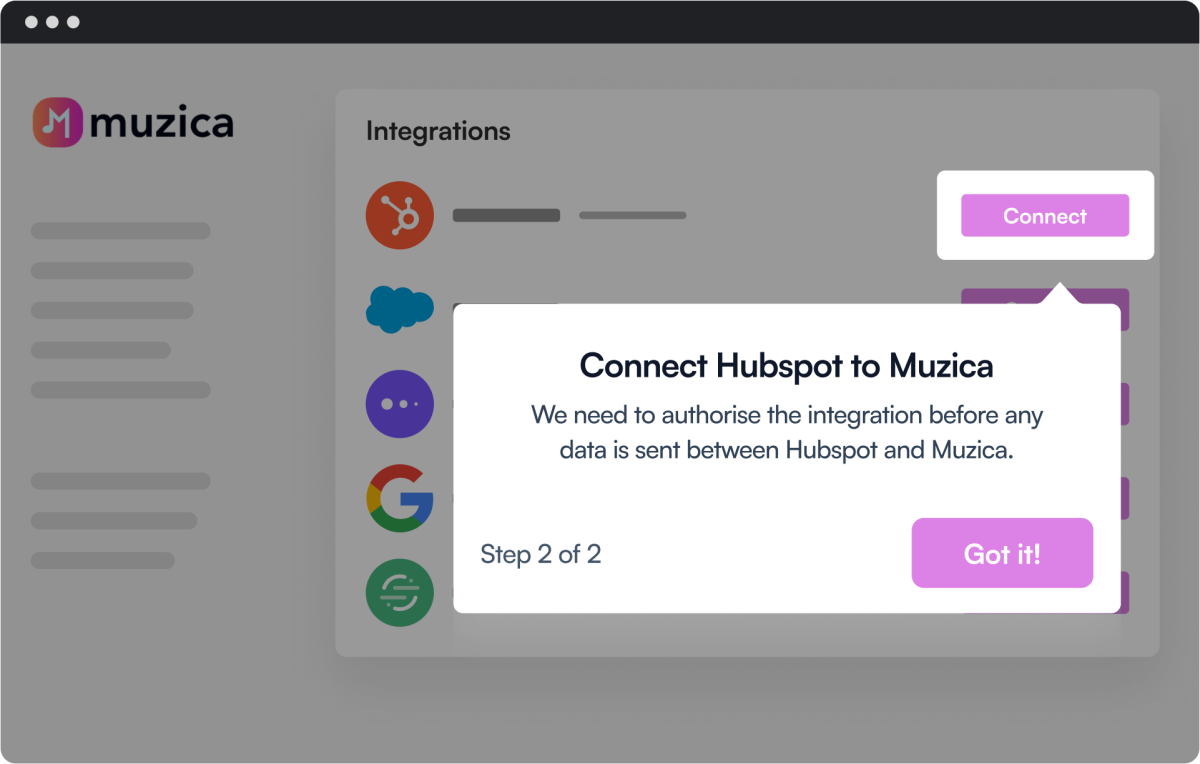
Use Tours: As long as it has a pointer it’s a contextual Tooltip; with Tours, you can create a stepped-out Walkthrough.
Learn more about Tours
The final step in a Chameleon product tour prompting users to authorize a HubSpot integration, overlaid on a mockup app's Integrations page.
Lightbox & Pointer

Attract attention to key new features while providing more insight

Progress bar

Meet your users with clear expectations and show them how much they have to invest in your Tour

Dismiss

Allow users to exit or snooze your Tour; some of them will want to explore on their own and launch it later

More Tour, & User Onboarding examples
4.4 stars on G2

Your product has friction.
Let's find it.

Start a free trial or talk to our team.