



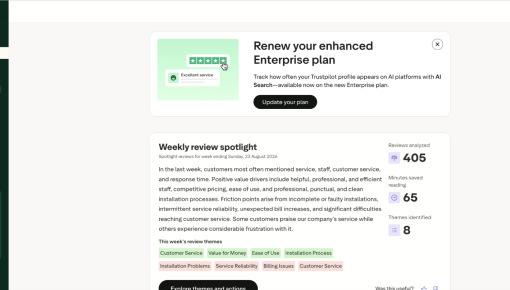
Trustpilot's Plan Renewal Embedded Card
A single Card that fits seamlessly on the page spotlights locked features and encourages customers to renew...



Existing customer? Sign in
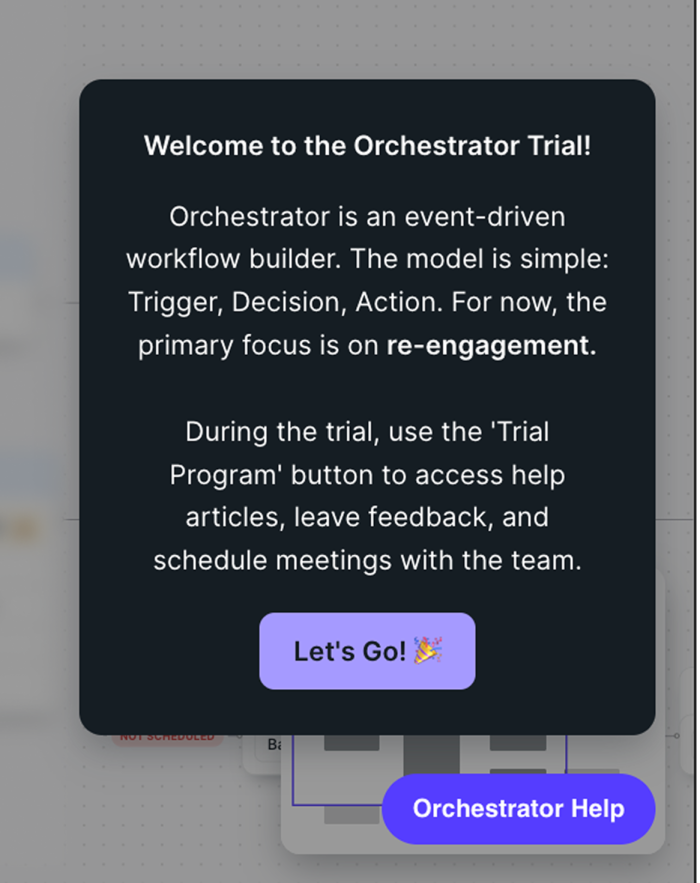
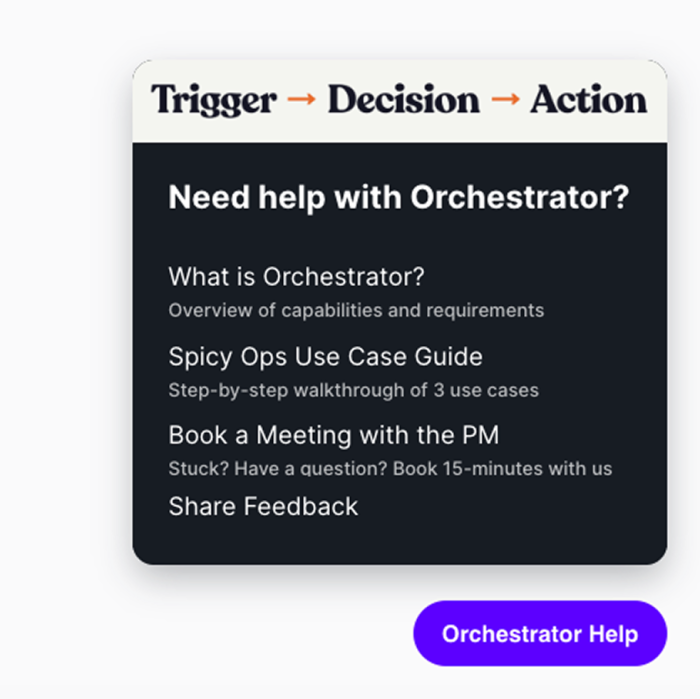
When a user signs up for a feature trial, they need to understand what they've signed up for and know where to turn when they get stuck. Chili Piper handles both with a contextual Launcher that lives on the relevant feature page. The first click opens a welcome screen with a brief explanation of the feature's core model. The next click surfaces a resource menu with documentation, a step-by-step use case guide, a booking link, and a feedback option.
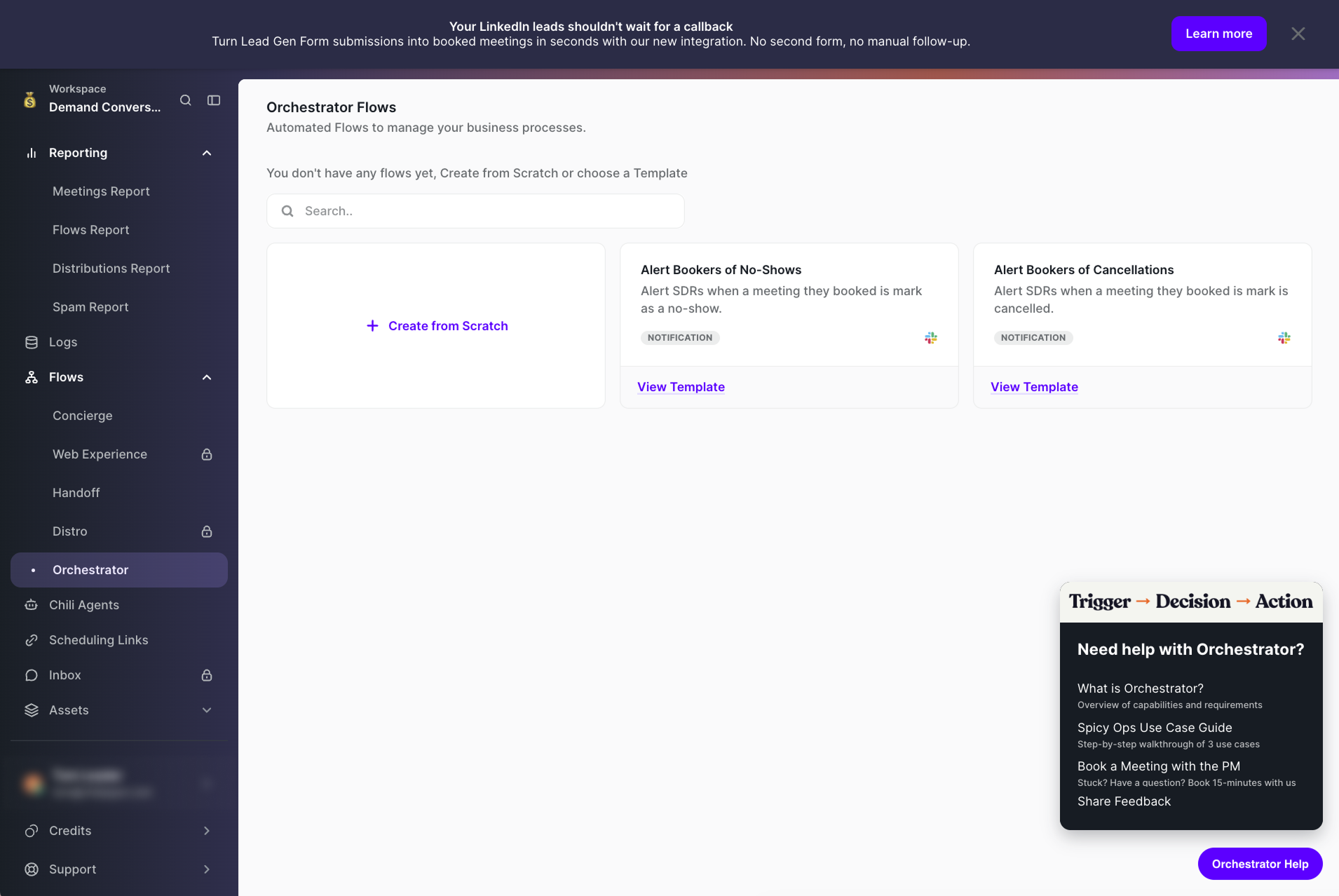
The welcome state starts with a simple explanation of the feature, providing users with scaffolding to make sense of the interface before they interact with a single element. The 'Let's Go!' button frames advancement as a voluntary step, which reduces the low-grade anxiety that comes with trial software you haven't fully mapped yet.
The Launcher offers four resources: a product overview, a step-by-step use case guide, a meeting booking link, and a feedback form. Each targets a different failure mode. The overview answers 'I still don't understand what this is.' The guide answers 'I understand it but I don't know where to start.' The booking link answers 'I have a question a help article won't resolve.' The feedback form answers 'I know what I want but the product doesn't do it yet.' Covering all four in one menu means your trial users don't have to go hunting for the right kind of help.
Chili Piper scopes the Launcher to the relevant feature trial page only. That keeps the rest of the product clean and signals that the help being offered is actually relevant to what you're doing right now.
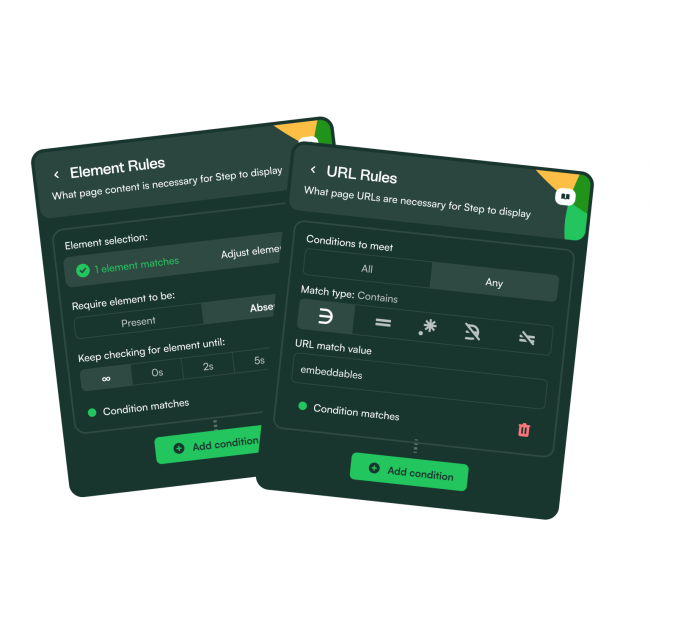
Build a Launcher to give trial users on-demand access to onboarding context and help resources.
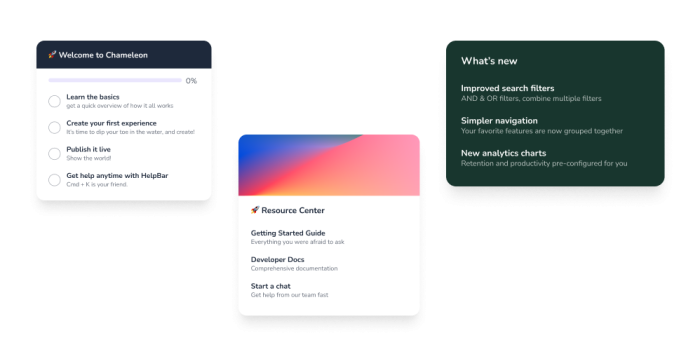
More Launcher, User Onboarding, & Built with Chameleon examples
Start a free trial or talk to our team.