



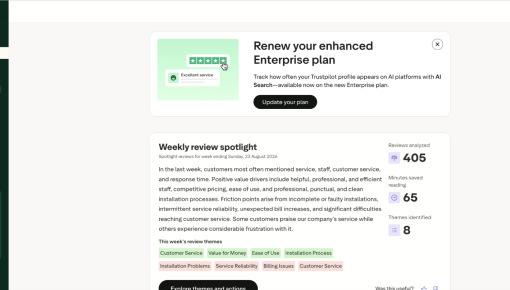
Trustpilot's Plan Renewal Embedded Card
A single Card that fits seamlessly on the page spotlights locked features and encourages customers to renew...



Existing customer? Sign in
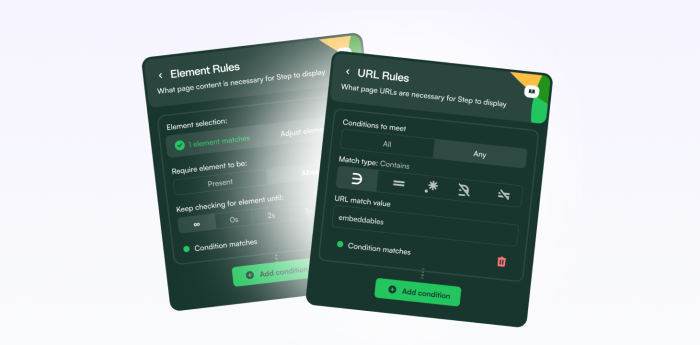
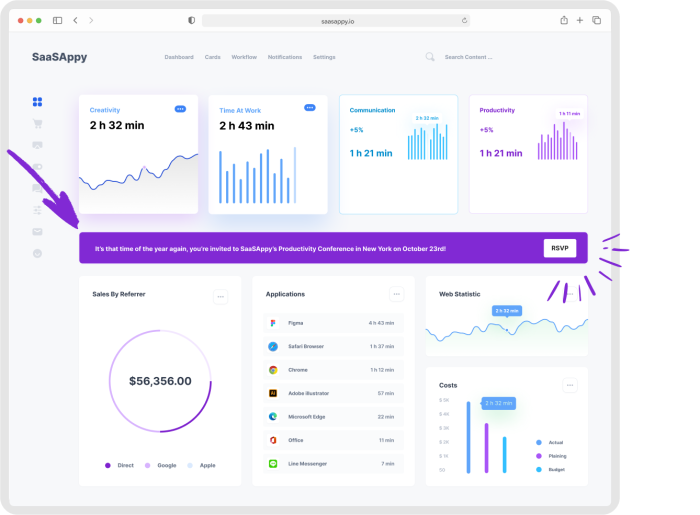
Chameleon uses an embedded card on the Integrations page to announce an update, delivered exactly where users are already managing their connected tools. The card is built using Chameleon's embeddable card type, which gives it full-width banner-like presence while supporting richer media options. New users are filtered out because they configure the integration from scratch and already get the updated permissions as part of the default setup.
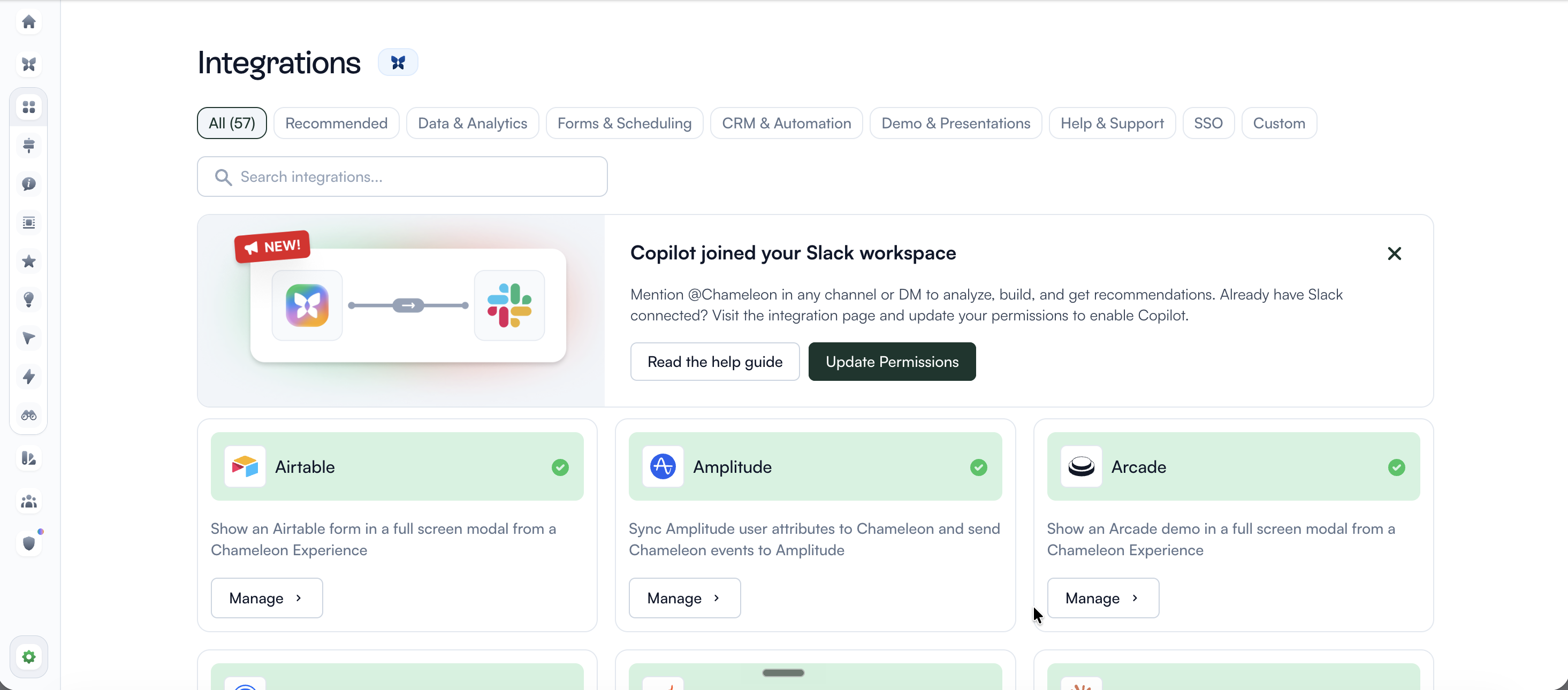
When users visit the Integrations page, they're already thinking about integrations. Dropping this embedded card there means everyone who sees it arrives with enough context to understand the announcement before reading a word of copy. Placed on a generic dashboard, this card would need a paragraph of setup; on the Integrations page, the location handles it.
Feature announcements with a single CTA force one decision on everyone who sees them. This card offers two: 'Read the help guide' for users who want to understand before committing, and 'Update Permissions' for users who are already sold. Designing for both mindsets in a single card is more forgiving than optimizing for one and hoping everyone else adapts.
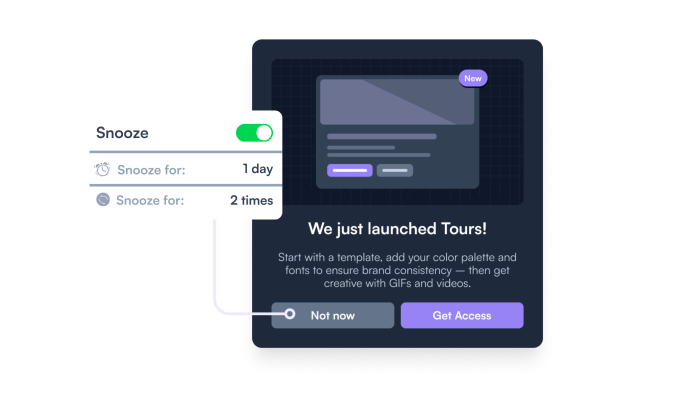
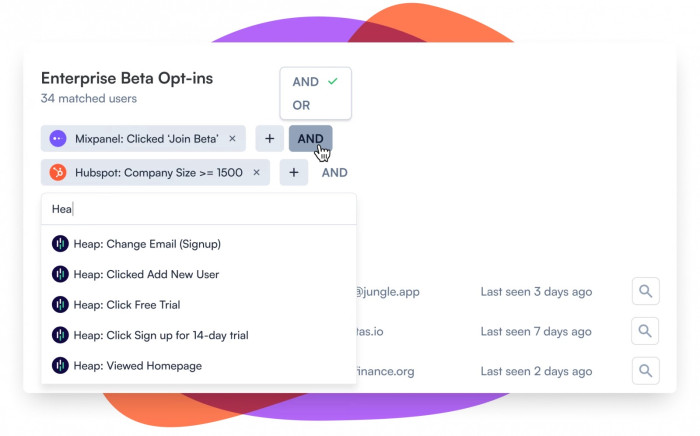
This card reaches existing paying customers who set up their Slack integration before this feature launched, users whose permissions scope predates the new capability and who need to take an explicit action to enable it. New users don't have this problem: they configure the integration from scratch, so the new permissions are part of the default setup from day one.
Build an embedded card to announce a new capability and prompt the right users to act on it.
More Banner, Embeddable, Launch, & Built with Chameleon examples

Start a free trial or talk to our team.