









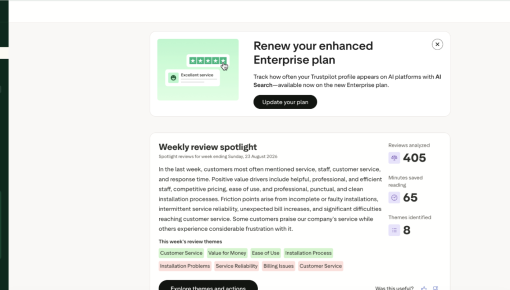
Trustpilot's Plan Renewal Embedded Card
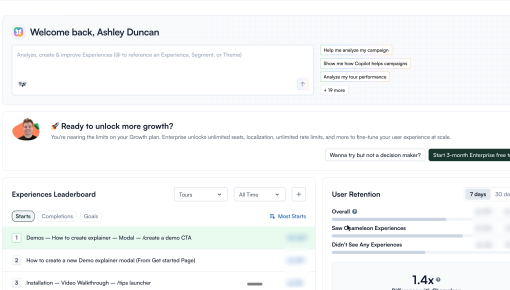
A single Card that fits seamlessly on the page spotlights locked features and encourages customers to renew...



Existing customer? Sign in
Every bexio customer who opens the desktop quoting page sees this banner sitting directly above their quote list. It announces a new mobile feature: the same quote-building flow they're used to on desktop, now available on their phone. The banner sits inline and dismissible, so it never blocks the table underneath it.
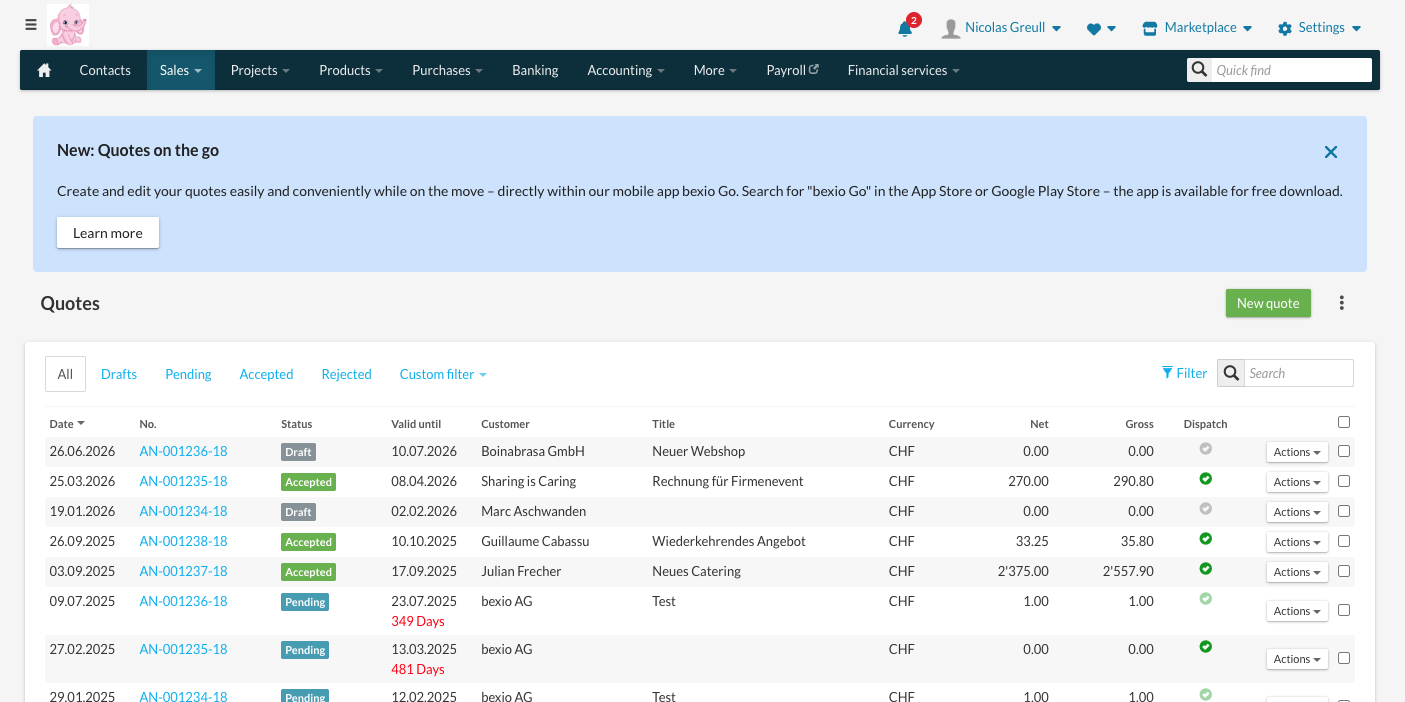
The banner shows on the exact page where bexio customers build quotes on desktop. Placing the pitch inside the workflow it wants to move ties the message to a task the user is already doing, instead of asking them to imagine a future use case. A customer who just built a quote is the customer most primed to hear, "You can do this from your phone too." Put the same message on a billing page and it reads as a random ad instead of a relevant option.
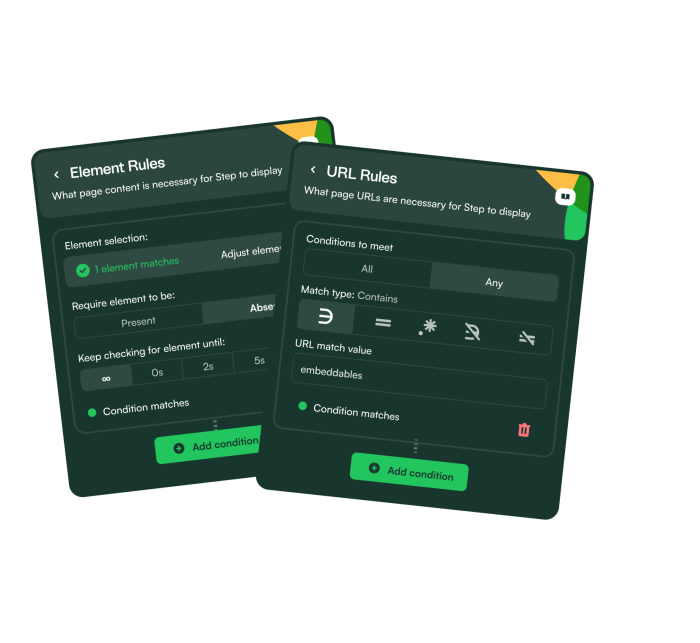
The headline and copy don't introduce an unfamiliar capability; they tell the user their existing desktop workflow now travels with them. That framing keeps the learning curve at zero, because there's nothing new to learn, only a new place to do the same thing.
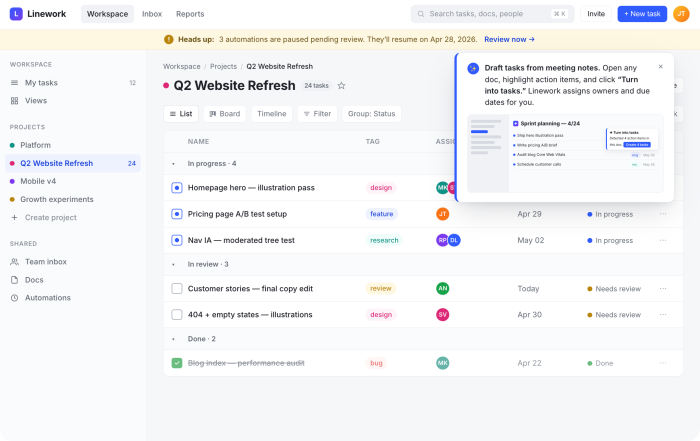
The banner sits inline above the quotes table with a dismiss control and a single Learn more link. A customer who wants to keep working on their desktop quote can do so without the banner blocking a single row of data underneath it. This is a promotional message competing for attention on a page whose real job is quote creation, and it never forces a choice between the two.
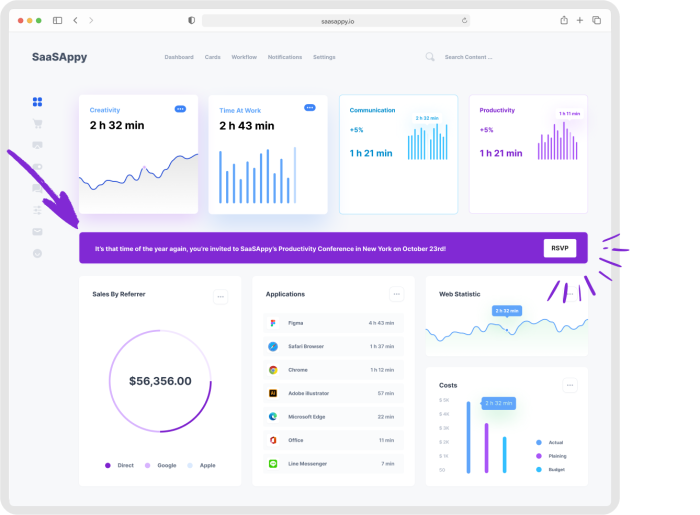
Build an embedded Banner to promote a mobile companion experience to desktop users.
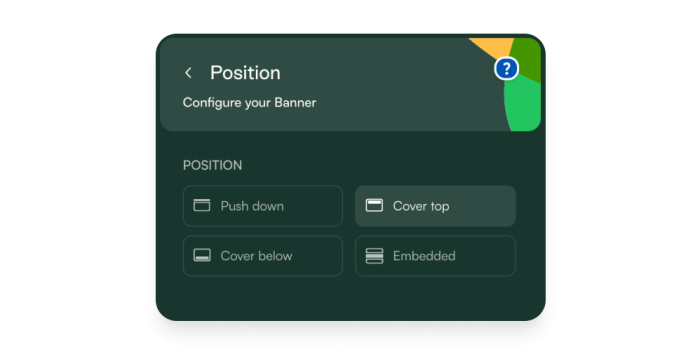
More Built with Chameleon, Embeddable, Banner, & Launch examples
Start a free trial or talk to our team.