









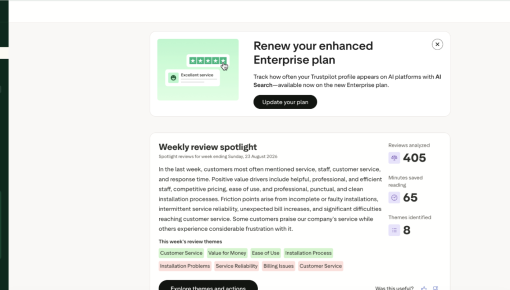
Trustpilot's Plan Renewal Embedded Card
A single Card that fits seamlessly on the page spotlights locked features and encourages customers to renew...



Existing customer? Sign in
A website page can tell you what a feature does, or it can let you try it. Kiddom chose the second option. An Interactive Demo sits right where the feature is explained, with no sign-up wall in front of it. Five clickable steps are stitched together from real product screenshots, each one narrated by a hotspot.
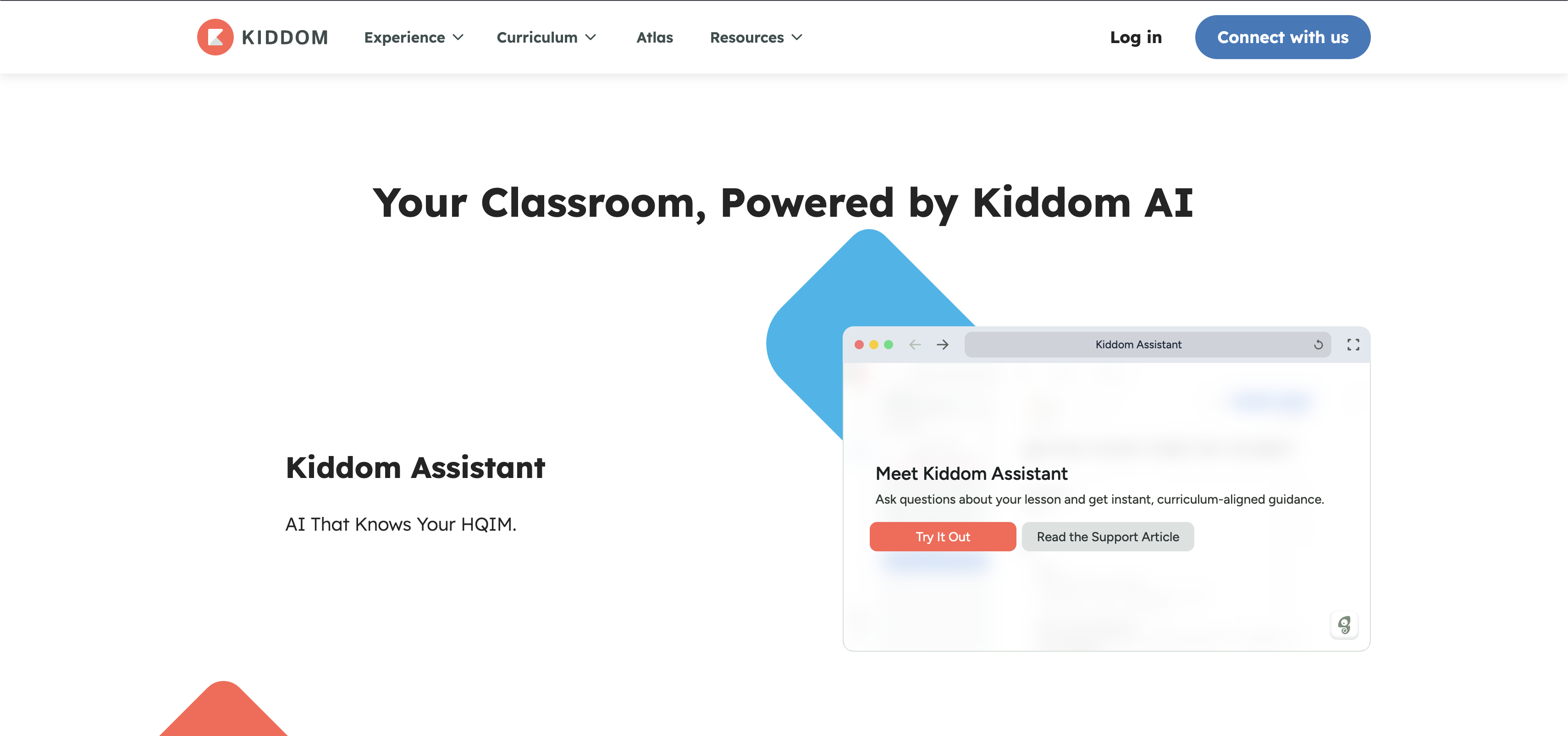
Most interactive demos start at 15 to 20 steps, and most have a 2/3 drop-off before the final step. Every extra step is another chance for someone to leave, so cutting a walkthrough down to under 10 steps protects the odds that a viewer actually reaches the payoff. Kiddom's Demo ships at five. One screen sets up the promise, one establishes context, and three carry a single question through to its answer, leaving room for exactly one feature story instead of a tour of everything Kiddom AI does.
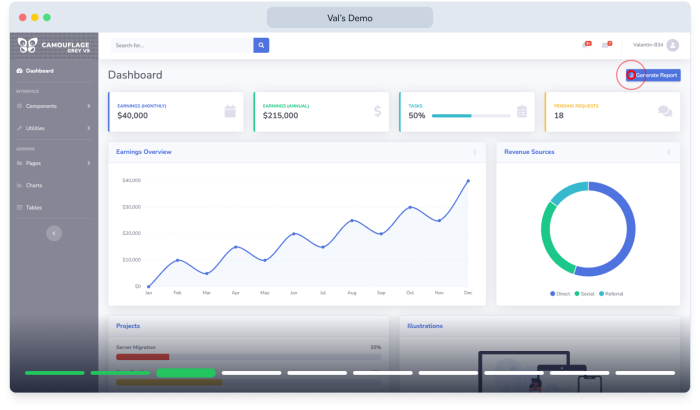
A viewer decides in seconds whether a demo is worth their time. Kiddom states the outcome ("Ask questions about your lesson and get instant, curriculum-aligned guidance.") on the opening screen before showing any interface. There's no "Welcome to Kiddom AI" and no tour of the sidebar first, just the one belief the Demo is built to leave you with before it shows a single product screen.
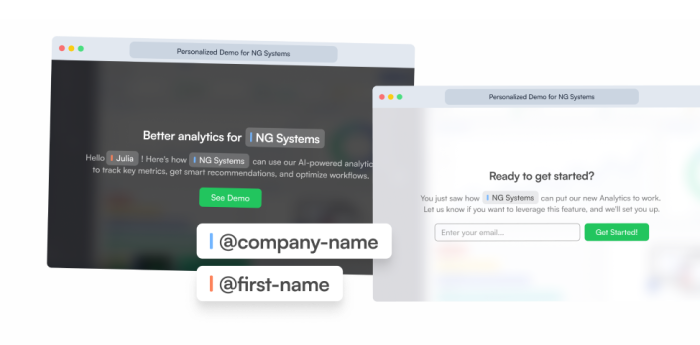
The Demo hotspots all come in under the 20-word sweet spot: short enough to keep the user's attention and keep the Demo moving, long enough to explain just what the user needs to know. None of them describe what's already visible on screen, like naming a button. Each one states what to do next or what just happened, short enough to read in the couple of seconds before the next click.
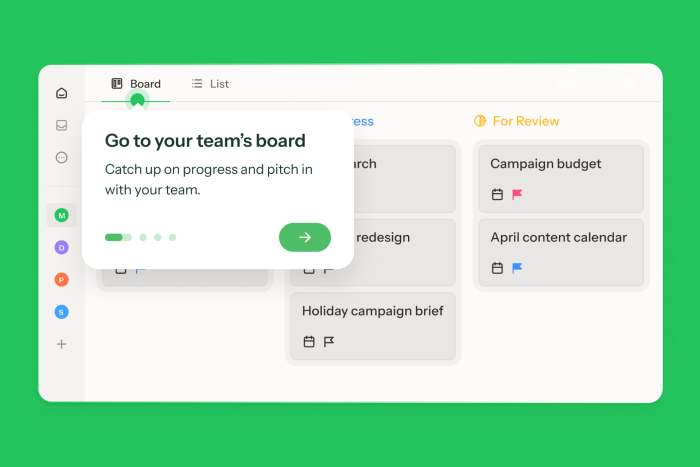
Build a Demo to prove one feature works in under ten steps
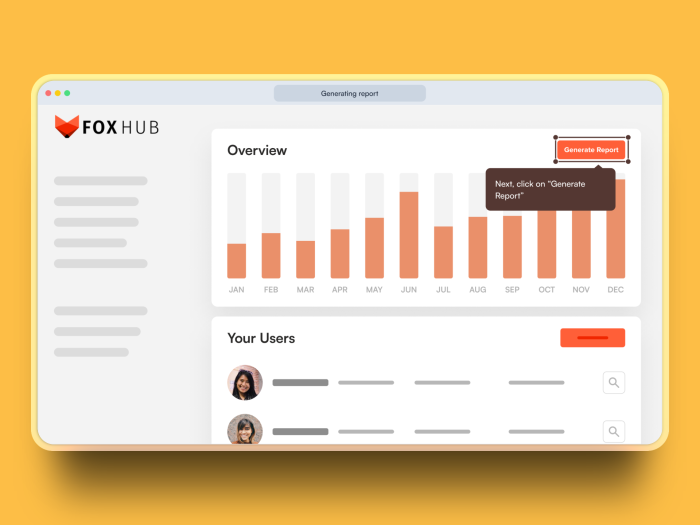
More Built with Chameleon, Launch, & Demo examples
Start a free trial or talk to our team.