







Reach the accounts most likely to upgrade before the moment passes























⚠️ Placeholder
The expansion campaign that builds itself

Compass watches your product and tells you which accounts are ready to expand
22 accounts have most of their active users at power-user engagement levels.
Copilot takes the signal and builds the upsell campaign in minutes
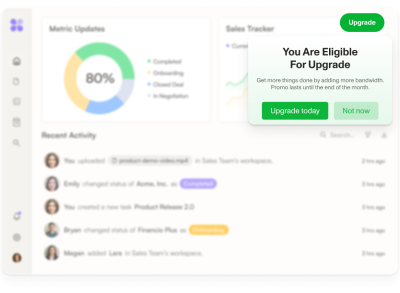
An upsell Banner promoting a gated feature, using your brand and product context.
Image 1 — Copilot chat:
User: "22 accounts have most of their users at power-user engagement. How could we get them to upgrade?"
Copilot: "I'd build a dismissible banner for admin users at those accounts on the Growth plan — leading with what they could unlock next. Want me to create it?"
Image 2 — The result: A dismissible banner
"Your team runs these workflows manually today. Automations let you set them up once and let them run."
[CTA: See how it works →]
Prism personalizes each upsell message, without any manual audiences or variants
*Prism in alpha
Tailors each Banner based on real product usage
Graphic: Two banner variants side by side.
User who heavily uses integrations:
"Your team moves data between tools manually. Automations keep everything in sync — no more copy-paste."
User who manages team processes:
"Your team handles approvals and follow-ups manually. Automations take care of the routine so nothing slips."
Ranger keeps it clean
Renamed 3 Banners with inconsistent names cluttering the expansion flow.
Graphic: improve naming
Your upsell & cross-sell toolkit
A touchpoint for every upgrade moment
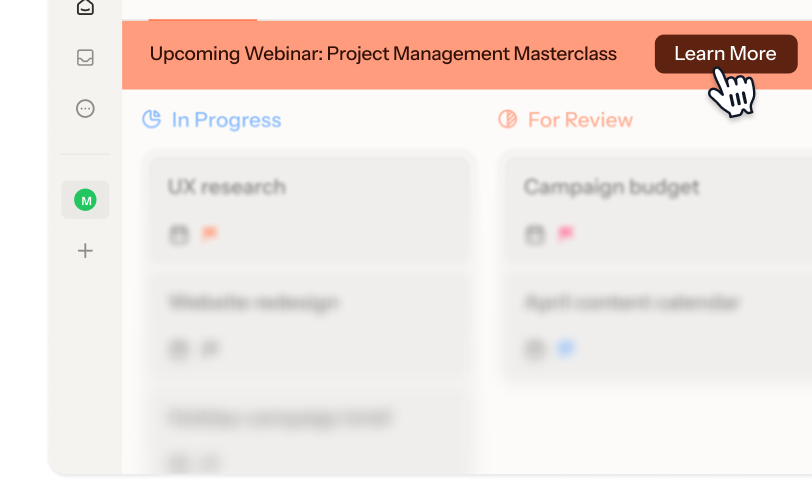
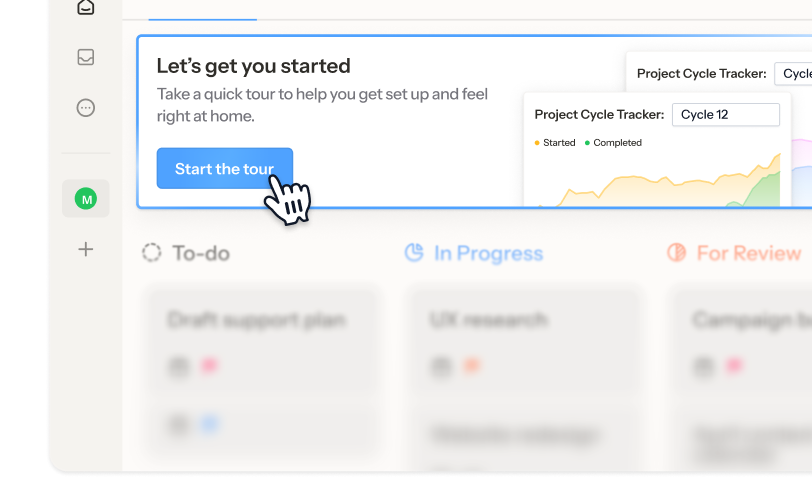
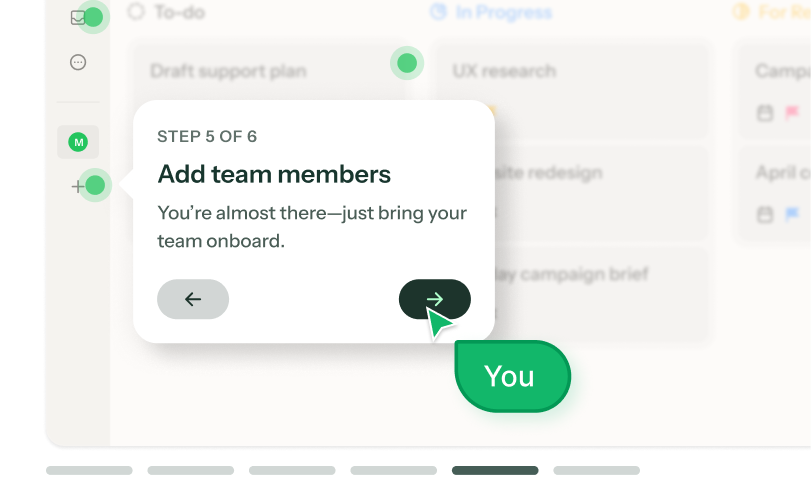
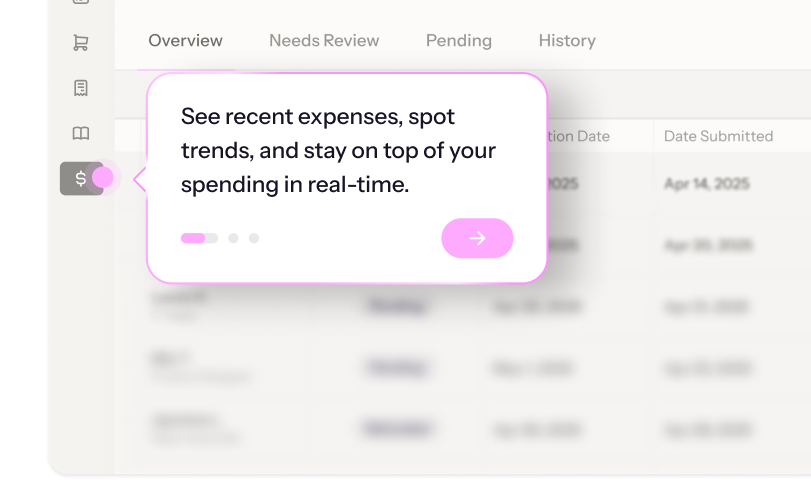
Everything you need to run an upsell motion that doesn't rely on sales
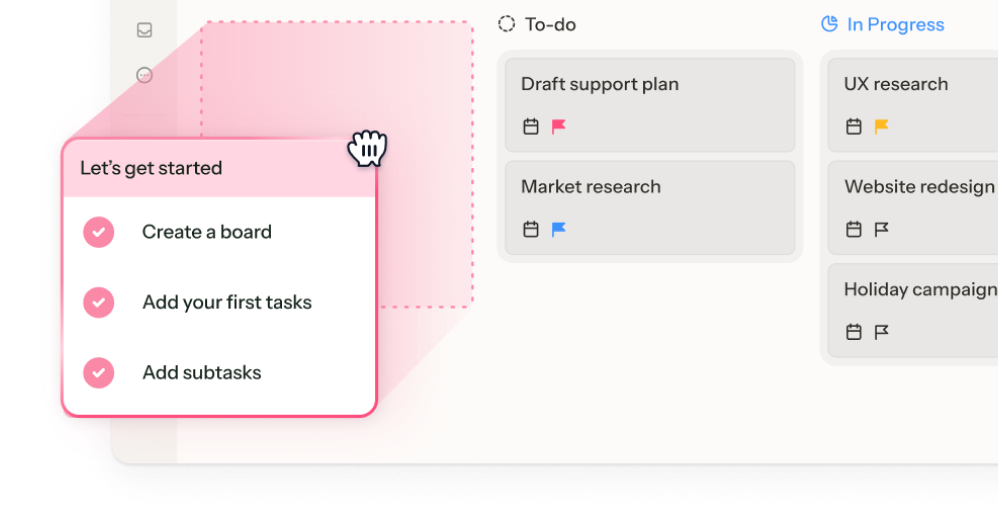
Native, non-intrusive guidance
Embeddable banners and cards sit inside your product UI rather than hijacking it, so upsell is native and helpful.

Timing is everything
Set any user action (like a click on a locked feature) as a trigger. Events process in real time, so the guidance fires before the moment passes.
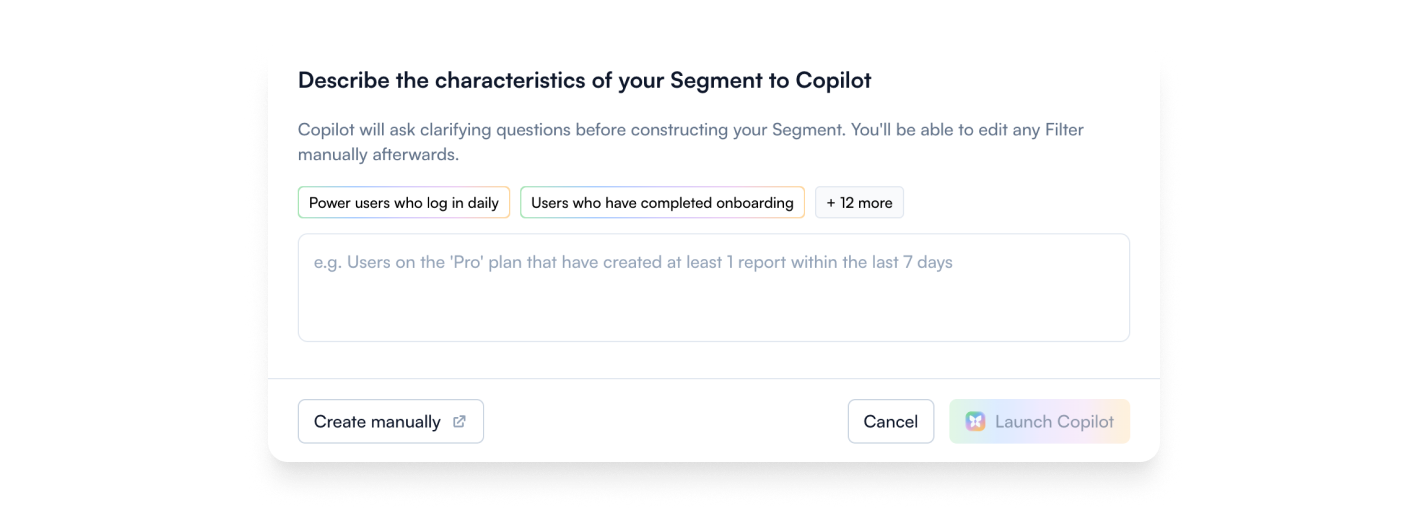
Know who's ready
Not all Starter accounts are created equal. Target by plan, usage, account health, or CRM properties, manually or with AI-built audiences, to make sure your message is relevant.
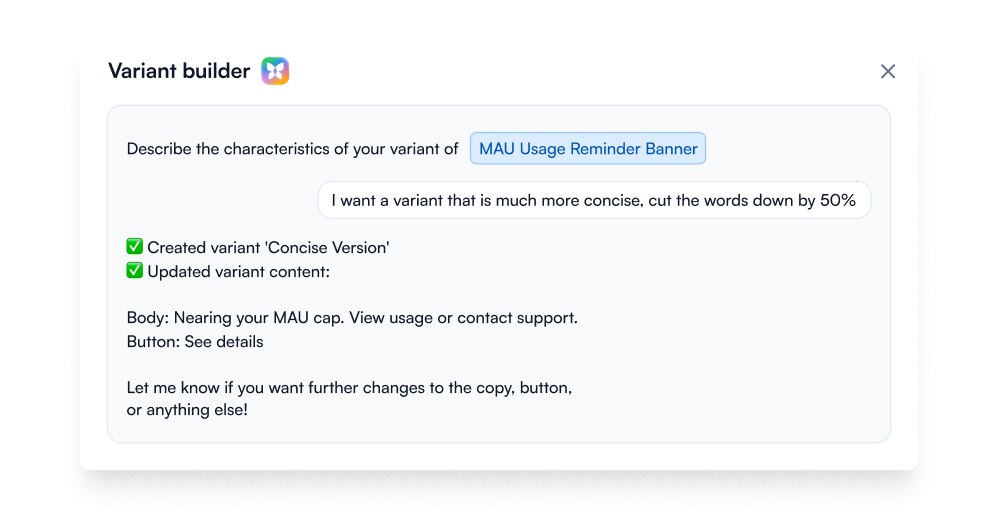
Native A/B testing
Run A/B tests with AI and track which version drives actual upgrades, not just clicks.
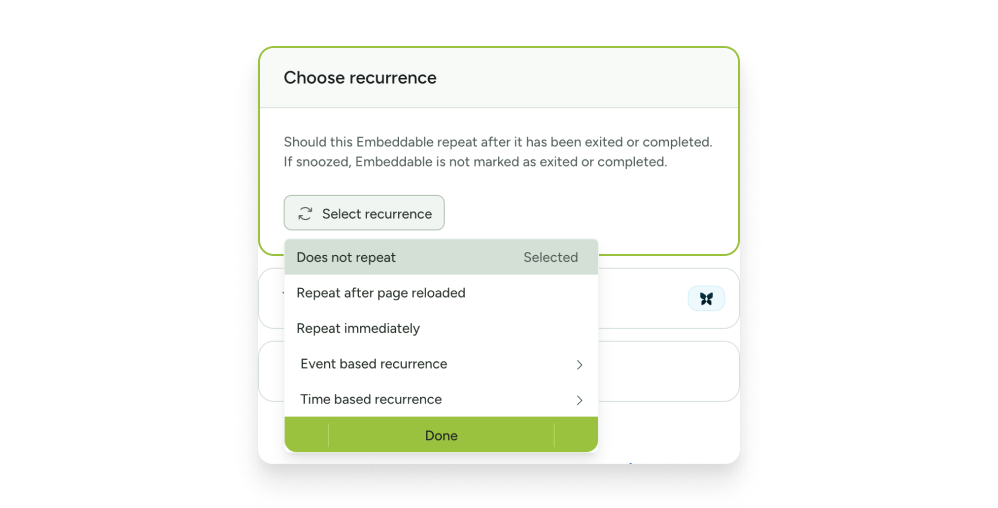
Persistent, not pushy
Resurface guidance after a dismissal, a set number of days, or the next limit hit, so the offer lands when users are ready.
Integrations for smarter upsell
Pull commercial signals from HubSpot or Salesforce into Chameleon. Then let users book a demo, start a live chat, or take the next step without leaving your product.
Upsell templates to increase expansion revenue today












Upsell & cross-sell FAQs
-
- Embeddable banners and cards: Non-interruptive, they sit inside your UI rather than covering it.
- Tooltips: Contextual labels on locked or premium features.
- Interactive Demos: Show users the end state of a product or feature they don't have yet.
- Tours: Step-by-step walkthroughs of what's waiting on the next plan.
- Microsurveys: Qualify users before an upsell or understand what's holding them back. -
Chameleon’s AI is deeply integrated, not bolted on. Our four agents help you handle the full expansion motion:
- Compass tracks user behavior and surfaces the accounts approaching upgrade triggers
- Copilot plans, builds, and reviews entire campaigns from a goal
- Prism personalizes content for each user, without you managing audiences or variants
- Ranger flags stale or broken experiences automatically -
Depending on the installation method you choose, Chameleon installation can take minutes to about an hour, and only needs to be done once.
After that, Copilot can have a working expansion experience ready to review in under ten minutes. You refine the copy, confirm targeting, and publish. So you can be live on the same day, no dev cycles or design sprints required. -
Only once, to install the Chameleon code snippet, which can be done in minutes. After that, your Product or Growth team can own everything from creating guidance to targeting user segments, without writing a single line of code.
-
Absolutely. Create style Themes and Templates and enjoy full CSS control, flexible layouts, and support for your design system. The result is expansion that looks and feels native to your product.
-
Not at all. While Chameleon is perfect for expansion, customers also use it for new-user activation and customer retention with onboarding nudges, plan-specific upsells, and re-engagement messages.
-
You can set Rate Limits to ensure users won’t get overwhelmed by in-app guidance, Display Rules to show relevant messages to users actively using specific features, and behavioral triggers to ensure upsell feels helpful, not spammy.
Keep exploring
Inspiration gallery
Browse standout upsell and cross-sell examples
Native integrations
Explore integrations to make expansion seamless
Use cases
See what else you can do with Chameleon