







The more your product explains itself, the less your team has to
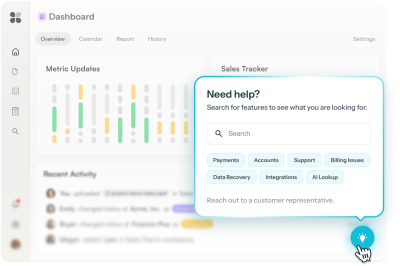






















do the explaining




⚠️ Placeholder
From stuck to solved, before they reach for support

Compass spots where users are getting lost, and surfaces the friction points before they become tickets
14 users have repeatedly stalled at the column mapping step during CSV import in the last 7 days.
Copilot takes the finding and builds the in-app fix
A Tooltip that makes product use seamless, using your brand and product context.
Image 1 — Copilot chat:
User: "Users get stuck on the column mapping step in CSV import. What should we build?"
Copilot: "Users are getting through the file upload but failing at column mapping. I'd build a tooltip that points to the required fields and shows the expected format for each."
Image 2 — The result: a tooltip on the column mapping screen:
"These fields are required — and format matters" [pointer to the required fields column]
"Date must be MM/DD/YYYY. ID must be a number. Leave optional fields blank and we'll fill in defaults."
[CTA: Show me an example]
Prism personalizes each deflection experience, without any manual audiences or variants
*Prism in alpha
Speaks to what each user cares about, based on their role.
Graphic: The same column mapping tooltip for two users. An "Admin" sees it framed around data integrity across their team's records. A "Team member" sees it framed around getting their own data in without errors.
Ranger keeps it current
Notices when Tooltip translations are missing or out of date, and lets you action updates with one click.
Graphic: add missing translations
Your self-serve support toolkit
Guidance that puts the answers right where users are looking
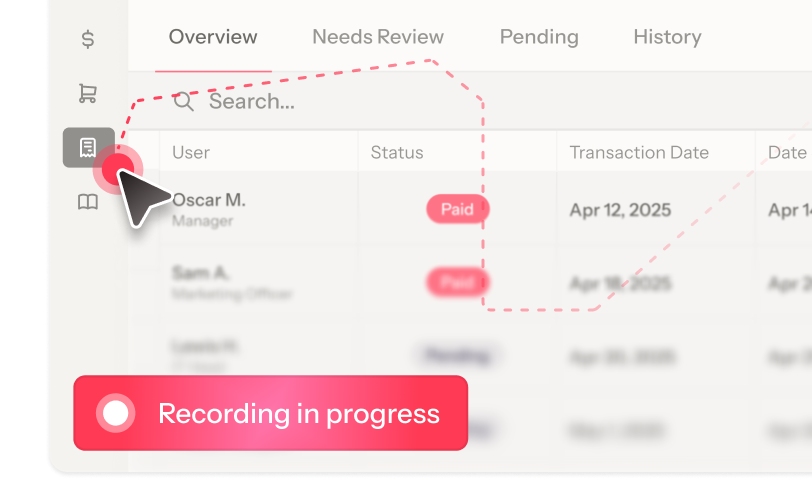
Every deflected ticket starts here
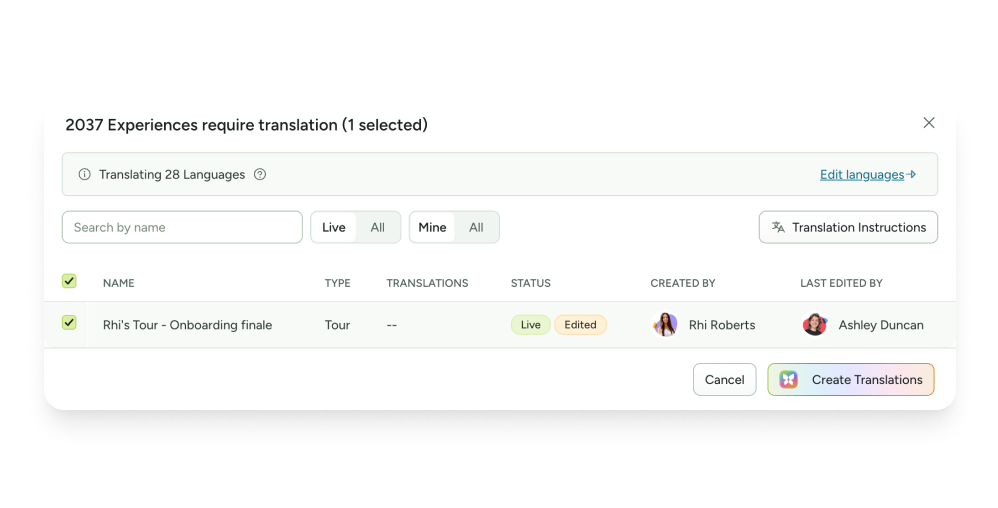
Self-serve in every language
Get AI-generated translations for all your in-app guidance in all the languages you support. Review or apply in one click.
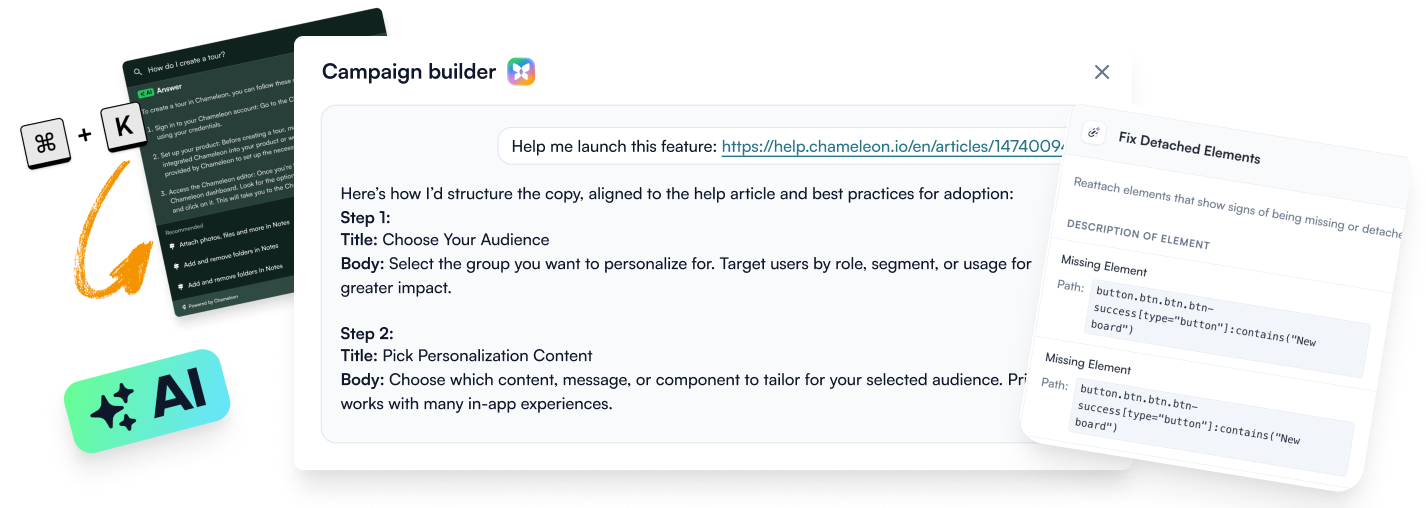
AI that builds, answers, and maintains
Converts docs into in-app guidance copy, answers user questions in-product, and flags guidance with broken element selectors so you notice issues before users do.
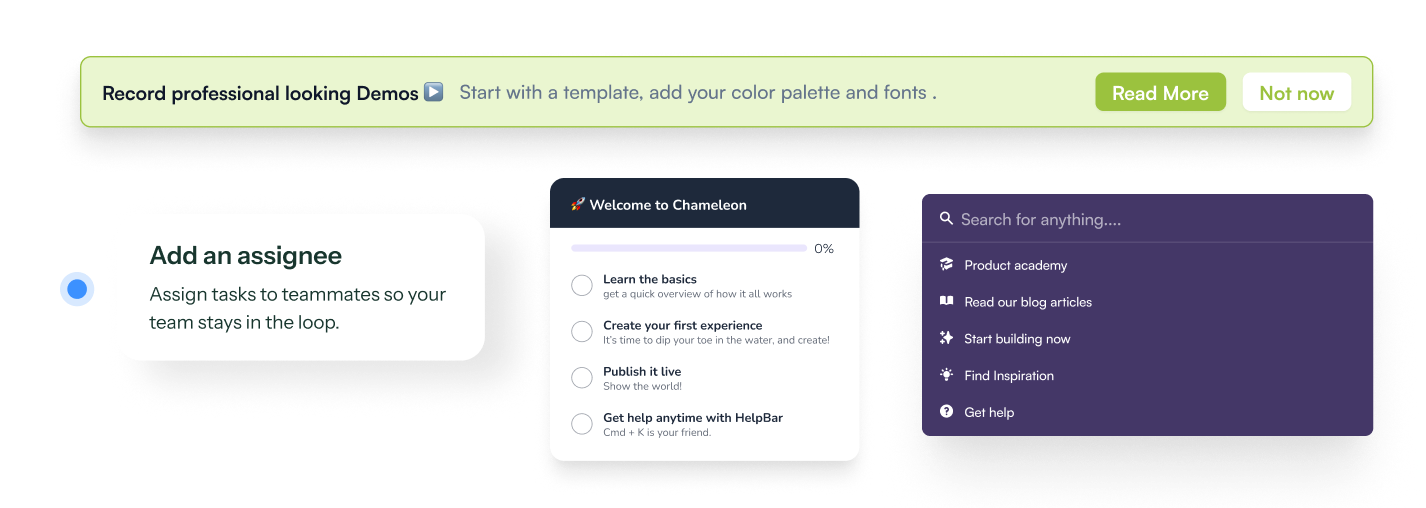
Proactive and reactive help
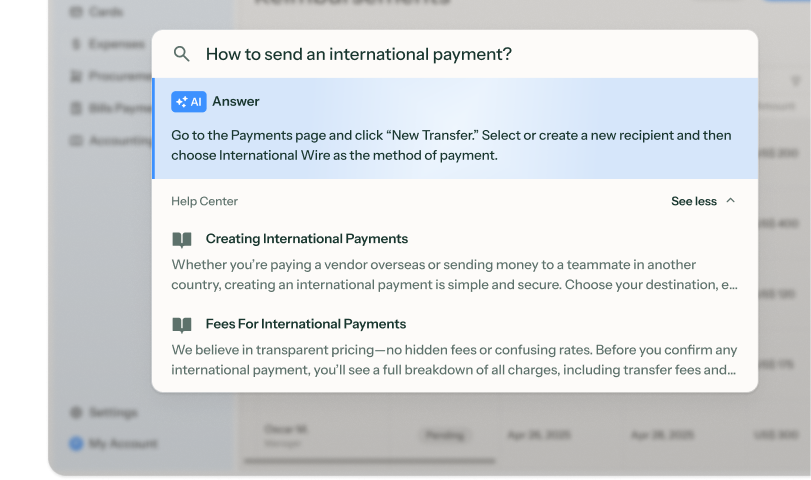
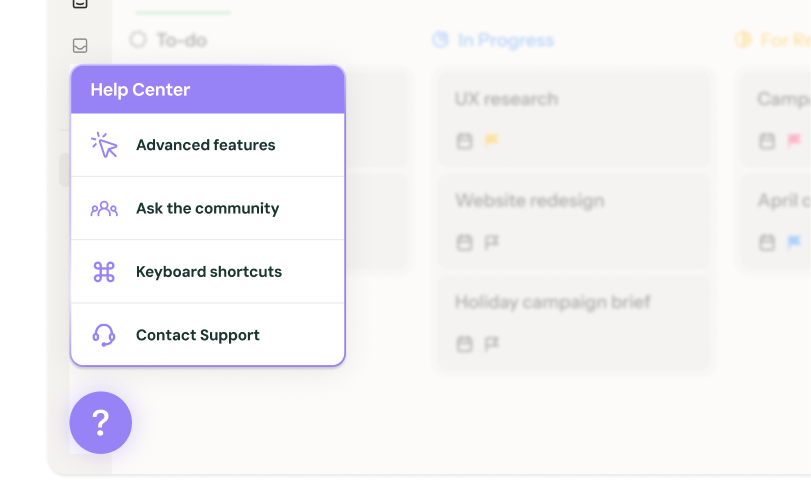
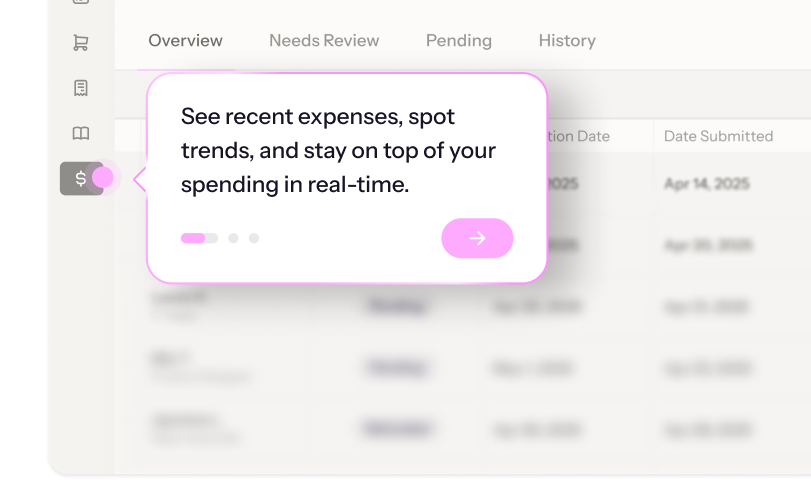
Patterns like Tooltips and Banners push guidance before users know they need it, while HelpBar and Launchers surface answers when they're already looking.
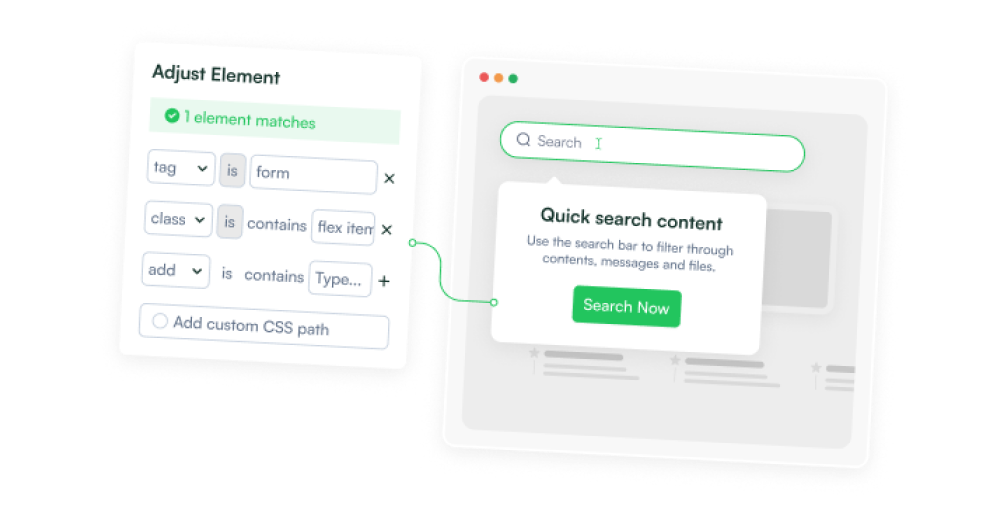
Guidance at the friction point
Anchor to UI elements and trigger on hover or inactivity, so guidance shows up when and where it's needed.
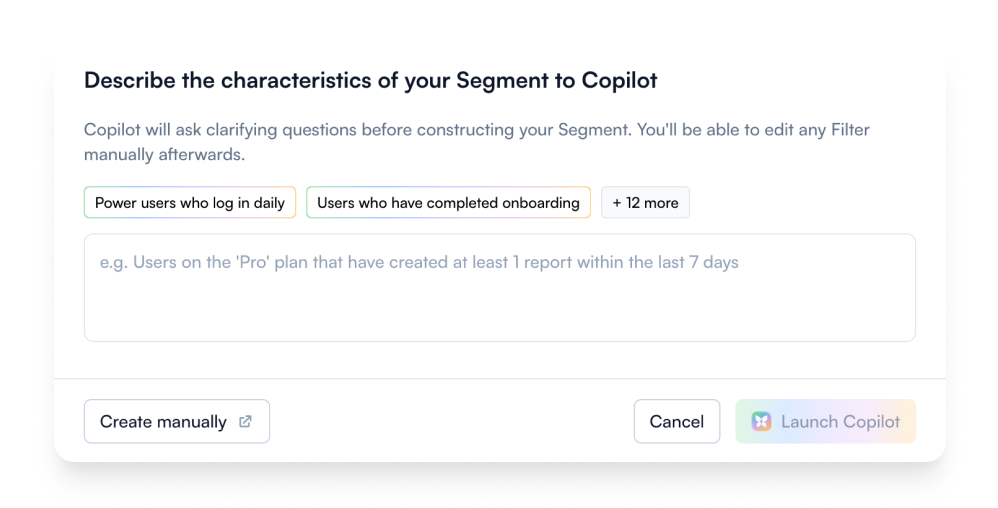
Segmented support
Target the right users with audiences built from properties, or just describe them and let AI handle it.
Frictionless handoff
Some questions just need a human. Users can start a live chat or submit a ticket without leaving your product, thanks to native integrations with Intercom, Zendesk, and HubSpot.
Support templates to start deflecting tickets today












Reduce support tickets FAQs
-
- HelpBar: AI-powered in-app search that answers user questions.
- Tooltips: Persistent hints anchored to specific UI elements.
- Launchers: Always-on help centers where users can find tutorials and docs.
- Embeddable Banners and Cards: Proactive, inline alerts.
- Automations: Recorded walkthroughs that complete complex workflows for users. -
Chameleon’s AI is deeply integrated, not bolted on. Our four agents help you find and fix product friction:
- Compass tracks user behavior and surfaces the workflows generating the most friction
- Copilot plans, builds, and reviews entire campaigns from a goal
- Prism personalizes content for each user, without you managing audiences or variants
- Ranger flags stale or broken experiences automatically -
Depending on the installation method you choose, Chameleon installation can take minutes to about an hour, and only needs to be done once.
After that, Copilot can have a working deflection experience ready to review in under ten minutes. You refine the copy, confirm targeting, and publish. So you can be live on the same day, no dev cycles or design sprints required. -
Only once, to install the Chameleon code snippet, which can be done in minutes. After that, your Product or CS team can own everything from creating deflection flows to targeting user segments, without writing a single line of code.
-
Absolutely. Create style Themes and Templates and enjoy full CSS control, flexible layouts, and support for your design system. The result is self-serve support that looks and feels native to your product.
-
Tours, Banners, and Interactive Demos come with native A/B testing. You can:
- Create multiple variants of a Tour or Banner with AI, or test against a control group that isn't shown the guidance
- Set the traffic split
- Track completions, conversion goals, and statistical confidence
Chameleon handles the heavy lifting. It shows you which variant drives the user actions you want with real data, not gut instinct. Even better: let Chameleon run the test for you and auto-promote the winner to your full audience once it’s statistically sound. -
Not at all. While Chameleon is perfect for self-serve support, customers also use it for new-user activation and customer retention with onboarding nudges, plan-specific upsells, and re-engagement messages.
Keep exploring
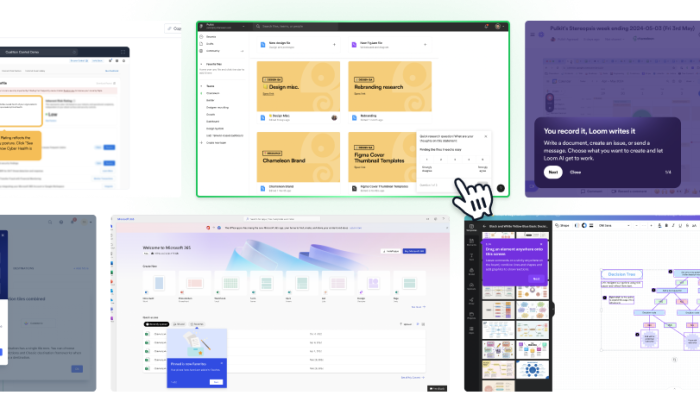
Inspiration gallery
Browse standout ticket deflection examples
Native integrations
Explore integrations to make self-serve support seamless
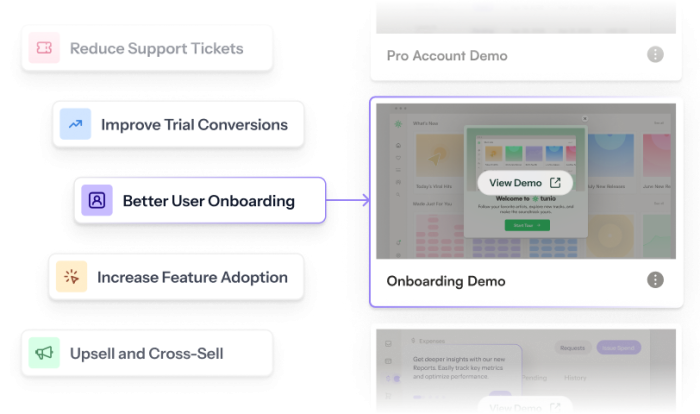
Use cases
See what else you can do with Chameleon