







Your engineers shipped something great. Chameleon makes sure the right users think so too.

























⚠️ Placeholder
10 minutes to an adoption campaign for every new feature

Compass watches your product and tells you which features are overlooked
Collaborative reports are seeing low adoption. Users who engage frequently with the reporting feature haven't explored it.
Copilot takes the insight and builds the adoption campaign in minutes
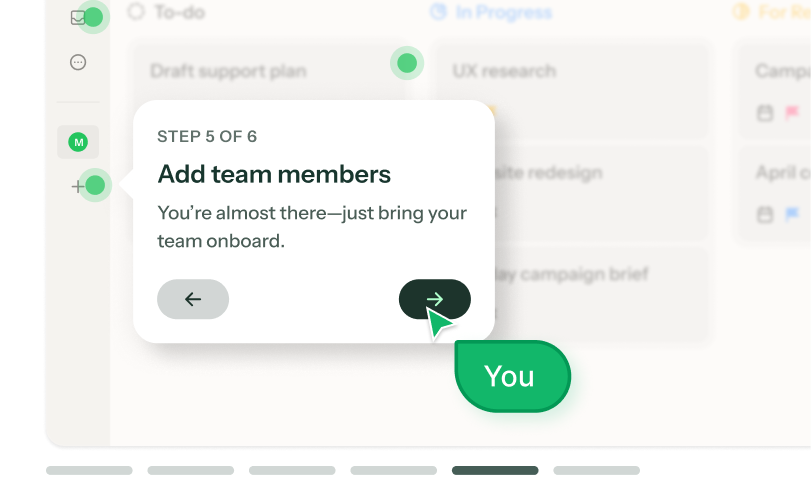
An adoption Tour that highlights the feature, using your brand and product context.
Image 1 — Copilot chat:
User: "Collaborative reports have been live for two months and users aren't trying them. Help."
Copilot: "Compass shows a segment of users opens Reports at least 3 times a week but have never clicked the Collaborate tab. I'd build a 2-step tour triggered the next time they open any report."
Image 2 — The result: a 2-step tour on a reports page:
Step 1 of 2: "Reports are better together" [pointer to the Collaborate tab]
Step 2 of 2: "Share this report with your team in one click" [CTA: Try collaborating]
Prism personalizes each adoption experience, without any manual audiences or variants
*Prism in alpha
Puts the feature into context for each user, based on their role.
Graphic: The same 2-step tour running for two users side by side. A "Finance" user sees the steps framed around monthly closes and audit exports. A "Marketing" user sees the same feature framed around campaign performance and sharing to Slack.
Ranger keeps it clean
Spots that the Tour's anchor element was missing after a UI update and offers a one-click fix to keep it showing.
Graphic: show Ranger reselect element button
Your feature adoption toolkit
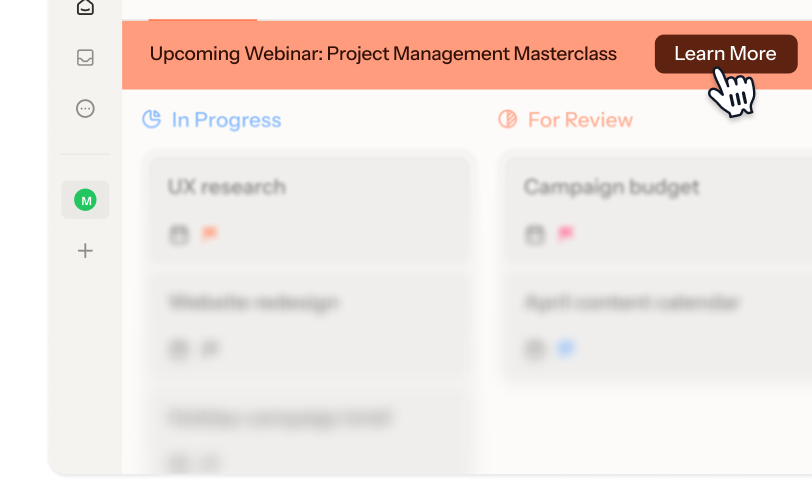
In-app guidance for every stage of discovery
Built for teams who ship faster
than their users can keep up
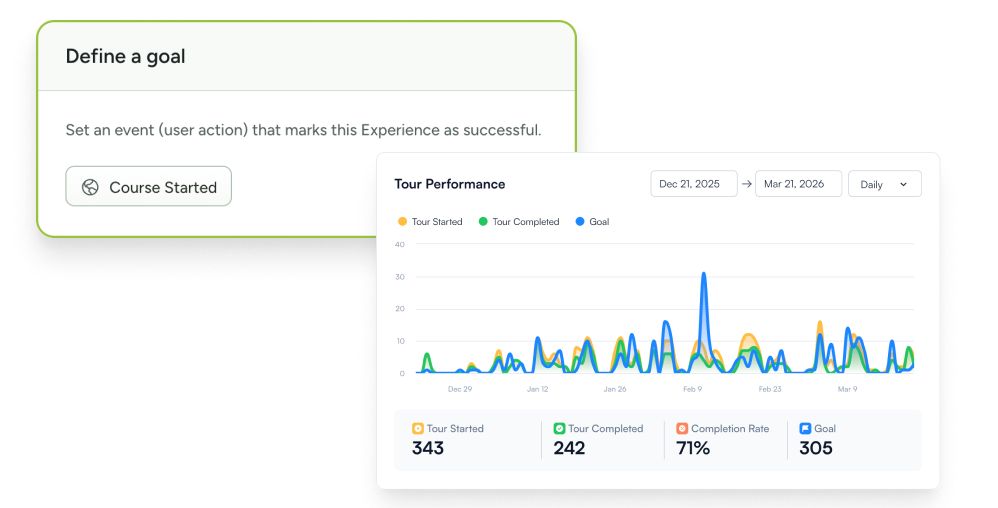
Track adoption, not clicks
Define the action that means adoption happened, and measure which users complete it after your campaign.
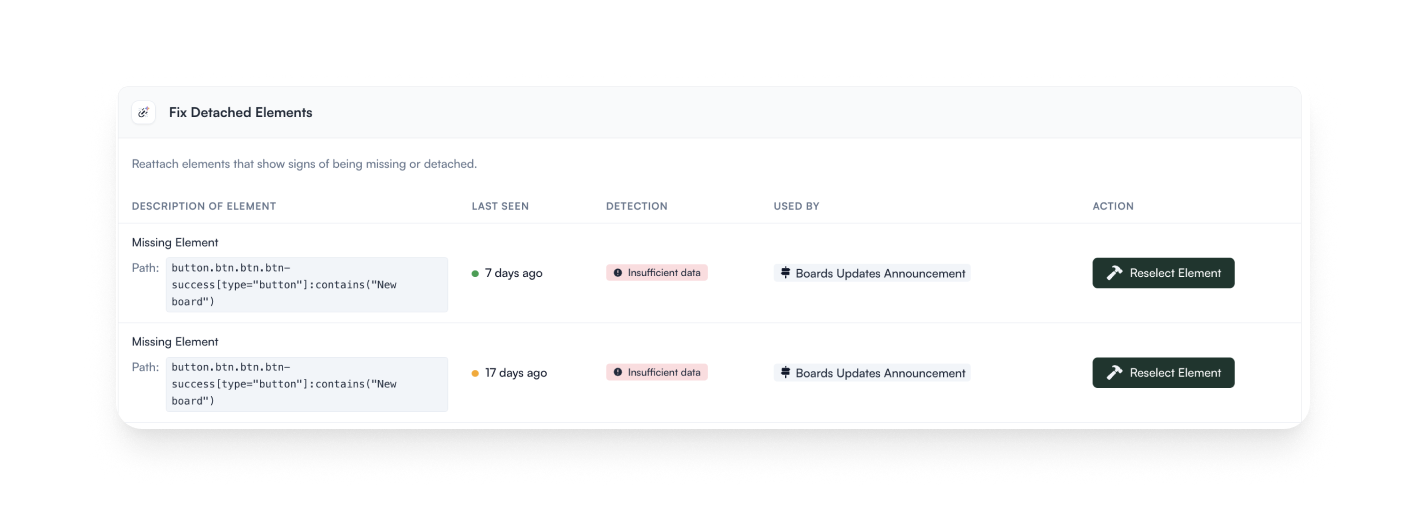
AI governance that moves as fast as you do
Every button adjustment or copy tweak is a chance for in-app guidance to break. Ranger scans for detached elements so you can fix them before users notice.
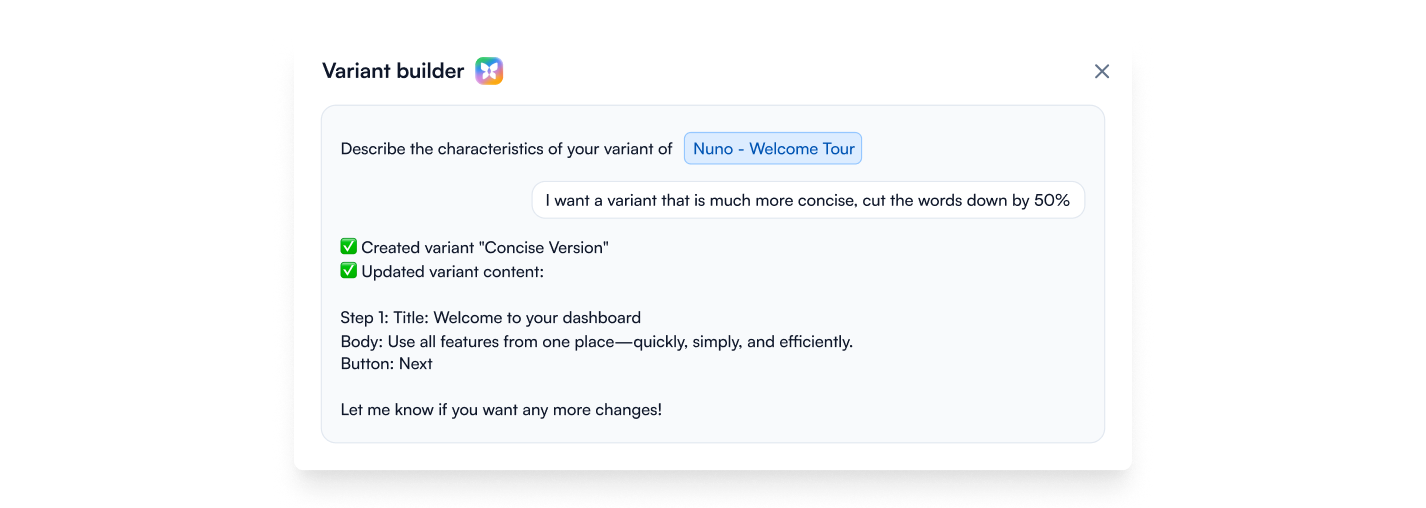
A/B test your way to adoption
Create variants with AI, set your traffic split, and let Chameleon auto-promote the version that changes behavior, not just the one that gets more clicks.
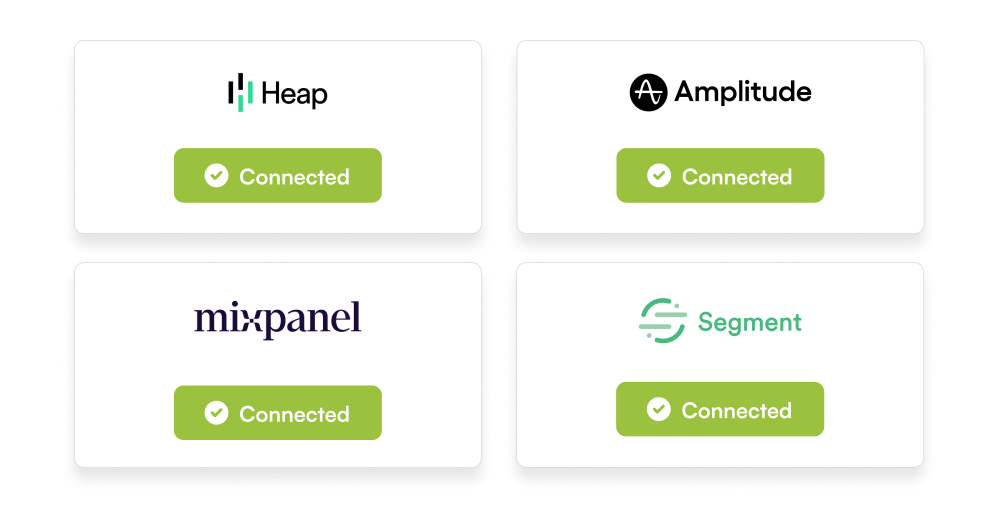
Pull in behavior, push out results
Sync data from Heap, Mixpanel, or Amplitude to find where adoption lags and push engagement data back out.
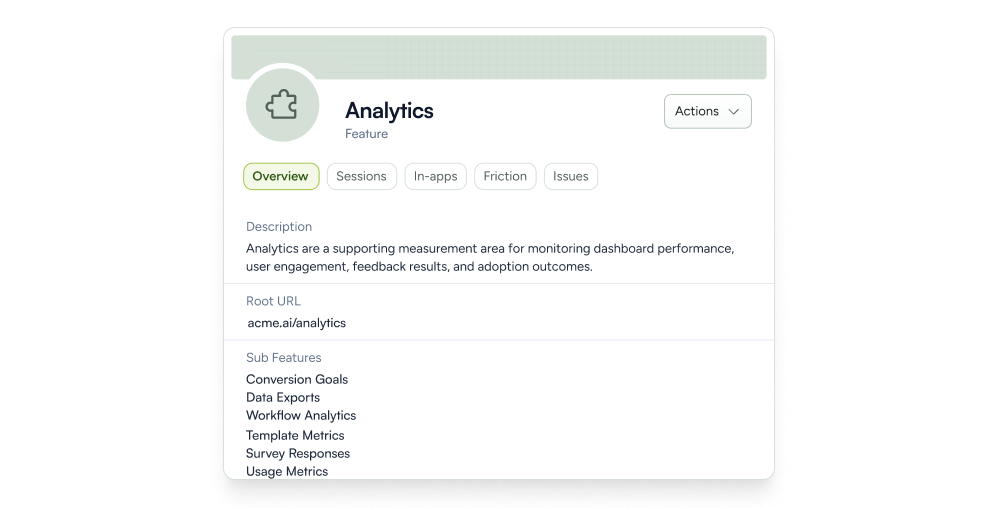
Your features, mapped
Compass maps and tracks usage for your features automatically, so you can spot low adoption in real time.
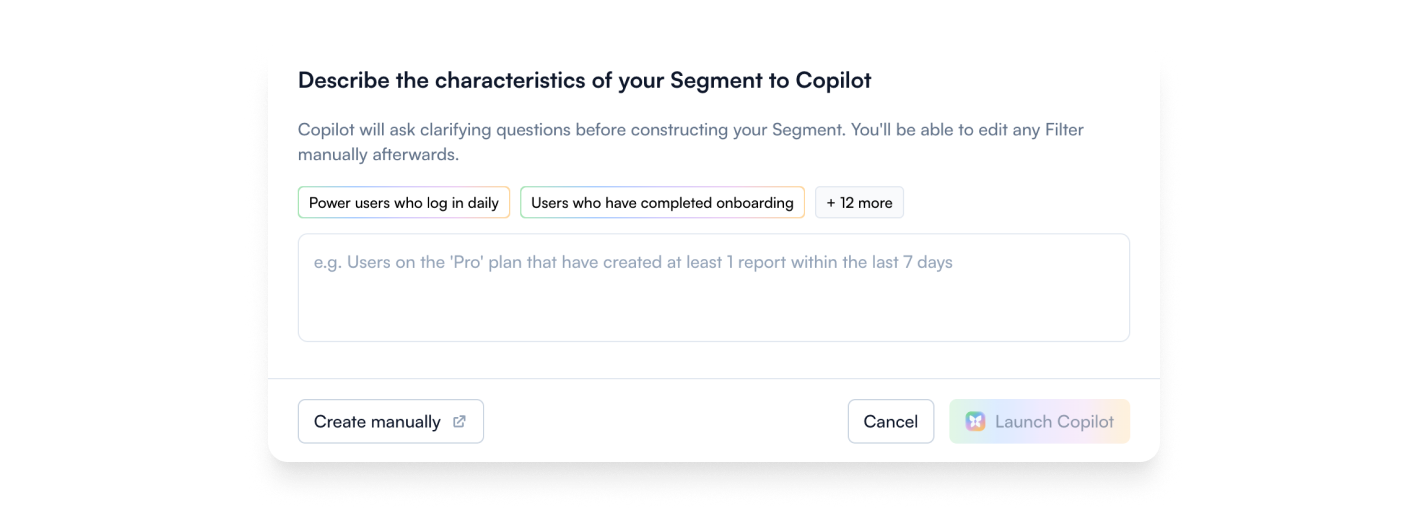
Targeting that knows your users
Don't promote a feature to people who already use it. Build your audience from user or company properties, in-product behavior, or let AI build it from a description.
Feature adoption templates to drive discovery, fast












Feature adoption FAQs
-
- Walkthrough tours: 2 to 4-steps that appear when users are already in the right part of your product.
- Tooltips, Cards, and Banners: Inline nudges that guide without interrupting.
- HelpBar: AI-powered in-app search lets users discover features by searching for the outcome they want.
- Changelogs: A persistent feed users can check on their own terms.
- Interactive Demos: Let users try a feature before committing to it. -
Chameleon’s AI is deeply integrated, not bolted on. Our four agents help you find and fix adoption friction:
- Compass tracks user behavior and surfaces features with low usage, without instrumentation
- Copilot plans, builds, and reviews entire campaigns from a goal
- Prism personalizes content for each user, without you managing audiences or variants
- Ranger flags stale or broken experiences automatically -
Depending on the installation method you choose, Chameleon installation can take minutes to about an hour, and only needs to be done once.
After that, Copilot can have a working adoption campaign ready to review in under ten minutes. You refine the copy, confirm targeting, and publish. So you can be live on the same day, no dev cycles or design sprints required. -
Only once, to install the Chameleon code snippet, which can be done in minutes. After that, your Product or Growth team can own everything from creating adoption flows to targeting user segments, without writing a single line of code.
-
Absolutely. Create style Themes and Templates and enjoy full CSS control, flexible layouts, and support for your design system. The result is in-app adoption that looks and feels native to your product.
-
You can set Rate Limits to ensure users won’t get overwhelmed by in-app guidance, Display Rules to show relevant messages to users actively using specific features, and behavioral triggers to ensure adoption feels helpful, not spammy.
-
Not at all. While Chameleon is perfect for driving feature discovery, customers also use it for new-user activation and customer retention with onboarding nudges, plan-specific upsells, and re-engagement messages.
Keep exploring
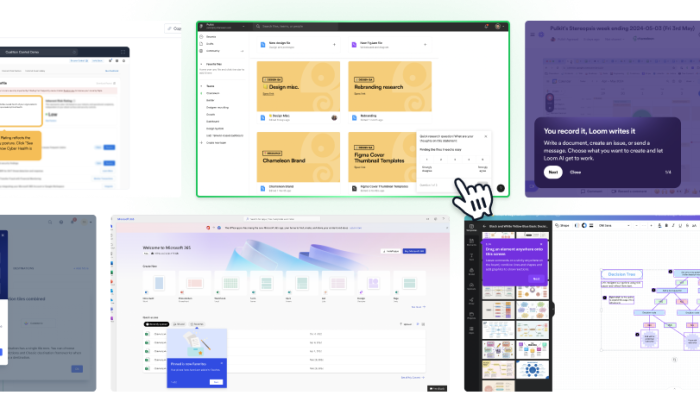
Inspiration gallery
Browse standout feature adoption examples
Native integrations
Explore integrations to make adoption seamless
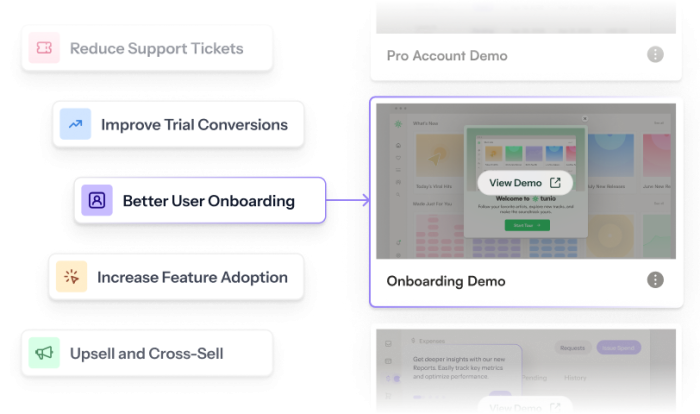
Use cases
See what else you can do with Chameleon