







Reach users in your product, not the promotions inbox
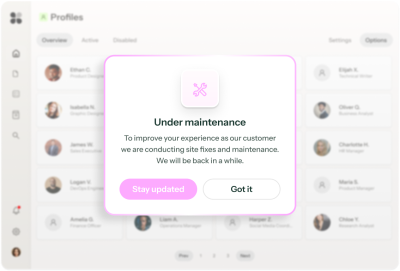





















leave users guessing




⚠️ Placeholder
From incident to in-app alert, in minutes

When you need users to know now, Copilot builds the targeted alert and gets it live in minutes
A Banner that gets users up to speed, using your brand and product context.
Image 1 — Copilot chat:
User: "Our payment processor is down for EU accounts. We need a banner live now for affected accounts only."
Copilot: "I'll build a dismissible banner targeting accounts with billing region set to EU who have an active subscription."
Image 2 — The result:
A dismissible banner at the top of the app:
"We're aware of a payment processing issue affecting EU accounts. Our team is on it — we expect to be back to normal within 2 hours. [Status page →]"
Prism personalizes each alert, without any manual audiences or variants
*Prism in alpha
Gives each user the information they need, based on their role.
Graphic: Two banner variants side by side.
Admin: "We're aware of a payment processing issue affecting EU accounts. Transactions may be delayed — expected resolution within 2 hours. [Check status page →]"
Team member: "We're aware of a technical issue affecting some accounts. Our team is on it — no action needed, and we expect to be back to normal within 2 hours."
Copilot translates the alert into every language your users speak
One click to generate translations that you can then review or upload automatically.
Graphic: The banner is shown in multiple language versions side by side.
Ranger keeps it current
Flags when integrations stop syncing, so your targeting doesn't break.
Graphic: reconnect integrations
Your in-product notification toolkit
The right format for every level of urgency
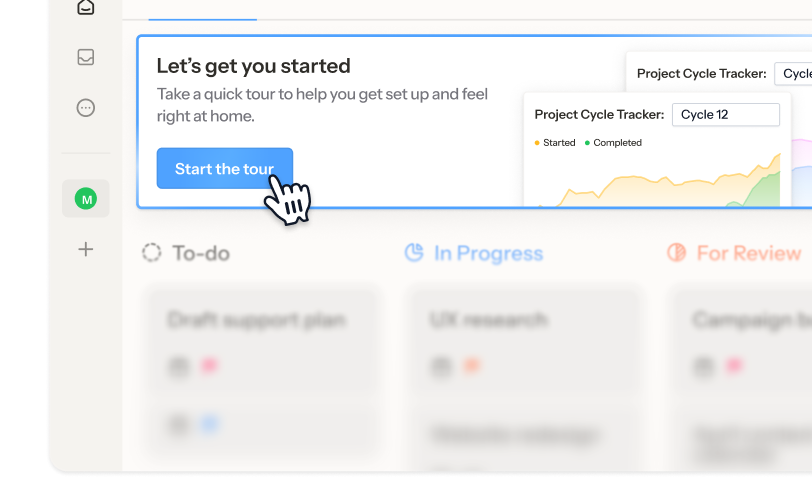
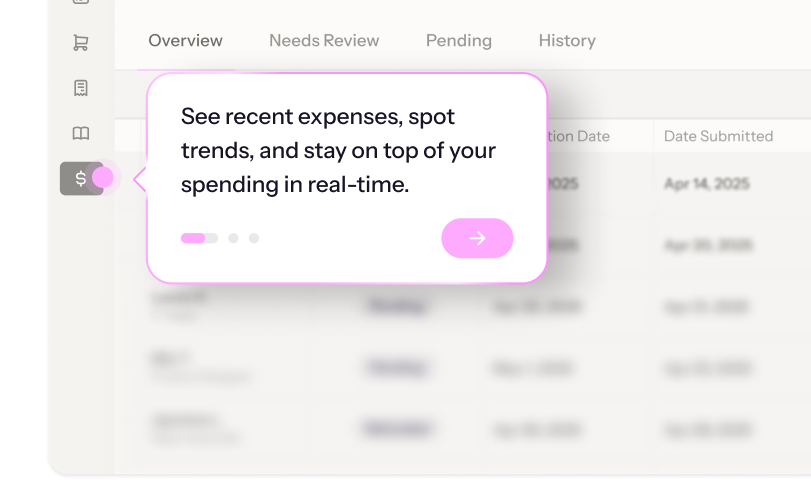
The difference between notification and noise
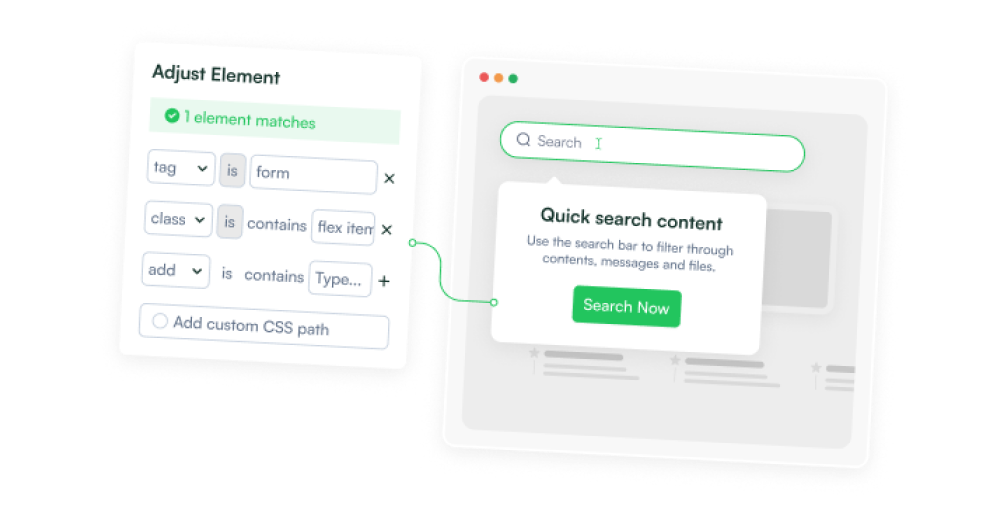
Show when they should
Attach to specific pages, elements, or user actions so users see the alert at the exact moment it means something.
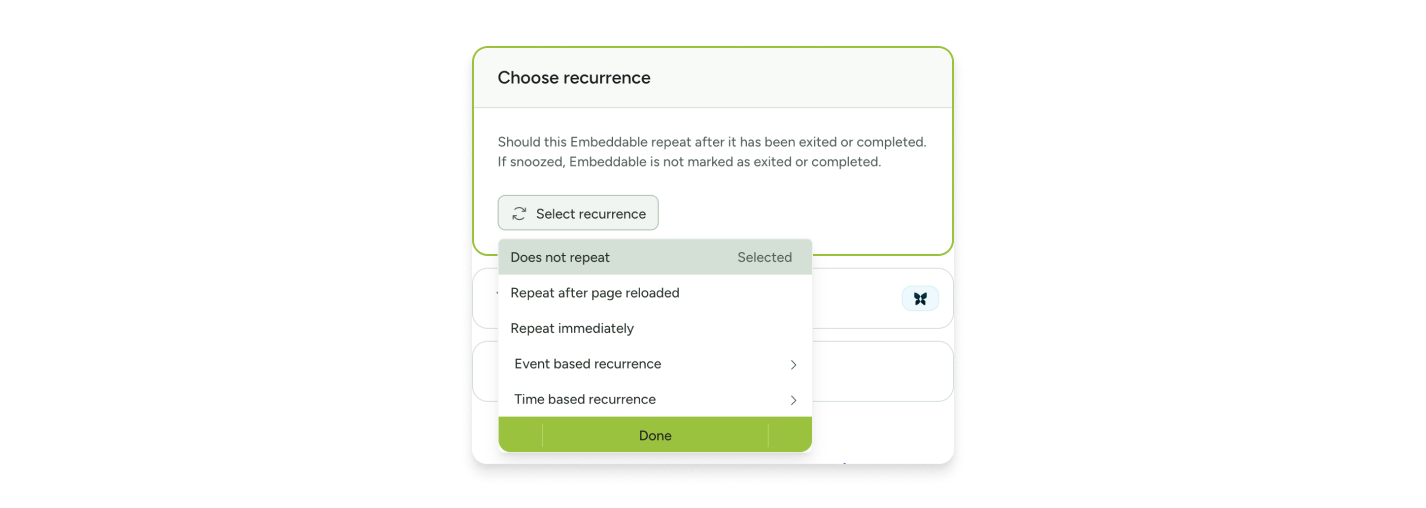
Set how often it's seen
Set a notification to stop showing after dismissal, after a set number of sessions, or once the underlying condition is resolved, so you can match frequency to urgency.
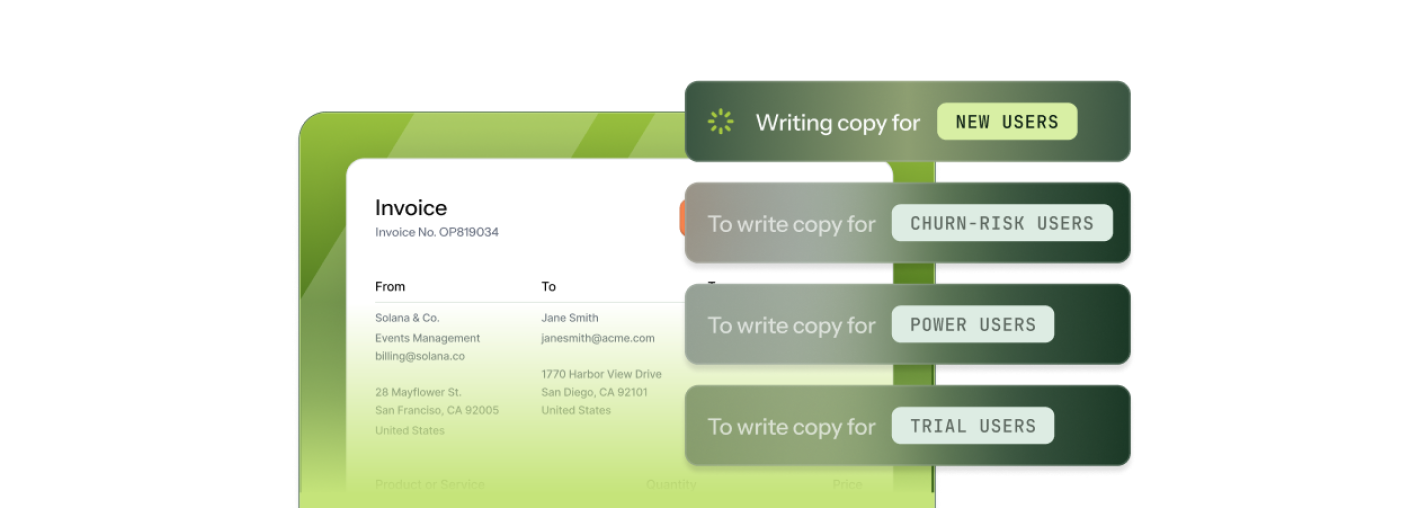
Alerts that know who they're talking to
Use user and account variables to pull real data into notification copy. An alert that says "You're at 94% of your API limit" hits differently than one that says "You're running low."
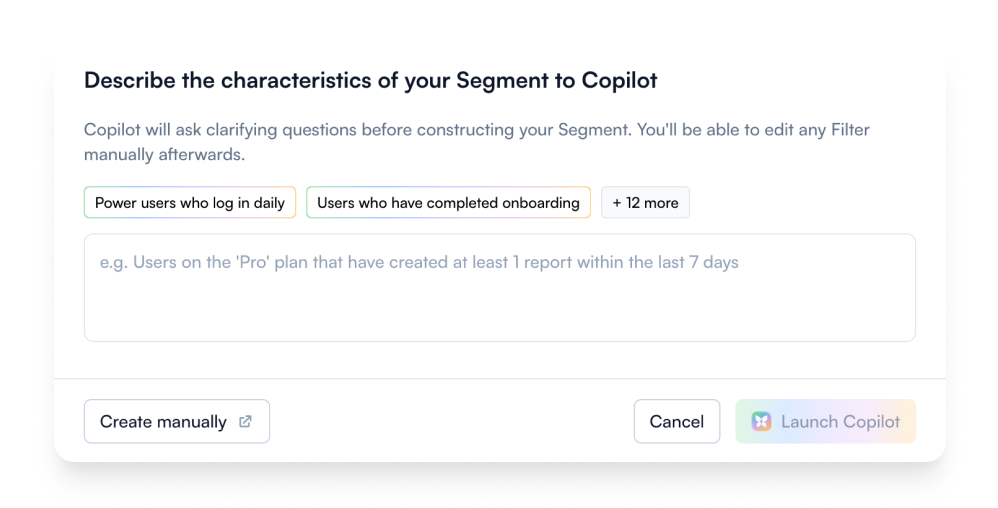
Only the users that need to know
Target by plan, account, behavior, or describe your audience in plain language and let AI build it.
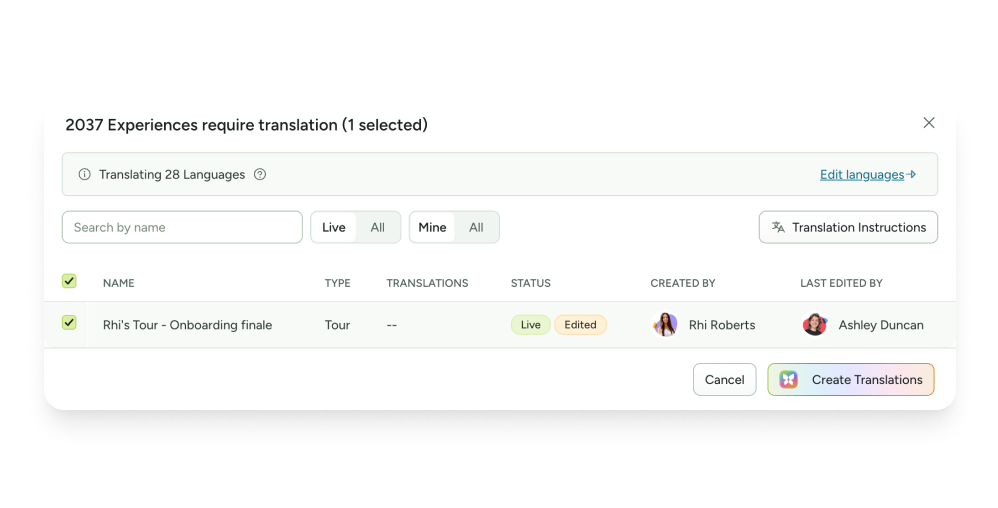
Always-accurate AI translations
Ranger flags live alerts with missing or outdated translations. Copilot generates translations.
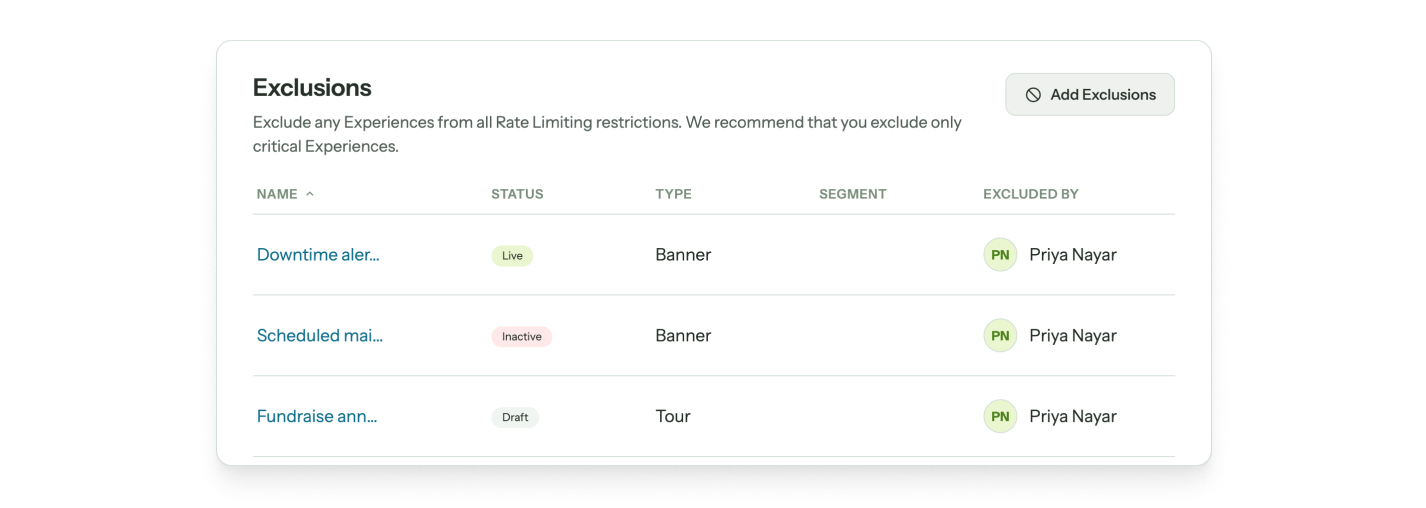
Critical alerts, no cap
Rate limits cap how much guidance any user sees in a given period. Tag your most important alerts as exempt so they always show, no matter what else is running.
Notification templates to start communicating with users, fast











Alerts & notifications FAQs
-
It depends on the urgency of the alert.
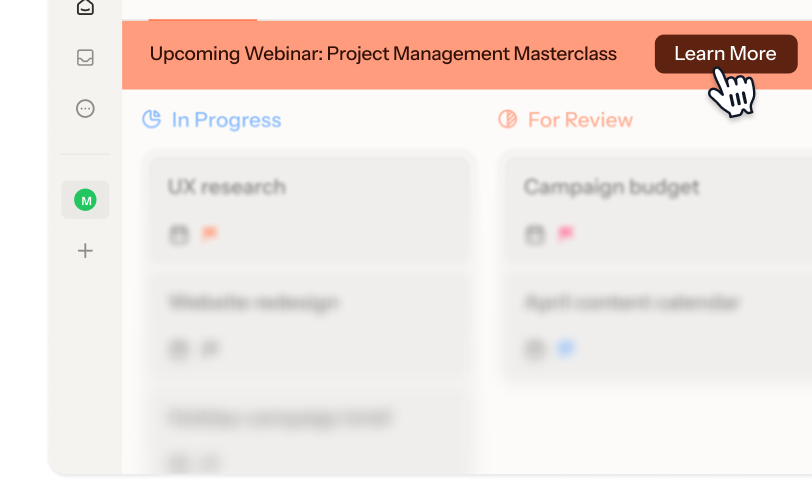
- Banners: Outages, maintenance windows, billing holds, or anything users need to know but don't need to act on right away.
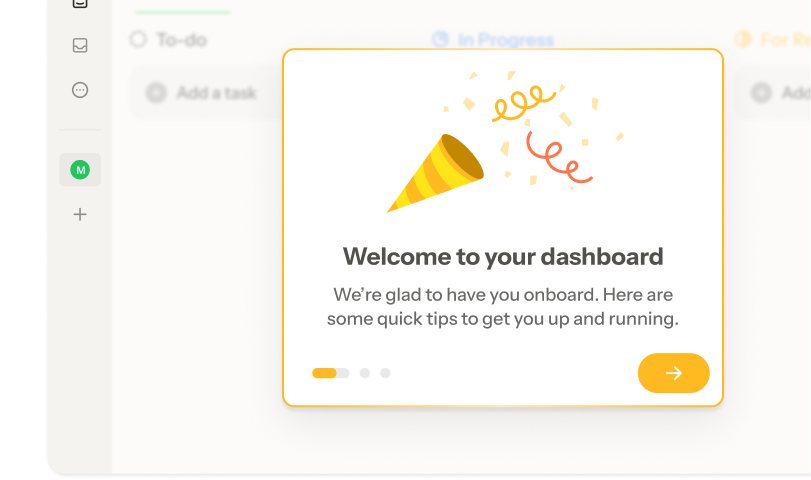
- Modals: High-urgency notices that require acknowledgment before users continue.
- Tooltips: Feature-level alerts attached directly to the affected element, like deprecation notices, setting changes, and temporarily unavailable functionality.
- Embedded cards: Lower-urgency updates users can notice on their own terms. -
Push notifications are delivered outside your product (to a user's device or browser) regardless of whether they're actively using your app. Chameleon delivers notifications inside your product to users who are already there.
When a user is logged in and working, Chameleon reaches them at exactly the right moment with the right message. When they're not in your product, email and push are better tools for the job. -
Chameleon’s AI is deeply integrated, not bolted on. Our four agents help you launch alerts before users notice anything is wrong:
- Compass tracks user behavior and surfaces the segments that need to hear from you
- Copilot plans, builds, and reviews entire campaigns from a goal
- Prism personalizes content for each user, without you managing audiences or variants
- Ranger flags stale or broken experiences automatically -
Depending on the installation method you choose, Chameleon installation can take minutes to about an hour, and only needs to be done once.
After that, Copilot can have a working notification ready to review in under ten minutes. You refine the copy, confirm targeting, and publish. So you can be live on the same day, no dev cycles or design sprints required. -
Only once, to install the Chameleon code snippet, which can be done in minutes. After that, your Product or Growth team can own everything from creating alerts to targeting user segments, without writing a single line of code.
-
Absolutely. Create style Themes and Templates that you can reuse in an instant and enjoy full CSS control, flexible layouts, and support for your design system. The result is alerts and notifications that look and feel native to your product.
-
Not at all. While Chameleon is perfect for critical in-app communication, customers also use it for new-user activation and customer retention with onboarding nudges, plan-specific upsells, and re-engagement messages.
Keep exploring
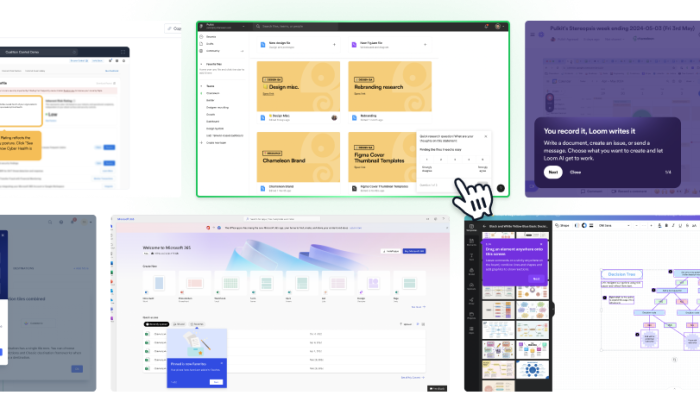
Inspiration gallery
Browse standout alert and notification examples
Native integrations
Explore integrations to make critical communication seamless
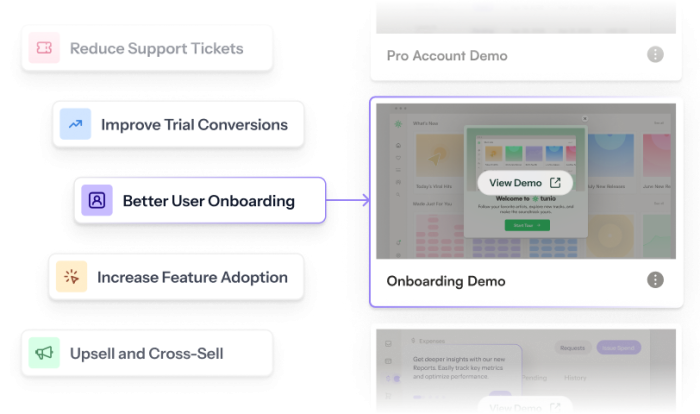
Use cases
See what else you can do with Chameleon