








🎁 New button navigation option for Tour Steps
Create the ideal user journey and pick specific Steps that users should go to when clicking through a longer Tour. For any Primary or Secondary button access the "Specific Step" Navigation option in the Builder, and pick the ideal follow-up Step. You can also cleverly combine these with Additional Actions for more dynamic flows 😉
Specific Step Navigation option in Builder
👉 Learn more about Branching in Chameleon.
✨ A better Chrome Extension
We also updated our Chrome Extension to show more accurate messages, especially around common errors or blockers that may be preventing you from accessing the Builder efficiently.
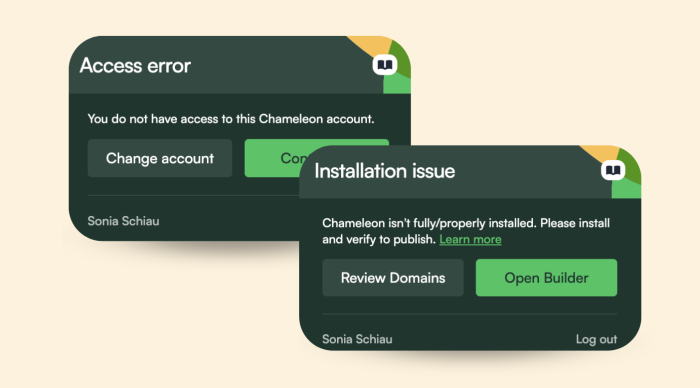
Chrome Extension Notifications
Think through all the possible interactions and steps users may take when engaging with your Tour. Ensure you combine button navigation with Dismiss options, to allow users to exit or return to the Tour later. If things get complex, use the "Interactions map" in the Dashboard to understand what steps users take and what may be missing from your flow.