







Give every trial user a guided path from free to paid





















into customers

⚠️ Placeholder
Your product already knows what your trial users need

Compass watches your product and tells you which trial users are missing activation milestones
Up to 68% of trial users haven't created a project or invited a teammate.
Copilot turns that insight into a working trial conversion campaign in minutes
An activation checklist that points trial users towards the "aha!" moment, using your brand and product context.
Image 1 — Copilot chat:
User: "Most trial users never create a project or invite a teammate. What should we build?"
Copilot: "I'd build an activation checklist for trial users in their first 7 days who haven't done either. Each item can kick off a short walkthrough tour so users who aren't sure how to complete a step can get guided through it."
Image 2 — The result: An activation checklist for trial users in days 1–7, with optional guided tours on each step.
→ Create your first project (Take the tour)
→ Invite a teammate (Take the tour)
✓ Explore the dashboard
Prism personalizes each conversion experience, without any manual audiences or variants
*Prism in alpha
Shows each trial user the next right step for them.
Graphic: The same activation checklist launcher running for two trial users side by side.
A Developer user sees: → Set up API access (Take the tour) → Create your first project (Take the tour)
A Team lead user sees: → Invite your team (Take the tour) → Create your first project (Take the tour)
Ranger keeps it clean
Identifies an unused segment cluttering the trial conversion flow and flags it for deletion.
Graphic: delete unused items
Your trial conversion toolkit
The right guidance for every day of the trial
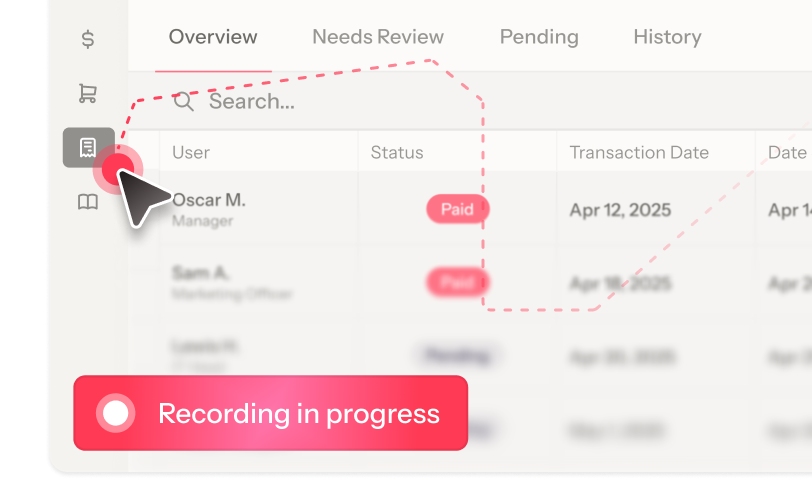
Built for the most time-sensitive
moment in your funnel
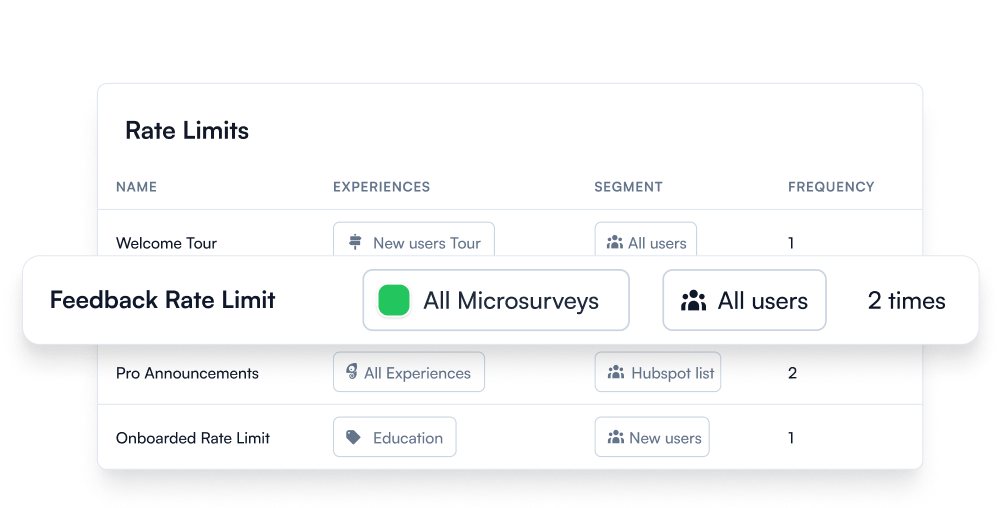
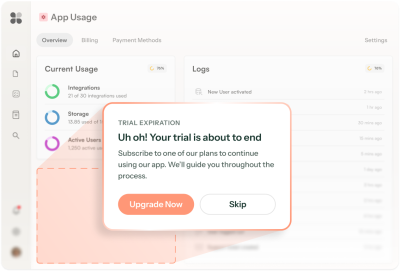
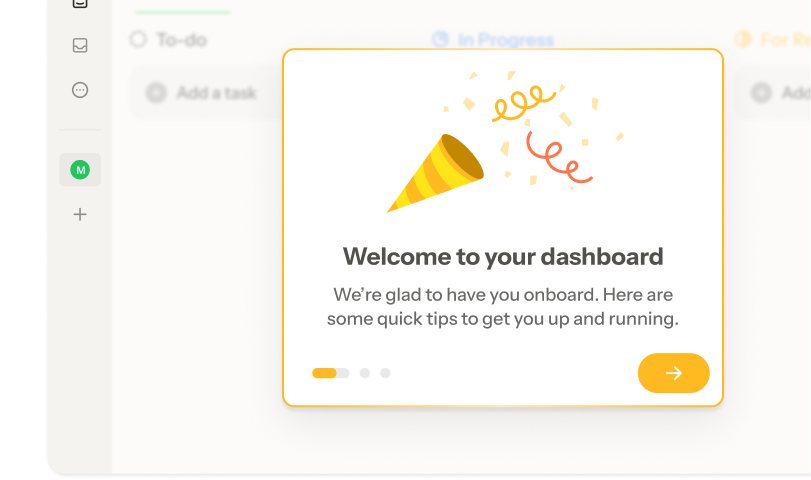
Precisely timed, never overwhelming
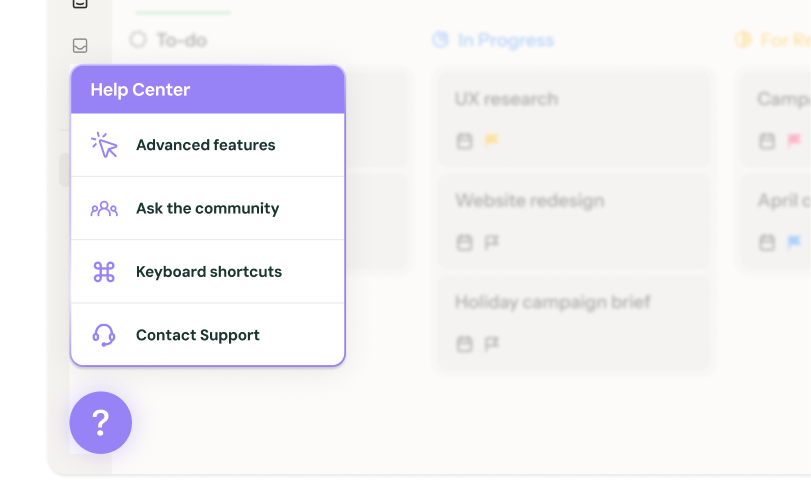
Trigger guidance by inactivity, feature limits, or page, then rate limit it so users only see what they need.
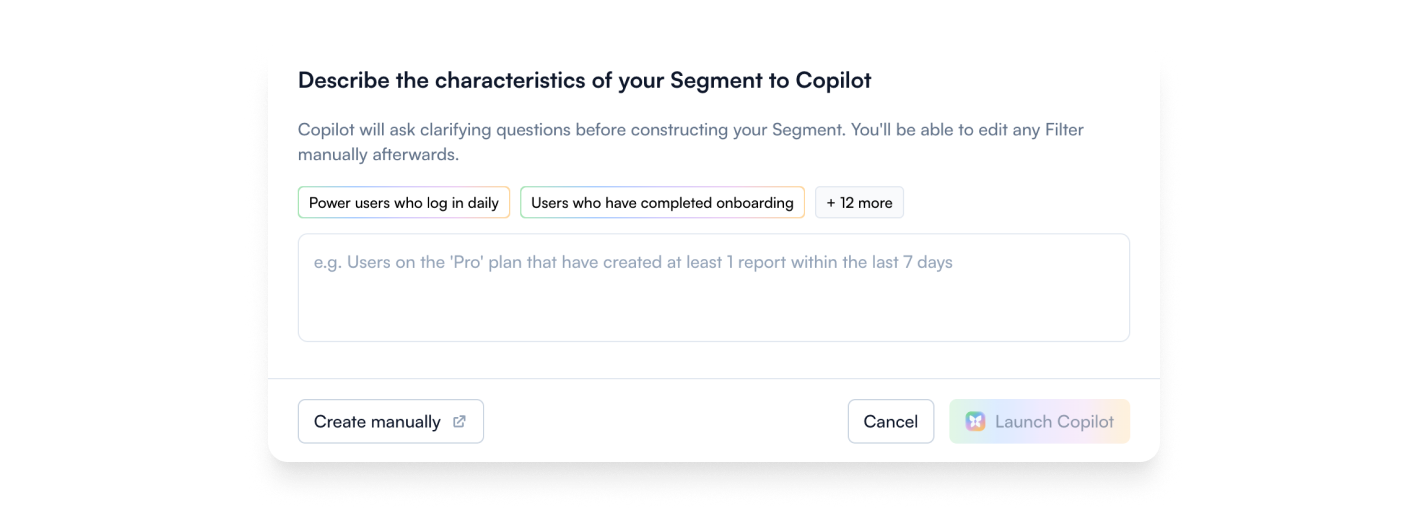
Reach the right users
Build precise trial audiences manually or with AI. Filter by activation status, days remaining, plan type, or any other user or company property.
.png)
A/B test the path to conversion
You don't have months to learn. Test fast: set your traffic split, find which activation path converts better, and let Chameleon auto-promote the winner.
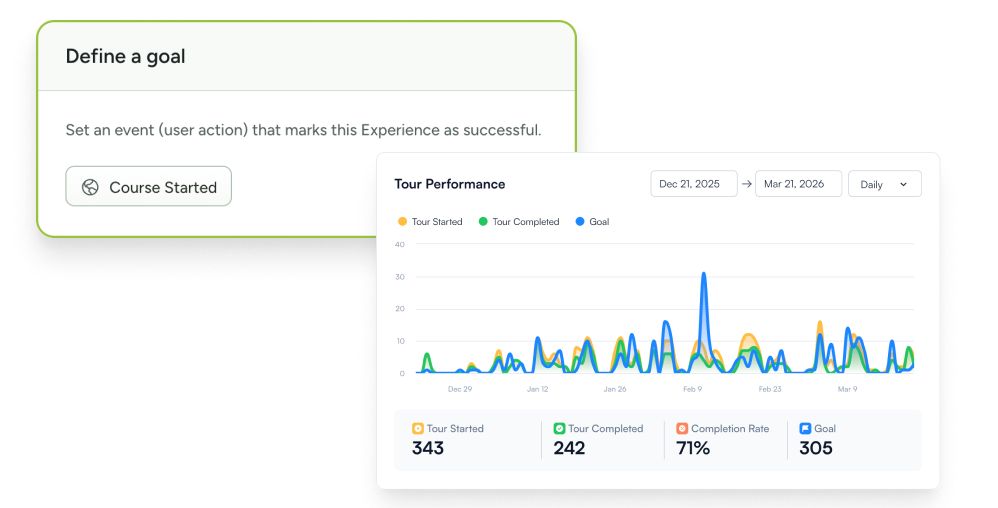
Measure conversion, not clicks
Track whether users complete the in-product milestone that predicts conversion after seeing your guidance.
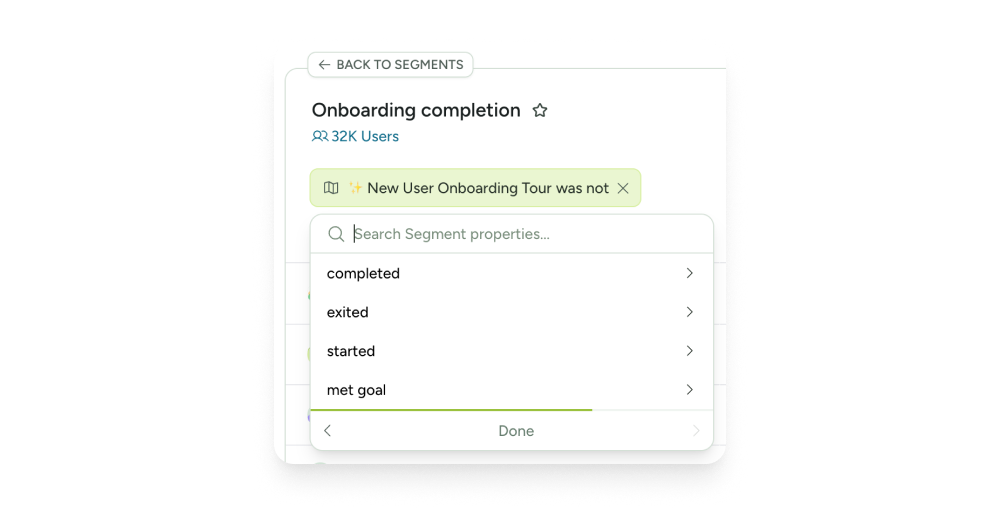
Branching flows
Show guidance to users based on their activation progress and move them to the next right step.
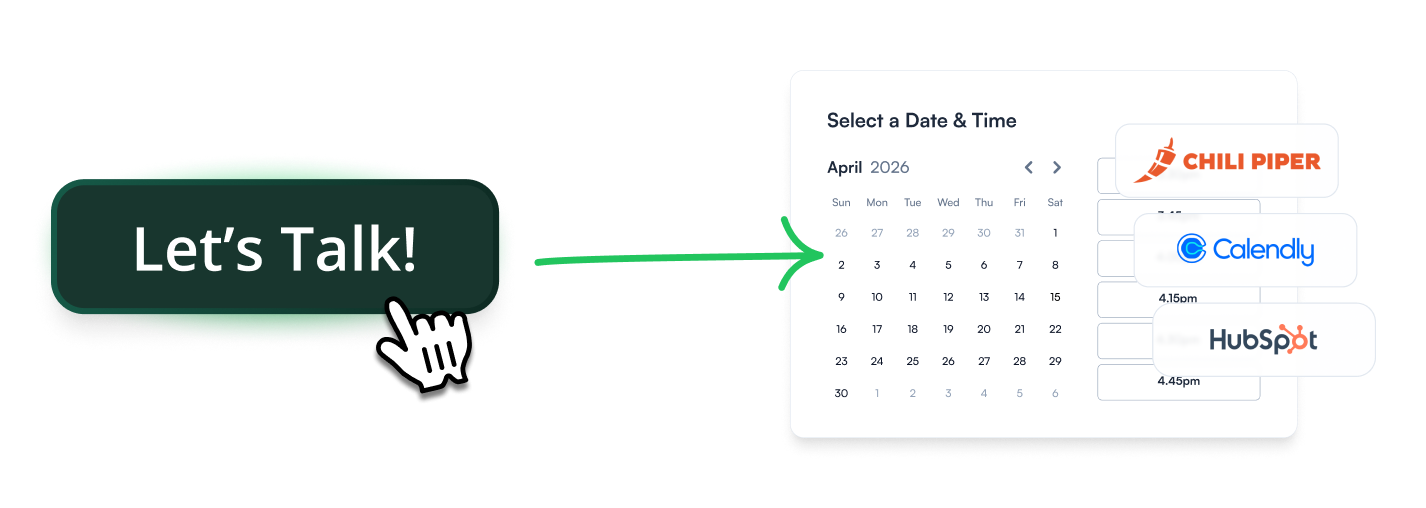
One click to a human
Let users book a meeting or start a live chat without leaving your product, so your team can step in to close the deal when the user is ready.
Start fast with proven trial conversion templates










Trial conversion FAQs
-
Different experiences do different jobs inside the trial window, and the best programs combine a few.
- Activation checklists: Make progress visible and keep users moving toward the conversion action.
- Guided walkthroughs: 2 to 4-step experiences that explain the activation sequence.
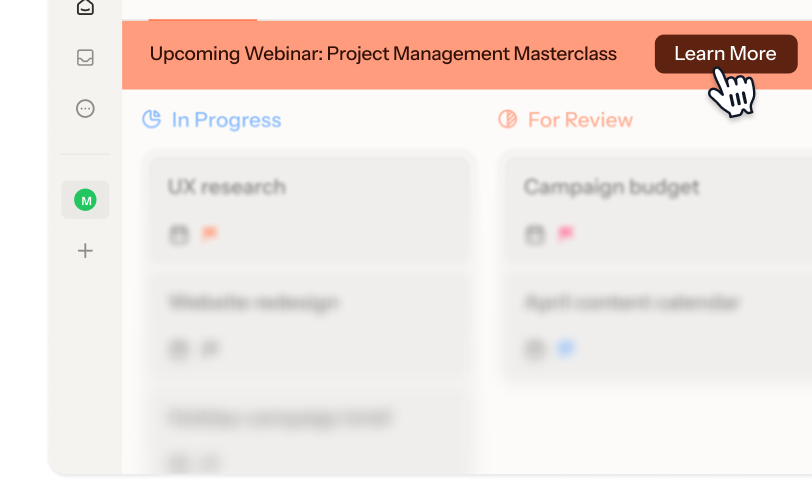
- Upgrade Banners: Inline nudges triggered when users hit a feature limit or approach trial end.
- Microsurveys: Ask what's blocking a user so you can act on it before losing them.
- HelpBar: AI-powered in-app search that answers user questions.
- Interactive Demos: Let trial users explore features they haven't configured yet. -
Chameleon’s AI is deeply integrated, not bolted on. Our four agents each cover a different part of the trial conversion workflow:
- Compass tracks user behavior and surfaces trial users that haven't hit activation milestones
- Copilot plans, builds, and reviews entire campaigns from a goal
- Prism personalizes content for each user, without you managing audiences or variants
- Ranger flags stale or broken experiences automatically -
Yes. For self-serve trials, Chameleon guides users to activation with checklists, tours, and contextual nudges. For sales-assisted trials, users can book a HubSpot, Calendly, or Chili Piper meeting or start an Intercom, Zendesk, or HubSpot chat from inside your product. Both motions can run in parallel, targeted to different user segments.
-
Depending on the installation method you choose, Chameleon installation can take minutes to about an hour, and only needs to be done once.
After that, Copilot can have a working trial conversion campaign ready to review in under ten minutes. You refine the copy, confirm targeting, and publish. So you can be live on the same day, no dev cycles or design sprints required. -
Only once, to install the Chameleon code snippet, which can be done in minutes. After that, your Product or Growth team can own everything from creating conversion flows to targeting user segments, without writing a single line of code.
-
Absolutely. Create style Themes and Templates and enjoy full CSS control, flexible layouts, and support for your design system. The result is trial conversion that looks and feels native to your product.
-
Not at all. While Chameleon is perfect for increasing trial conversions, customers also use it for feature adoption and customer retention with onboarding nudges, plan-specific upsells, and re-engagement messages.
Keep exploring
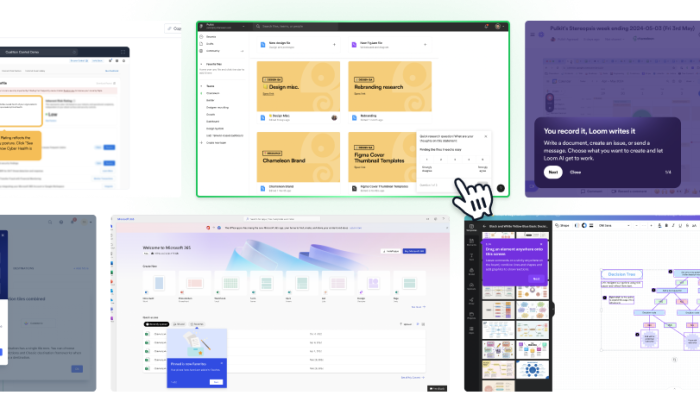
Inspiration gallery
Browse standout trial conversion examples
Native integrations
Explore integrations to make conversion seamless
Use cases
See what else you can do with Chameleon