







Collect feedback where users are. Understand it where you work.
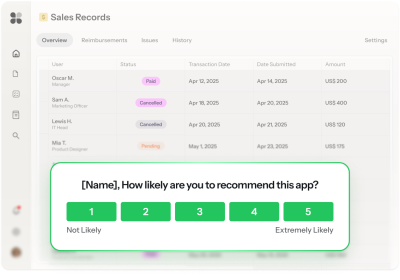


























⚠️ Placeholder
The survey that gets smarter

Compass watches your product and tells you which users to survey
58% of your active accounts have never used the status update feature.
Copilot takes the signal and builds the research campaign in minutes
An Adaptive Survey to help you understand the adoption gap, using your brand and product context.
Image 1 — Copilot chat:
User: "Most people don't use our status updates feature and I want to figure out why."
Copilot: "I'd run an Adaptive Survey. Prism will adapt the conversation based on what each person says."
Image 2 — The result:
An Adaptive Survey running in-product. Goal: "Understand what's blocking adoption of the status update feature."
First question shown to all users: "How do you usually share project updates with your team?"
Prism personalizes each conversation in real time, without manual branching or variants
*Prism in alpha
Asks each user the right follow-up question based on what they said.
Graphic: Two survey conversations side by side.
User A: "Mostly through comments and @mentions"
User A's follow-up: "Does that feel like enough, or do updates ever get missed?"
User B: "We have a standup, and I'll send a Slack message if something urgent comes up"
User B's follow-up: "What's stopping you from sharing those updates in our product?"
Copilot turns survey learnings into a Linear issue in one conversation
Synthesizes user feedback and creates an issue in Linear so your product keeps improving.
Image — Copilot chat:
User: "What did we learn from the status update survey?"
Copilot: "Here's what came up most. Want me to file a Linear issue in your Feedback project?"
Your feedback and research toolkit
For every question worth asking
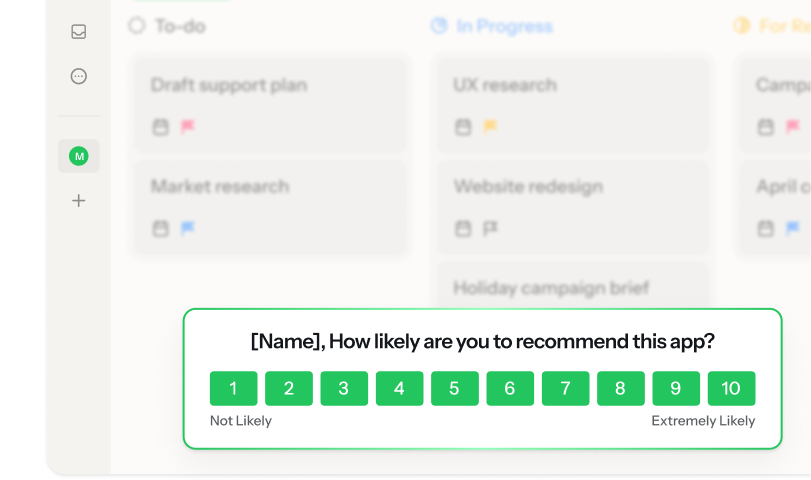
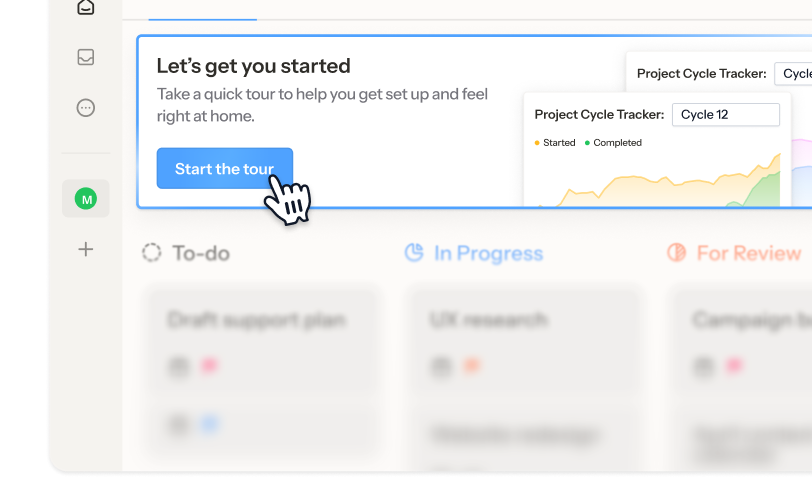
Built for every feedback format
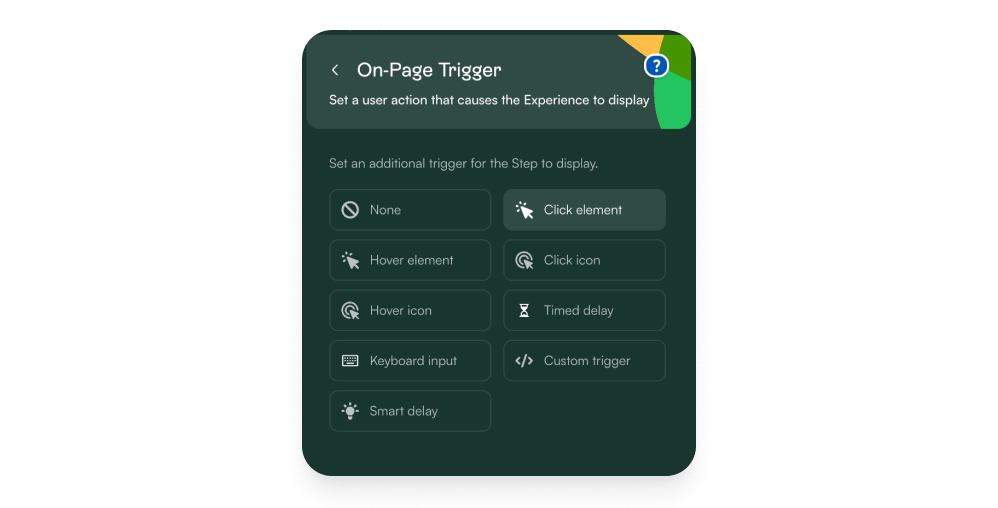
Ask after action
Trigger surveys based on what users just did (specific events or usage), not what you hope they remember later by email.
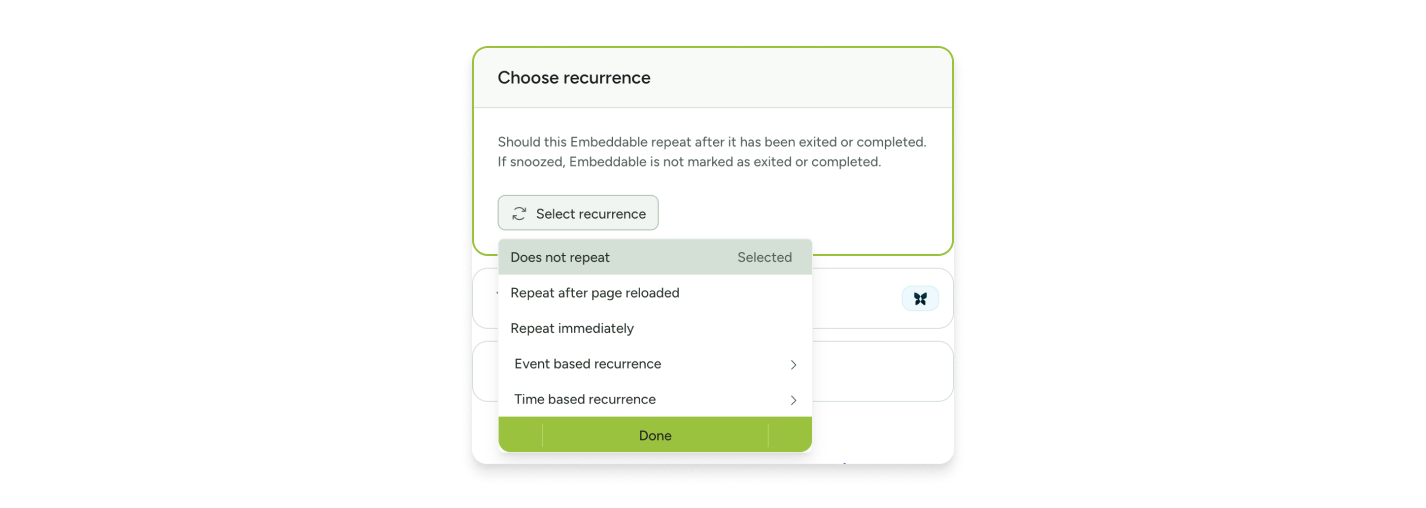
Always on, never overwhelming
Run NPS on a quarterly cadence, cap survey frequency per user, and let Chameleon manage the schedule. Always-on feedback without the always-on babysitting.
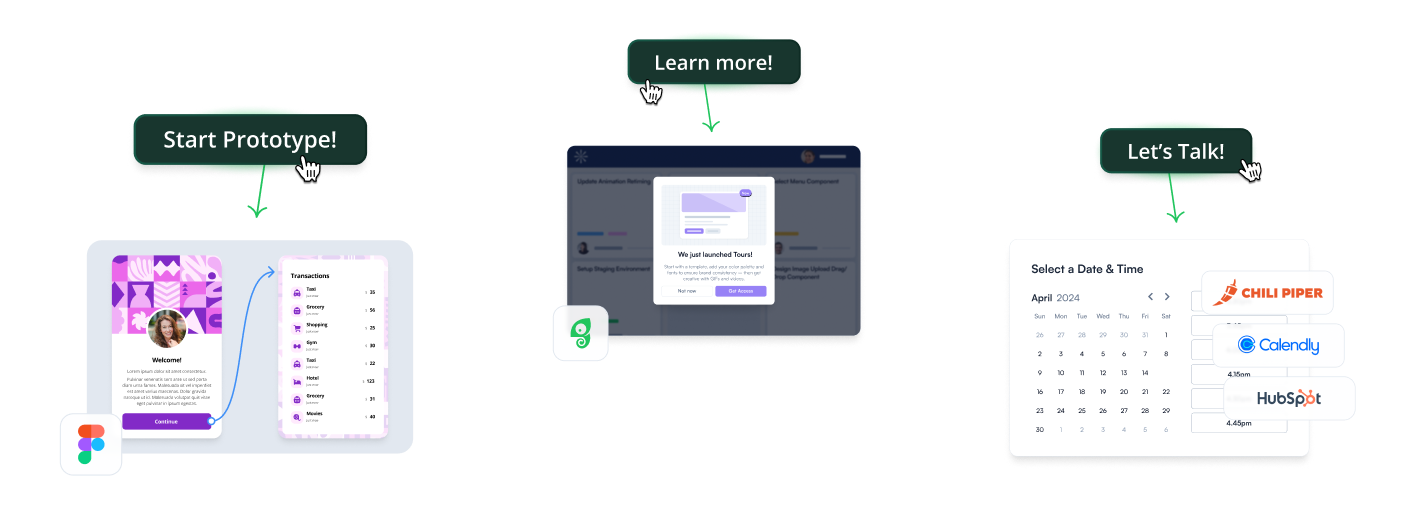
From response to next step
Add a button to any survey that books a Calendly call, opens a Typeform for deeper input, or shares a Figma prototype for design validation, without leaving your product.
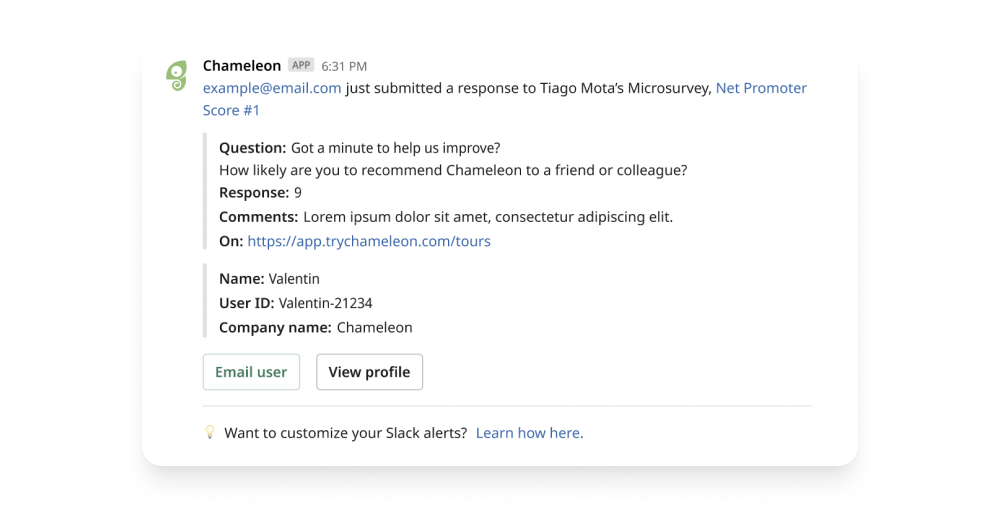
Feedback wherever you work
Route responses to Slack in real time, sync to HubSpot or Amplitude, or pipe to your data warehouse.
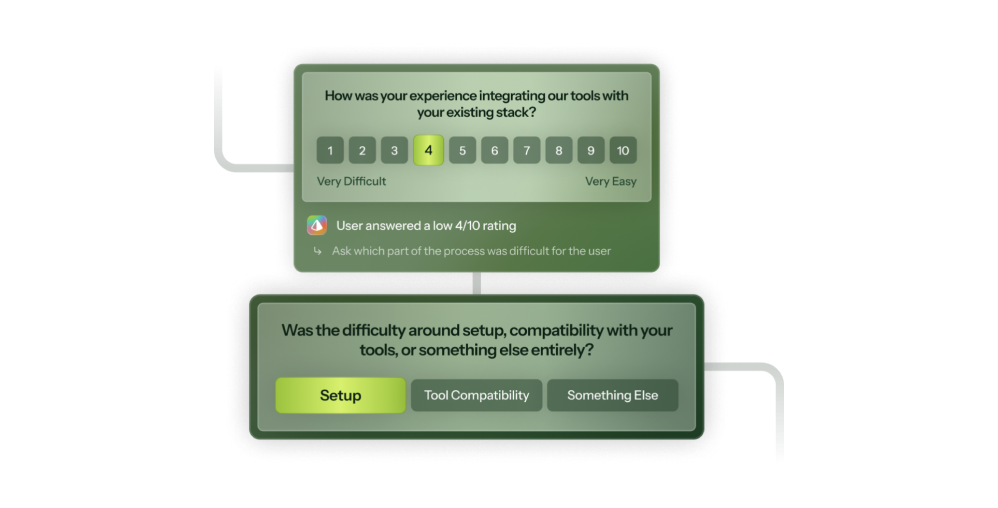
The next right question
Branch follow-up questions based on responses, or run an Adaptive Survey that decides the next question on its own.
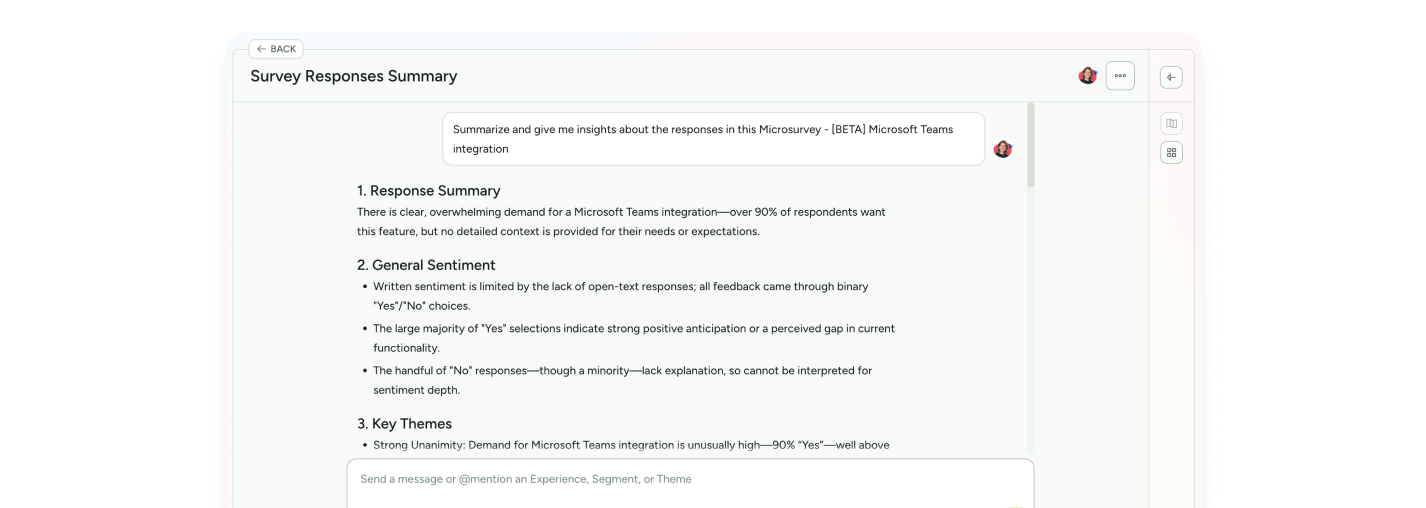
Synthesis without the spreadsheet
Copilot reads every response and tells you what matters: themes, representative quotes, patterns by segment. Prefer your own AI tool? Connect via MCP and ask it yourself.
Microsurvey templates to get answers, fast










Feedback & research FAQs
-
Chameleon’s AI is deeply integrated, not bolted on. Our four agents help you collect feedback, understand it, and act on it:
- Compass tracks user behavior and identifies which users to survey and why
- Copilot builds surveys from a research goal, summarizes what came back, and lets you ask questions about the results
- Prism powers Adaptive Surveys, personalizing each conversation in real time based on what each user says, without manual branching logic
- Ranger flags stale or broken experiences automatically -
Chameleon is embedded in your product, so it can ask the right question right after users have done the thing you want to understand. That means higher response rates, behavioral targeting, and feedback that's grounded in context rather than memory.
-
Depending on the installation method you choose, Chameleon installation can take minutes to about an hour, and only needs to be done once.
After that, Copilot can have a working survey ready to review in under ten minutes. You refine the copy, confirm targeting, and publish. So you can be live on the same day, no dev cycles or design sprints required. -
Only once, to install the Chameleon code snippet, which can be done in minutes. After that, your Product or Growth team can own everything from creating surveys to targeting user segments, without writing a single line of code.
-
Absolutely. Create style Themes and Templates and enjoy full CSS control, flexible layouts, and support for your design system. The result is research that looks and feels native to your product.
-
You can target users based on user attributes (e.g., role, plan), behaviors (e.g., first login), or even specific segments from tools like Amplitude, Heap, or Mixpanel. You can build audiences manually or with AI, and you can mix and match your segments to define the perfect audience every time you go live.
-
Not at all. While Chameleon is perfect for surveys, customers also use it for new-user activation and customer retention with onboarding nudges, plan-specific upsells, and re-engagement messages.
Keep exploring
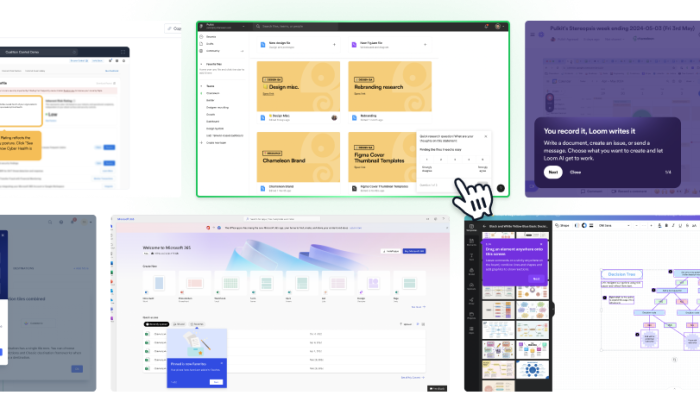
Inspiration gallery
Browse standout feedback and research examples
Native integrations
Explore integrations to make surveys seamless
Use cases
See what else you can do with Chameleon