








🎁 New ways to tag, filter, and slice your data
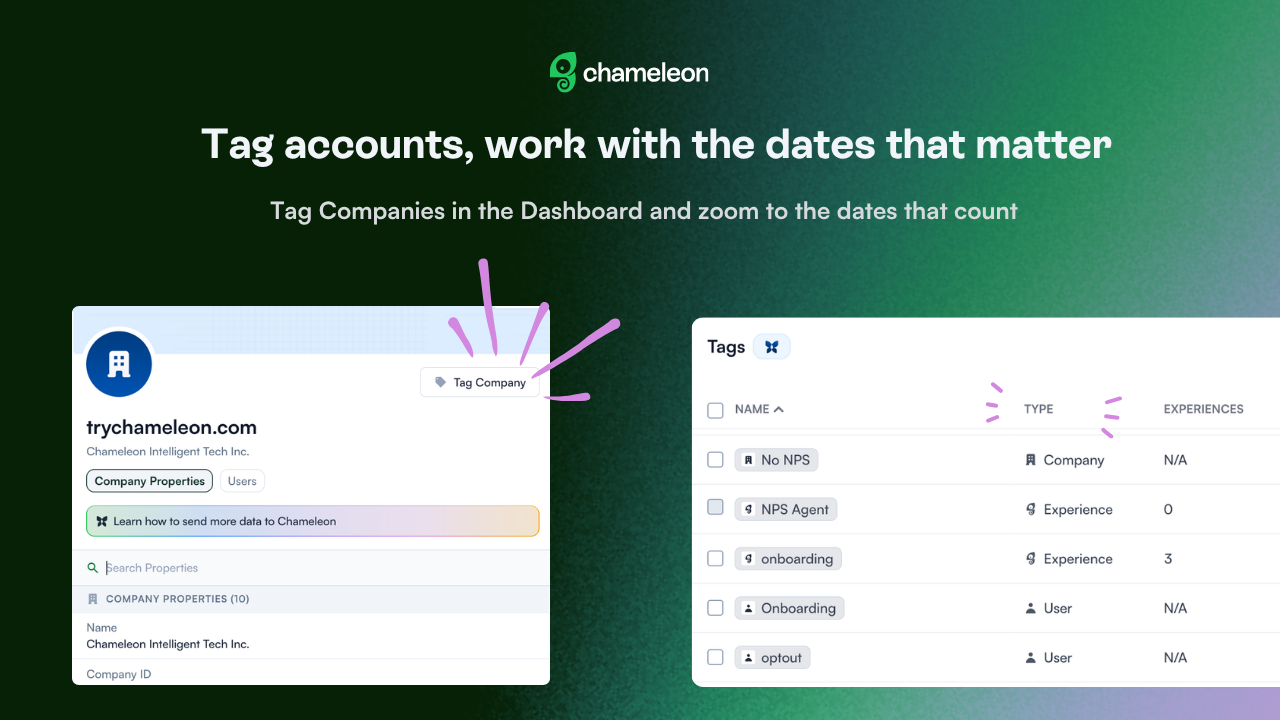
Tag Companies right in the Dashboard (one company or a whole batch at once), and organize, group, and segment by account without touching a CSV.
Managing tags is easier all around, too. A new Type column tells User, Company, and Experience tags apart at a glance; User and Company tags are now editable; and tag filters now read 'includes/excludes' instead of 'is/is not a member of.'
Tagging's not the only thing that got quicker this month:
Filter by a date range: Date filters in Segmentation now take a start and end date, not just "within the last X days", so you can target an actual window. Plus, common ranges are now a single click in the date picker, instead of setting them by hand.
Analytics open to the right window: open an Experience's performance chart on the Analytics page, and the date range (and chart interval) auto-fill to cover when it's been live, instead of a fixed last-3-months view that can leave you staring at an empty chart.
Exclusion-Rule activity: create, update, or delete an Exclusion Rule, and it now shows up in your Activity feed, so changes are easy to trace.
These updates are currently rolling out on all accounts.




