✨ Create Themes with samples from your UI
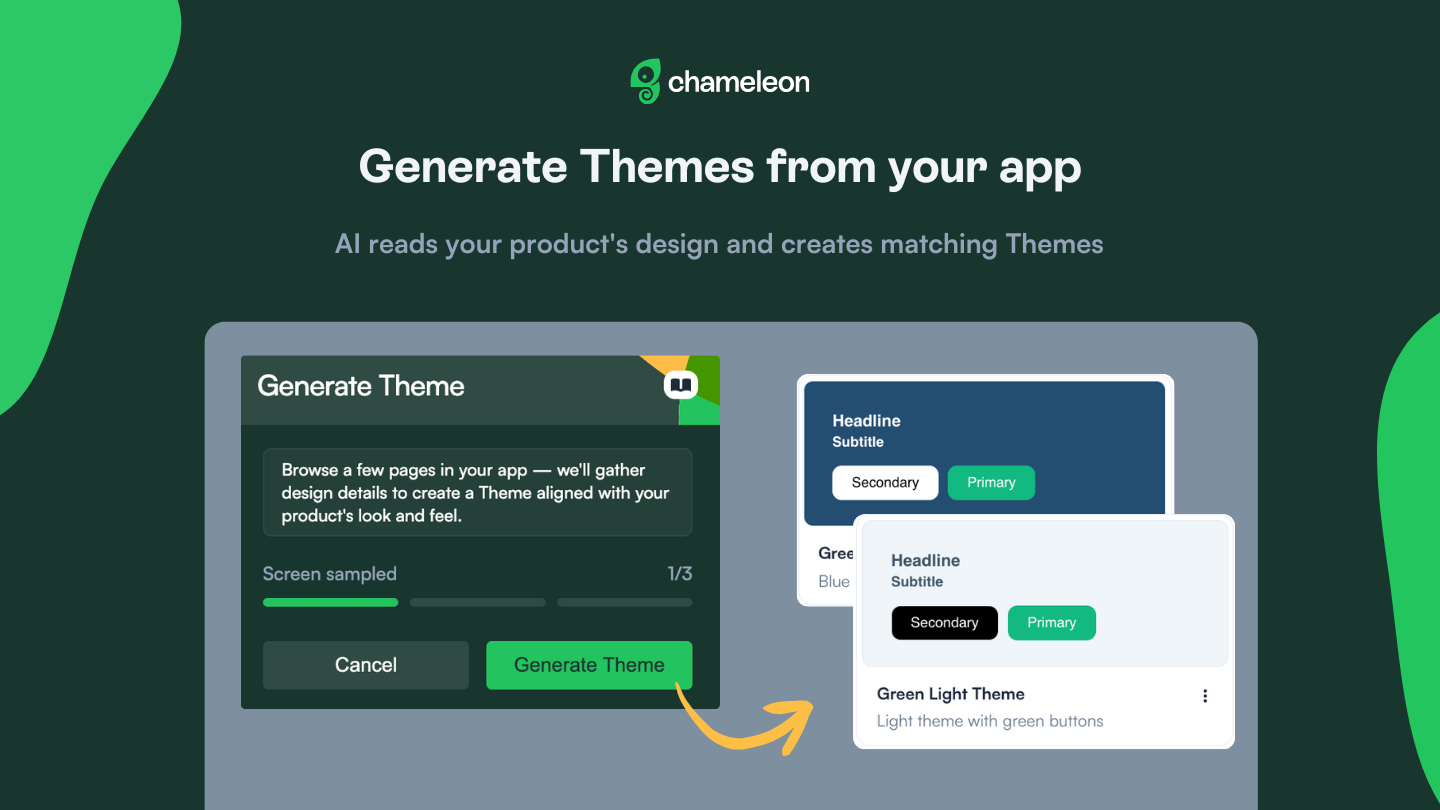
Use the Builder to sample screens from your product, and AI analyzes the collected styles and screenshots to generate two theme variations that match your UI. No manual color picking, no guessing at font styles, no copy-pasting hex codes. Point at your product, and get Themes that match your design system automatically.
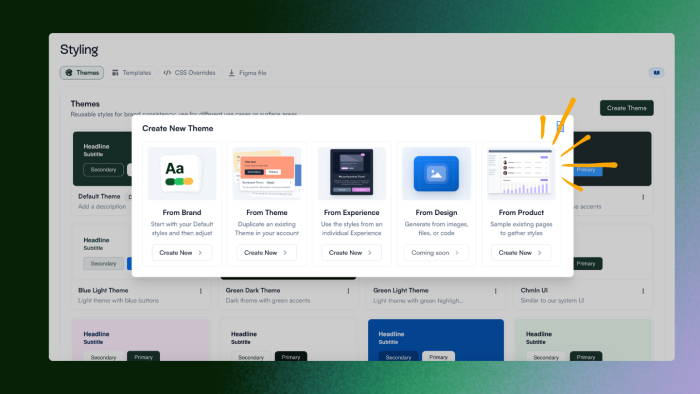
Find this option on the Styling page → Create Theme → From Product. Themes are saved to your account and ready to use across all Experiences.
✨ We also updated the flow of creating new Themes in the Dashboard, with clearer options to pick how you create new styles.