








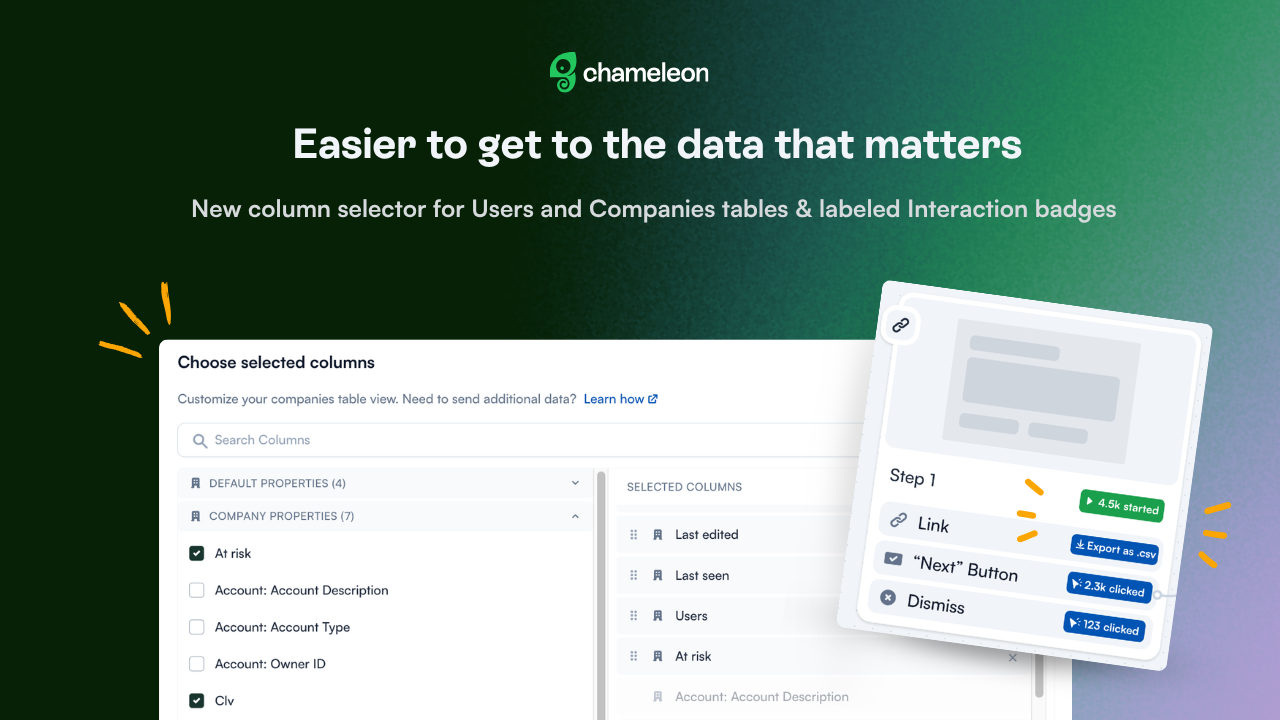
✨ Better ways to get to the data that matters
Your Users and Companies tables can now be set up exactly the way you want them. We've rebuilt the column selector as a two-panel modal with search, grouped properties, and drag-and-drop reordering. Find the Salesforce property you want without scrolling past 20 Default properties to get there. Drag columns to customize your view the way you need it.
Both tables support this: the Companies view works with Default and Company Properties, while the Users table also pulls in User Properties and properties from integrations like Amplitude, Salesforce, or Mixpanel.
👉 Customize your Users views →
Also, Interaction count badges on the Analytics page now display clear labels: "47 starts", "12 clicks", so the data reads at a glance. And a new Export Total Interactions button sits inside the Total Interactions section, giving you a one-click path to a CSV without scrolling back to the top of the page.
📖 Learn more about analyzing your Experiences →
These improvements are currently rolling out to all accounts on all plans.




