🎁 Dedicated View for Companies in Chameleon
The new Companies View gives you a centralized place to review and manage all your account-level data in Chameleon. See which companies are in your product, how many users each one has, export lists, or build Segments starting from the company level instead of piecing together user profiles.
Click any company to see a slideover with all company properties and associated users. User profile slideovers now also display the company badge—click it to jump directly to that company's profile without losing context.
Companies view is rolling out to all accounts and will soon be available to all users.
👉 Learn more about managing your data to Chameleon
If you're already sending company-level properties to Chameleon, you'll see them automatically populate in Companies View. If you're not sending company data yet, here's how to set it up. This is the foundation for more company-level capabilities coming later this year (think: aggregated analytics, AI summaries at the account level).
✨ All your data in one view
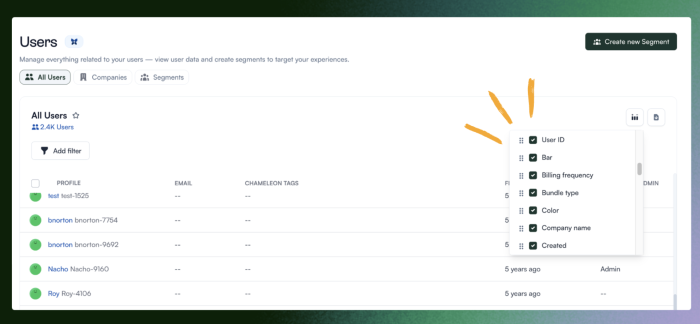
All available user properties now appear as columns in the Users table. Rearrange or hide them to customize your view.